Beyond the Link in Bio: How New Instagram Tools Are Redefining Social Commerce

For years, the "link in bio" has been the unofficial headquarters of social media marketing—a necessary, albeit clunky, workaround for Instagram’s historical aversion to external URLs. However, the platform is undergoing a fundamental shift. Meta is rolling out a suite of powerful features designed to keep users engaged while simultaneously providing creators and brands with more sophisticated tools for conversion, content optimization, and audience retention.
In this deep dive, we explore how these emerging tools—ranging from caption-based links to advanced in-app editing capabilities—are changing the playbook for digital marketers.
The Shift: Moving Away from the "Link in Bio" Dependency
For the past decade, the "link in bio" has acted as a bottleneck for conversion. It forces a multi-step user journey: see a post, navigate to a profile, click a link, and finally reach the destination. Every step in this funnel increases the likelihood of user drop-off.
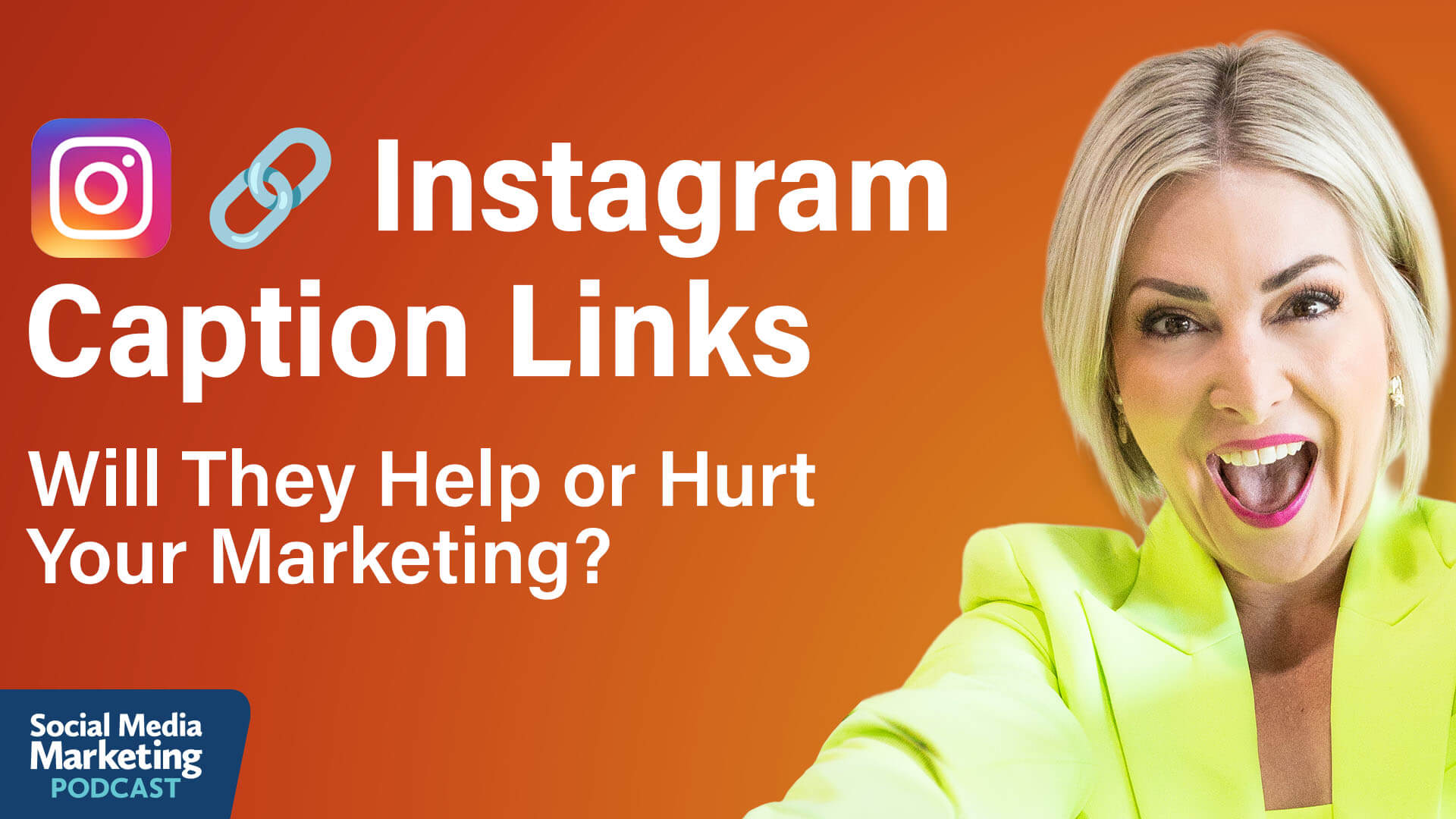
Recent updates suggest that Instagram is finally acknowledging the friction of this model. By experimenting with direct, clickable links within captions, the platform is signaling a move toward a more seamless "social commerce" experience. While these features are currently in a testing phase—primarily for Meta Verified accounts—they represent a significant departure from the platform’s traditional "walled garden" philosophy.
Chronology of the Update
The rollout of these features has been incremental, prioritizing stability and monetization over a rapid, platform-wide release.
- Phase 1: The Foundation. Instagram began by enhancing the "Creator" and "Publisher" account tiers, separating them from standard "Business" accounts. This created a bifurcated ecosystem where power users gained access to advanced music libraries and early feature testing.
- Phase 2: The Monetization Hedge. With the introduction of Meta Verified, the platform established a subscription-based revenue stream. This allowed Instagram to justify the introduction of outbound links; by charging a monthly fee, the platform offsets the potential "loss" of watch time that occurs when a user exits the app via a link.
- Phase 3: Creative Control. Following the link tests, Instagram focused on the user experience (UX) of the profile grid and the creation process, rolling out the "Edits" app improvements to compete with third-party tools like CapCut or InShot.
- Phase 4: Integration. The current stage involves deep-linking and interactive elements, such as custom stickers and in-Reel navigation, which keep users moving through a brand’s internal ecosystem rather than pushing them away immediately.
Supporting Data and Strategic Implications
According to insights shared by social media strategist Chelsea Peitz, the distinction between account types is the most critical hurdle for marketers today. Many brands find themselves stuck with limited features because they remain categorized as "Business" accounts.

The Account Type Dilemma
The current testing of clickable caption links is restricted to specific account categories. Peitz notes that if a brand lacks access, the first step is often to investigate account settings. In some cases, simply switching the account category—rather than performing a full conversion to a "Creator" account—can unlock features previously thought to be unavailable. This "backdoor" approach has historically worked for music library access and may hold the key to current beta features.
The Value of Watch Time
Meta’s hesitation to provide widespread link access is rooted in data. Instagram calculates a specific dollar value for every second of watch time. When a user clicks a link and exits to a website, that monetization chain is broken. Consequently, the subscription cost of Meta Verified acts as an insurance policy. By paying $49/month, brands are essentially subsidizing the lost ad revenue that occurs when they send followers to a sales page.
1: Driving Traffic via Caption Links
The ability to place up to 10 clickable links per month in captions is a game-changer for conversion-focused marketing.

Best Practices for Caption Links
- Direct Sales: Use these links for high-value items, such as books, courses, or exclusive product drops. Treat these as "experiments" to track conversion rates against your previous link-in-bio traffic.
- Evergreen Content: Reserve at least one of your monthly links for a pinned "Start Here" post. Because the feed is ephemeral, a high-value post from six months ago can become "dead weight" without a clear path to conversion. A link in the caption ensures that new followers can always find your primary call-to-action (CTA).
2: Optimizing the Profile Grid
Instagram has introduced the ability to edit post thumbnails and rearrange the grid layout directly from the profile view, without needing to archive or repost content.
Why the Grid Still Matters
While some argue the "grid" is a relic of the early Instagram days, it remains the first point of contact for new followers. When a user discovers a brand via search, a referral, or an external link, they typically land on the profile.
- Desktop First Impressions: A significant portion of these "first contact" visits happen on desktop or via browser-based searches. A disorganized or poorly branded grid can lead to an immediate bounce.
- The "Hook" Update: Use the thumbnail editing tool to add clear, punchy text overlays to older, high-performing posts. By turning a static image into a "billboard" for your brand, you increase the likelihood that a visitor will click through to your content.
3: The Power of Branded Stickers
The expansion of "Cutout" stickers and Giphy integration offers a unique opportunity for community building. However, brands must be careful.
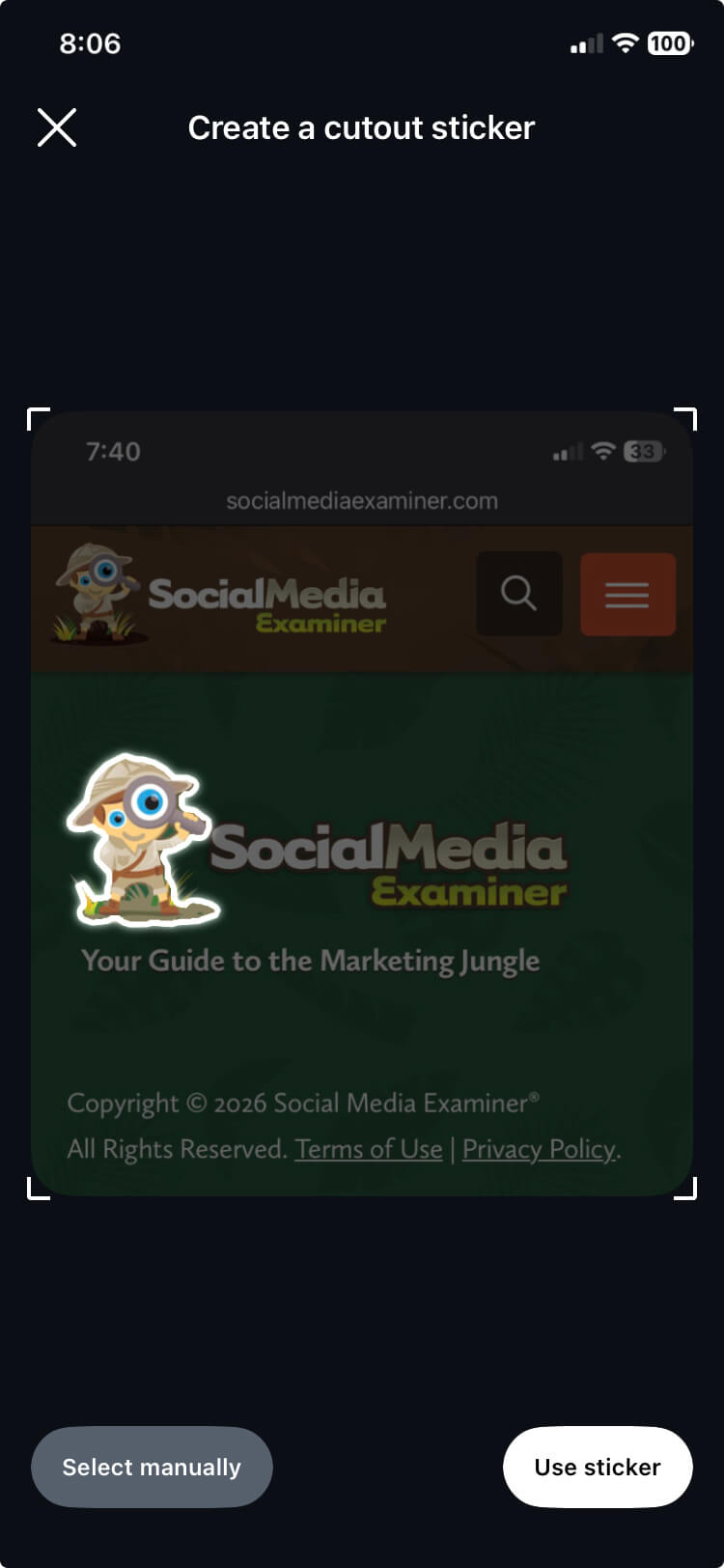
The "Meme" Over "Logo" Strategy
Chelsea Peitz warns that users rarely search for corporate logos. To succeed with custom stickers, brands must focus on:
- Mood and Identity: Create stickers that capture a feeling or a shared cultural moment. If the sticker is funny or useful for expressing a common sentiment, users will adopt it.
- The "Secret Keyword" Hack: When uploading assets to Giphy, use obscure, unique strings of characters as tags. This prevents your brand’s assets from being buried in a sea of generic results, allowing your internal team to find them instantly when needed.
4: The Evolution of the Instagram Edits App
The native "Edits" app has matured from a basic trim-and-filter tool into a legitimate video production suite.
Key Features and Their Marketing Utility
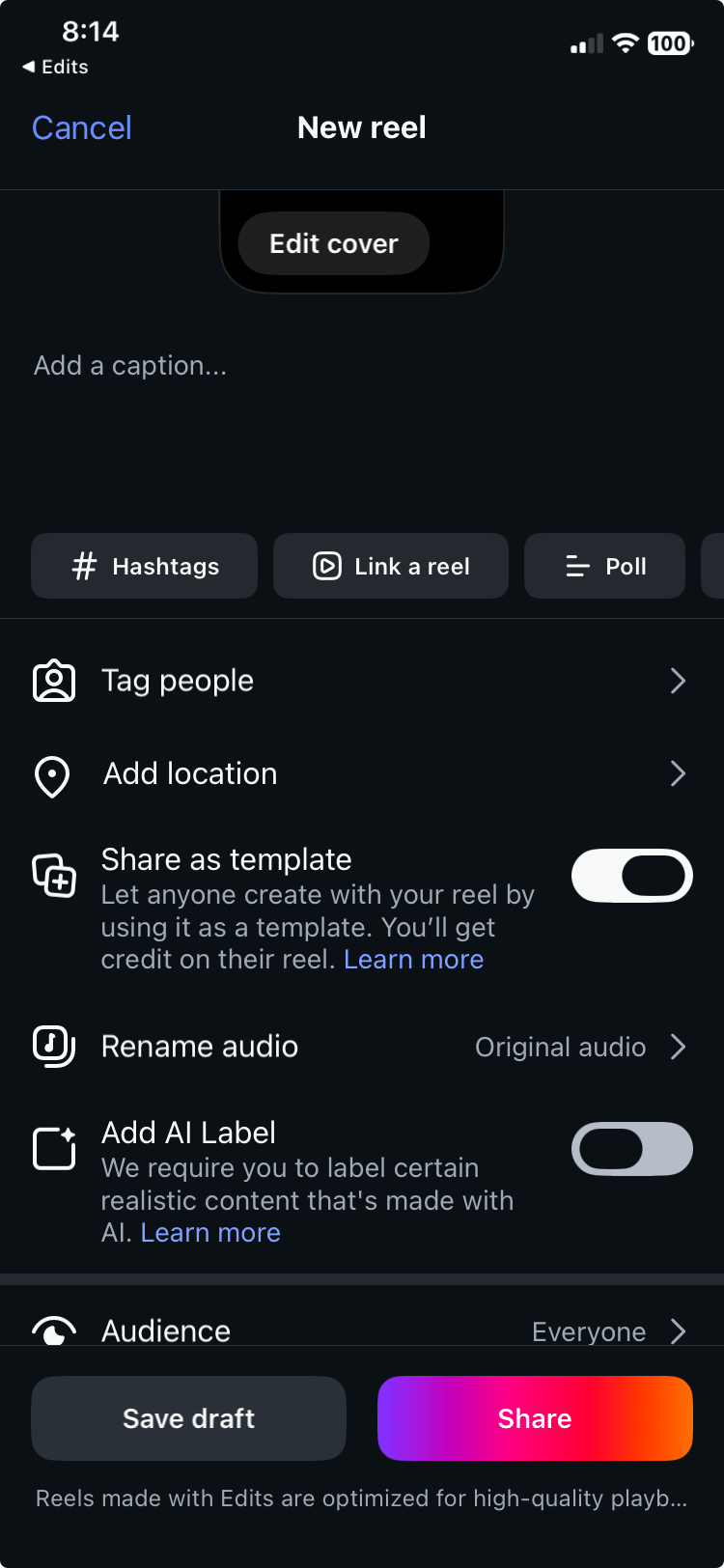
- Video Templates: Templates are the ultimate solution for User-Generated Content (UGC) campaigns. By creating a branded template and sharing it publicly, a brand can lower the barrier to entry for followers. When users use your template, your branding, music, and aesthetic are automatically baked into their content.
- Voiceover Teleprompter: The inclusion of a dedicated voiceover teleprompter removes the technical stress of syncing audio to video. By allowing the creator to read a script while recording audio separately, the quality of narration improves, leading to more professional and authoritative content.
- In-Reel Linking: This allows creators to direct viewers to other Reels or profiles directly from the video. This creates a "Netflix-style" binge-watching experience, keeping the user within your content ecosystem for longer durations.
Implications for the Future
The integration of these tools points toward a future where Instagram is no longer just a social network, but a self-contained storefront.
For brands, the message is clear: friction is the enemy. The more you can keep a user within the Instagram app—whether through in-app video editing, direct links, or interactive stickers—the more the platform’s algorithm will reward your content with reach.
As Meta continues to refine these tools, the most successful marketers will be those who balance the aesthetic needs of the grid with the aggressive, data-driven demands of direct-response marketing. By leveraging these features, you aren’t just posting content; you are building an optimized, high-converting digital storefront that works while you sleep.
About the Expert
Chelsea Peitz is a recognized authority in helping sales professionals leverage social media and technology to build robust personal brands and generate high-quality leads. She is the host of The Chelsea Peitz Podcast and the author of "What to Post." For more insights, follow her on Instagram.