Mastering the Future of Digital Content: A Comprehensive Guide to Creating Professional-Grade AI Video with Google’s Gemini Omni
In the rapidly evolving landscape of digital media, the barrier to entry for professional-grade video production is collapsing. Content creators, small-business marketers, and digital strategists no longer need expensive production crews, specialized lighting rigs, or days of post-production editing to capture an audience’s fleeting attention. Instead, cutting-edge advancements in generative artificial intelligence are turning imagination into immediate visual reality.
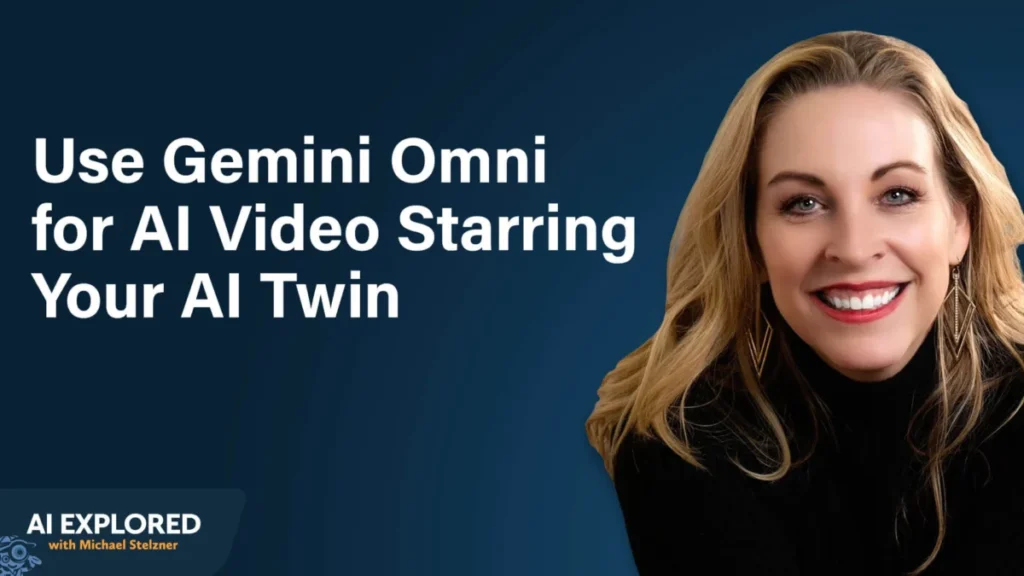
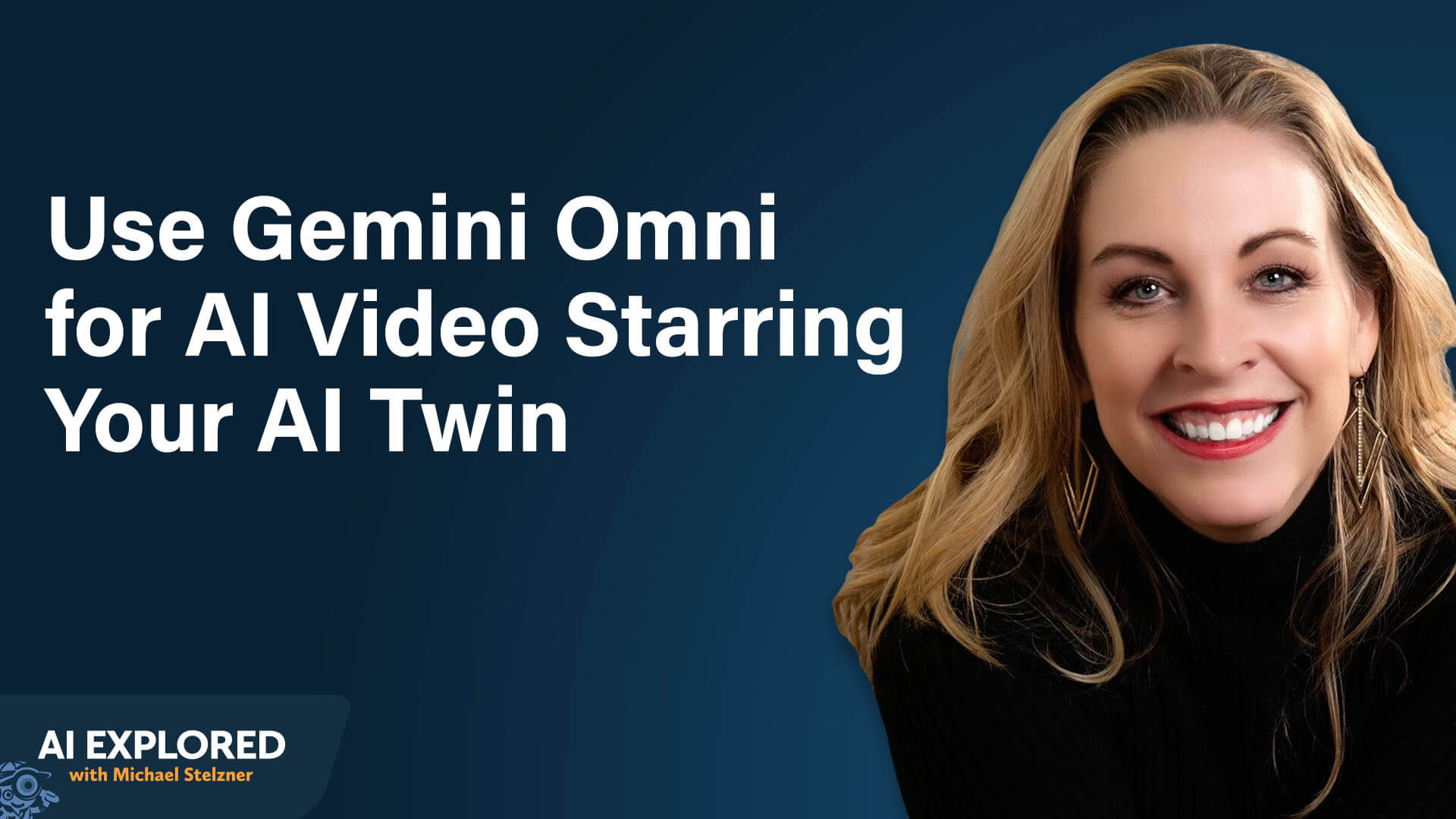
At the forefront of this creative revolution is Google’s Gemini Omni (officially designated as OmniFlash). Co-created by digital strategists Eve Whitaker and Michael Stelzner, recent insights from the AI Explored podcast shed light on how this powerful tool allows creators to build custom AI avatars, produce scroll-stopping video hooks, edit existing real-world footage, and weave short snippets into cohesive long-form masterpieces.
Main Facts: What Is Gemini Omni and How Does It Work?
Google’s Gemini Omni represents a massive evolutionary leap past its predecessor, Veo3. Built on Google’s advanced world models—which have been trained extensively on YouTube’s colossal video library—Omni possesses a deeply ingrained understanding of physical movement, lighting environments, human anatomy, and subtle speech inflections. This extensive foundation gives it a realism and responsiveness that separates it from standard generative video tools on the market.
Accessibility and Tiered Pricing
Gemini Omni is integrated across several ecosystems, accommodating creators at various stages of their AI journey:
- The Gemini App: Available on desktop and mobile devices, this is the simplest entry point. Users can tap the plus icon within the chat interface and select the "Video" option to run Omni natively behind the scenes.
- Google Labs: For advanced users seeking granular control over editing and modification, Google Labs provides a robust suite of expanded tools.
- Third-Party Aggregators: Platforms like Open Art and Higgs Field bundle multiple generative AI models into a single, unified dashboard.
Strategic Budgeting Advice: Industry experts recommend that beginners start with the Gemini app paired with a standard $20-per-month subscription tier. While an ultra tier exists at roughly $200 per month for heavy enterprise users, most creators do not require it initially. Generation credits scale based on resolution and clip length; therefore, starting small and purchasing top-up credits as needed ensures cost efficiency.
Note on Limitations: The native Gemini app enforces strict usage caps to manage server loads—early users typically encounter throttling after generating five to six videos, though limits refresh within an hour or two. Google Labs and third-party aggregators generally offer much higher throughput allowances.
Chronology: The Evolution from Static Clones to Dynamic AI Twins
To truly leverage Gemini Omni, creators must understand the fundamental shift from traditional AI video clones to dynamic "AI twins."
Traditional video generators (such as HeyGen) typically accept a long-form text script and produce a static, talking-head video in a single, unalterable pass. Gemini Omni takes a radically different approach. It introduces the concept of an AI avatar—a hyper-realistic digital twin of a real person that can be injected via natural language prompts into virtually any imaginable scene, environment, or narrative context.
The primary structural constraint of Omni is its output length: it natively generates high-fidelity 10-second clips. Creators must plan their productions around these bite-sized segments, stitching them together in post-production for longer narratives.
Setting Up Your Avatar in Five Minutes
Building an avatar is tied directly to an individual user account (ensuring privacy and security, as avatars cannot be shared across accounts). The setup process is remarkably straightforward:
- Open the Gemini app on a mobile device and tap the plus icon.
- Scroll down and select the "Avatar" option.
- Follow the Face ID-style calibration sequence: look left, look right, look up, and look down.
- Read a series of deliberately nonsensical sentences aloud. (This strange text is strategically designed to capture authentic speech cadence without the user overthinking their delivery).
Once named, the avatar syncs across platforms. A creator can build their avatar on a smartphone and instantly call it up on a desktop via Google Labs simply by typing the @ symbol followed by the avatar’s chosen name.
Supporting Data: Best Practices for Capturing High-Quality Avatars
Because the AI model fills in missing data when physical parameters are compromised, recording environment matters immensely. Omni will not actively flag poor lighting or background noise during setup; instead, it synthesizes its own fill data, which can degrade the final realism of the digital twin.
The Optimization Checklist
- Lighting: Natural light is paramount. Position yourself facing or adjacent to a window. Avoid backlighting, which casts a dark silhouette and degrades facial capture quality.
- Audio: Record in an acoustically controlled environment with minimal background noise. If the AI cannot cleanly process your voice, it will attempt to fabricate audio characteristics.
- Wardrobe: Your setup clothing becomes the avatar’s default outfit. Choose versatile attire that works across multiple scenarios, as default garments will persist unless explicitly overridden by a prompt.
- Accessories: Avoid hats and glasses during initial setup. Because the AI lacks underlying data for obscured features, removing them later via text prompts yields unpredictable results. Instead, record bare-faced and prompt the AI to add accessories later using reference images.
- Vocal Delivery: Speak naturally and conversationally. If you record with exaggerated enthusiasm or artificial energy, the avatar will default to that high-octane state in future generations, making calmer deliveries difficult to prompt later.
Official Responses and Methodologies: The Four-Element Prompting Formula
Gone are the days of writing complex, coded JSON syntax to command generative models. Gemini Omni responds intuitively to natural language. Eve Whitaker outlines a foolproof Four-Element Prompting Formula to maximize output quality:
- Subject: Who or what populates the video (e.g., calling your avatar via
@AvatarName). - Action: The specific behavior or movement being performed (e.g., dancing, walking, parachuting onto a lawn).
- Environment: The setting of the scene (e.g., a bustling street, a sunlit beach in Mexico, a kitchen countertop).
- Camera: The spatial positioning and movement of the camera relative to the subject.
Example Prompt:
@Eve Whitaker is dancing in the street. It is raining tennis balls. A bunch of dogs are walking around her. She walks up to the camera and says, ‘Did that get your attention?’
Managing Scripts and Dialogue
When scripting dialogue, brevity is vital. Giving Omni more than 10 seconds of speech per clip causes the AI to compress the audio into the rigid timeframe, resulting in rushed, unintelligible output. Creators should use a Large Language Model (LLM) like ChatGPT or Claude to break a larger script down into manageable, 10-second segments before prompting.
Furthermore, leveraging the "Captain Obvious" technique when brainstorming with LLMs helps bypass predictable, cliché visual tropes. If an AI suggests a generic office worker surrounded by browser tabs to represent "AI overwhelm," redirect it: "That’s Captain Obvious. Think outside the box and use metaphors or analogies." This immediately yields fresher, more creative visual directions.

Implications: Transforming Social Media Marketing and Video Editing
The practical applications of Gemini Omni extend far beyond novelty video generation, fundamentally shifting how social media content and commercial videos are produced.
1. Scroll-Stopping Short-Form Hooks
The most immediate use case for creators is generating hyper-engaging, 2-to-3-second video hooks for platforms like TikTok, Instagram Reels, and YouTube Shorts. By filming a traditional talking-head video and prepending an outrageous, AI-generated hook (such as an avatar getting Nickelodeon slime dumped on its head, riding a buffalo past a real estate listing, or shrinking to six inches tall on a kitchen counter), creators can dramatically spike viewer retention.
2. Natural Language Video Editing
Google Labs and aggregator platforms unlock Omni’s transformative editing capabilities for real, pre-recorded footage. Creators can upload smartphone or professional footage, crop it to 10 seconds or less, and issue text-based transformation commands:
- Environmental Conversions: Instantly shift a summer park path into a snowy winter wonderland while keeping subject movement and clothing identical.
- Motion Graphics: Add sleek, professional text overlays and data callouts to raw cooking or instructional videos.
- Object and Wardrobe Adjustments: Seamlessly remove background distractions, change clothing colors, or relocate a desk-bound talking head to a pristine beach or professional newsroom.
3. Assembling Long-Form Masterpieces
While Omni’s 10-second clip limitation initially appears restrictive, disciplined pre-production makes long-form video creation entirely feasible. By mapping out a multi-clip narrative using an LLM—paying careful attention to the final frame of one clip and how it transitions into the next—creators can generate individual segments and assemble them seamlessly in editing suites like CapCut or Instagram’s native editor.
Cost-Effective Resolution Strategy
For optimal workflow efficiency, creators are advised to generate initial drafts and social media assets at 720p resolution to conserve generation credits. Reserve higher 1080p outputs strictly for high-end conference displays, television broadcasts, or final upscaling via third-party software.
Conclusion
Google’s Gemini Omni is more than just another generative video toy; it is a democratizing force in digital media creation. By combining intuitive natural language prompting, custom digital avatars, and advanced video-editing capabilities, creators of all technical backgrounds can produce high-end visual content faster and cheaper than ever before. Whether you are aiming to hook audiences on social media with fantastical visual storytelling or streamline commercial editing workflows, mastering tools like Gemini Omni is no longer optional for forward-thinking marketers—it is the definitive next step in the evolution of digital communication.