
Revolutionizing WordPress Development: The Definitive Guide to PHP-Only Block Registration in WordPress 7.0
Main Facts: A Paradigm Shift for Legacy Developers
Nearly eight years after the introduction of the Gutenberg block architecture in core WordPress, the platform has rolled out a feature that fundamentally alters how developers approach custom block creation. Starting with WordPress 7.0, developers can now build, register, and deploy fully functional custom WordPress blocks using exclusively PHP.
Gone are the mandatory requirements to learn React, configure complex Webpack or Babel build pipelines, wrestle with Node.js and NPM package vulnerabilities, or duplicate block registration logic across both server-side and client-side languages. By introducing a simple yet powerful 'autoRegister' => true flag within the standard register_block_type() function, WordPress now dynamically generates the necessary client-side registration and editor previews behind the scenes.

While advanced JavaScript-driven interactive blocks remain the gold standard for dynamic user interfaces, this new PHP-centric approach solves one of the most stubborn bottlenecks in the WordPress ecosystem: the friction of modernizing legacy themes. For agencies, enterprise developers, and classic theme maintainers who have delayed adopting modern block themes due to the high barrier to entry of JavaScript tooling, WordPress 7.0 offers a frictionless migration path.
Chronology: The Long Road to Server-Side Block Simplicity
To understand the weight of this release, it is necessary to examine the evolutionary timeline of block development within the WordPress ecosystem:

- Late 2018 (WordPress 5.0): Gutenberg is officially merged into WordPress Core. The "block era" begins, but development requires an intricate understanding of JavaScript (ESNext), JSX, and complex build scripts. Dual-registration (once in PHP, once in JS) becomes a notorious pain point for traditional developers.
- 2019–2023: The transition from Classic Themes to Block Themes (Full Site Editing) accelerates. However, adoption lags among enterprise and boutique agencies. The primary reason cited is the high cost and steep learning curve of retraining PHP-focused backend developers in modern JavaScript frameworks.
- 2024–2025: Community feedback heavily pressures core contributors to lower the barrier for server-side rendering enhancements. The complexity of maintaining build tools for minor custom blocks is widely criticized in developer circles.
- Mid-2026 (WordPress 7.0 Launch): WordPress officially debuts PHP-only block registration. For the first time, core natively bridges the gap between server-side logic and the block editor interface without requiring developers to write a single line of client-side JavaScript.
Supporting Data & Technical Architecture: How It Works
Traditional block development requires developers to define block schemas in block.json, register the block via PHP for front-end rendering, and build a corresponding JavaScript component for the editor interface. WordPress 7.0 short-circuits this workflow.
The Basic Implementation
Registering a basic block requires only a standard PHP action hook mapped to register_block_type():

function css_tricks_hello_world_block()
  register_block_type(
    'css-tricks/hello-world',
      [
        'title' => 'Hello World',
        'render_callback' => function ()
          return sprintf(
            '<div %s>Hello World!</div>',
            get_block_wrapper_attributes()
          );
        ,
        'supports' => [
          'autoRegister' => true,
        ],
      ]
  );

add_action('init', 'css_tricks_hello_world_block');
When the autoRegister flag is triggered, WordPress automatically handles the editor-side preview and UI wrappers based strictly on the parameters provided in the PHP array.
Handling Attributes and Sidebar Controls
Attributes allow users to customize block behavior. In PHP-only blocks, defining attributes automatically generates corresponding input controls within the block’s Settings sidebar:

function css_tricks_hello_world_block()
  register_block_type(
    'css-tricks/hello-world',
    [
      'title' => 'Hello World',
      'render_callback' => function ($attributes)
        return sprintf(
          '<div %s>%s</div>',
          get_block_wrapper_attributes(),
          esc_html($attributes['greeting'])
        );
      ,
      'supports' => [
        'autoRegister' => true,
      ],
      'attributes' => [
        'greeting' => [
          'type' => 'string',
          'default' => 'Hello World!',
        ],
      ],
    ]
  );

add_action('init', 'css_tricks_hello_world_block');
Inherent Technical Limitations
Despite its elegance, the PHP-only registration approach comes with strict architectural trade-offs that developers must evaluate:
- No In-Editor Content Interactions: Because the editor displays HTML returned by a PHP
render_callbackvia a REST API endpoint, you cannot build rich, in-place editing experiences. All customizations must occur inside the automatically generated sidebar controls. - Stale Database Data: PHP-only blocks bypass the editor’s client-side data store, querying the database directly. If a user alters the post title or custom fields in the editor, the PHP block will display stale data until the post is explicitly saved and the page is reloaded.
- Stateless REST API Context: Unlike front-end rendering—which executes inside "The Loop" and enjoys full global post states—REST API requests are stateless. Functions relying on global context (such as standard template tags) require creative workarounds, such as extracting post IDs from
$_GETparameters during initialization. - Limited Attribute Types: WordPress 7.0 currently supports only three attribute types for PHP registration: strings, numbers, and booleans. Advanced interfaces like image uploaders, date pickers, or complex keyed arrays are natively unavailable.
Official Responses and Developer Consensus
Core contributors and prominent community voices have been remarkably clear about the intended scope of this feature. This is not an attempt to discourage JavaScript adoption, nor is it meant to replace advanced, highly interactive blocks like accordions, sliders, or complex data dashboards.

Instead, core maintainers recognize that thousands of functional websites remain locked into classic themes purely because migrating years of legacy PHP code (such as custom widgets, shortcodes, and header includes) is economically unviable. Official documentation stresses that PHP-only blocks are designed as a migration bridge—a way to get legacy templates rendering inside modern block structures quickly and efficiently, even if the editor-side user experience is modest.
Implications: The Killer Use Case and Future Outlook
The true impact of PHP-only block registration is realized when migrating legacy WordPress themes to modern, high-performance block themes.

Overcoming the Block Theme Adoption Barrier
Historically, agencies looking to transition a client site to a block theme faced a daunting timeline. Rebuilding complex headers, custom footers, and specialized post-meta displays required completely rewriting PHP logic into React-based blocks. With WordPress 7.0, developers can wrap existing legacy PHP functions inside a server-side rendered block in a matter of hours.
As long as the block renders accurately on the front end, minor limitations in the block editor preview are entirely acceptable for pragmatic development teams.

Best Practices for Implementation
For developers diving into this feature, core experts recommend several practical strategies:
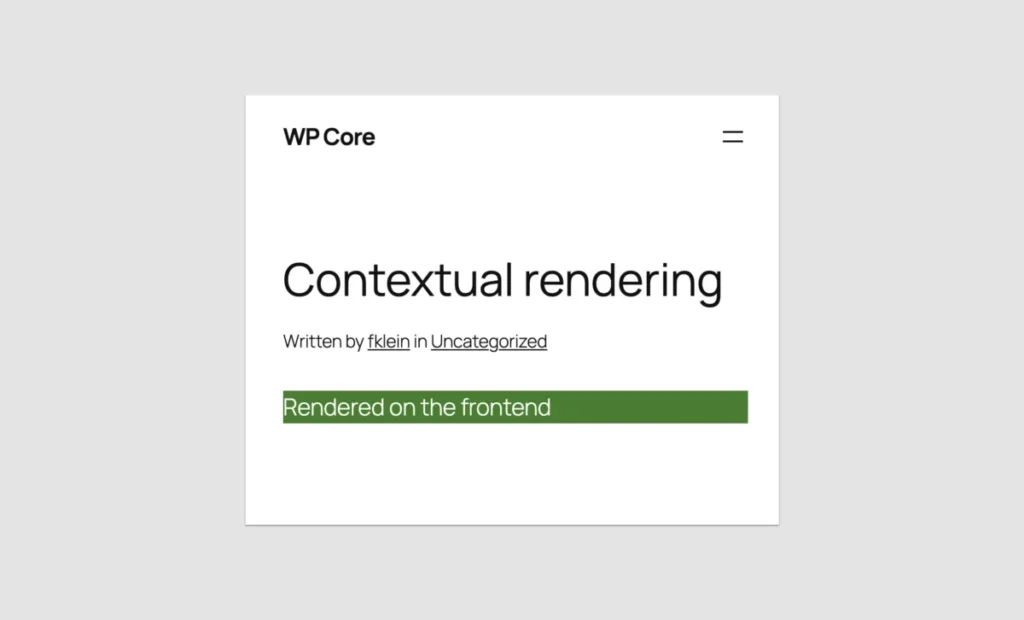
- Contextual Rendering: Use
wp_is_rest_endpoint()combined with query checks to output different layouts or debugging info depending on whether the block is viewed on the front end or inside the admin editor. - Leverage Block Supports: Modernize your blocks seamlessly by opting into core features like color customizations, alignment controls, and inserter visibility directly via the
supportsarray. - Prepare for Iframed Editors: Ensure your blocks adopt Block API Version 3 standards. With upcoming point releases enforcing iframed editing environments universally, isolating your block styles will guarantee visual consistency between the editor and the front-end view.
Conclusion
Was the seven-and-a-half-year wait for PHP block registration worth it? If your goal is to build the next generation of highly dynamic, interactive client-side web applications, the answer is no—JavaScript remains essential.

However, if your goal is to rescue legacy codebases from technological obsolescence and finally embrace the speed, performance, and flexibility of modern block themes without overhauling your backend skill set, WordPress 7.0 has delivered a game-changing solution. By prioritizing developer experience and lowering the barrier to entry, WordPress has successfully paved the way for a smoother, more inclusive migration to the future of publishing.








