Beyond File Handling: Mastering Python Context Managers for Robust Engineering
In the world of professional Python development, the with statement is often introduced as a convenient way to handle file I/O. Developers learn early on that with open("data.txt") as f: ensures the file is closed automatically, even if an error occurs. However, treating context managers merely as "file-handling syntax" is a significant underutilization of one of Python’s most powerful architectural patterns.
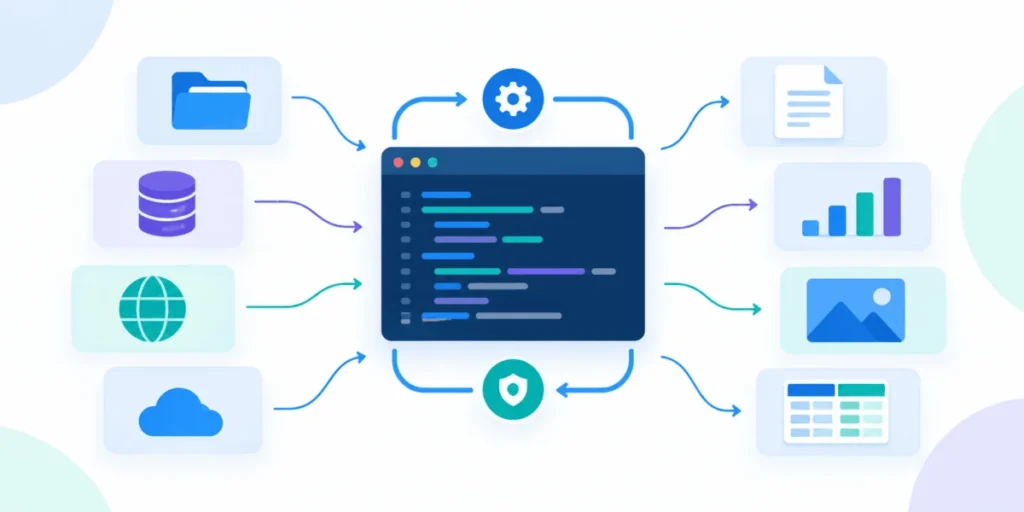
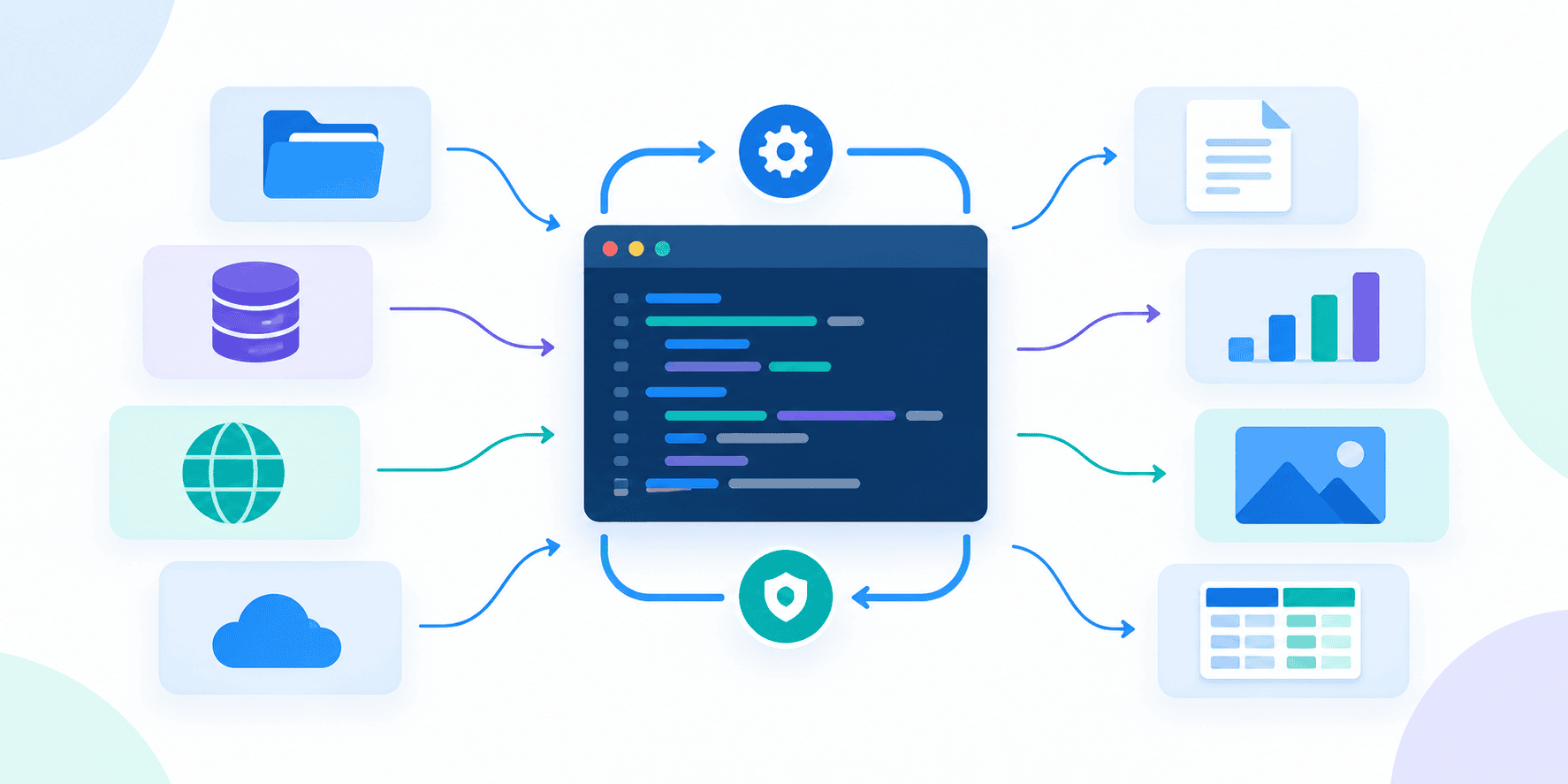
Beyond simple resource management, context managers provide a formal mechanism for defining the boundaries of a block of code, ensuring that setup and teardown logic remain tightly coupled to the execution of the block. In complex systems—particularly in machine learning pipelines, data engineering, and infrastructure automation—this pattern is the primary defense against "resource leakage," where stale environment variables, abandoned temporary files, and unstopped timers clutter the system after a process failure.
The Problem: The "Happy Path" Fallacy
To understand why context managers are essential, one must first look at the fragility of procedural cleanup. Consider an evaluation script for a large language model. This script performs several housekeeping tasks before execution: it creates a scratch directory, sets environment variables to point to a high-speed disk, reduces logging verbosity to avoid console flooding, and initializes a performance timer.
In a naive implementation, the script performs these actions at the top and executes the necessary cleanup—deleting the directory, resetting environment variables, and printing the elapsed time—at the bottom of the file. This works perfectly under ideal conditions. However, real-world data is rarely perfect. If a malformed record causes the evaluate() function to raise an exception, the script terminates immediately. The cleanup code at the bottom is bypassed entirely.
The consequences are immediate: the next user inherits a stale cache path, a logger that remains silenced for no apparent reason, and gigabytes of orphaned "scratch" files consuming valuable disk space. This is not just a nuisance; it is a source of non-deterministic behavior that makes production systems notoriously difficult to debug.
Chronology of the With Statement
The Python with statement is a formal protocol defined by the Data Model. When the interpreter encounters a with statement, it performs a specific sequence of operations:
- Expression Evaluation: The expression following
withis evaluated to produce a "context manager" object. - enter(): The
__enter__method is invoked. Its return value is bound to the variable specified in theasclause (if any). - The Managed Block: The code block inside the
withstatement executes. - exit(): Regardless of whether the block finished successfully or raised an exception, the
__exit__method is called.
The __exit__ method receives three arguments: the exception type, the exception value, and the traceback. If the block completes successfully, these arguments are all None. If an exception occurs, the __exit__ method has the power to decide whether to suppress the exception (by returning True) or allow it to propagate (by returning False or None).
This protocol ensures that "cleanup" is not a suggestion written at the bottom of a file, but a guarantee enforced by the language interpreter itself.
Supporting Data: Implementing Custom Context Managers
When the standard library’s built-in managers are insufficient, developers can implement their own using a class-based approach. For instance, creating a robust Timer that cannot forget to stop is straightforward.
The Class-Based Approach
A class is the optimal structure when the manager needs to maintain state that the caller might need to access after the block has finished.
import time

class Timer:
    def __init__(self, label):
        self.label = label
        self.elapsed = None

    def __enter__(self):
        self._start = time.perf_counter()
        return self

    def __exit__(self, exc_type, exc_val, exc_tb):
        self.elapsed = time.perf_counter() - self._start
        status = "failed" if exc_type else "ok"
        print(f"self.label: self.elapsed:.3fs (status)")
        return False # Ensure exceptions propagate
By using this Timer class, the duration of a process is captured even if it crashes. The elapsed attribute remains available for inspection, and the failure status is clearly logged, providing critical telemetry for debugging failed batch jobs.
The @contextmanager Shortcut
For scenarios where the manager does not need to store complex state, the contextlib module offers the @contextmanager decorator. This allows developers to define a generator function where the code before yield acts as __enter__ and the code after yield acts as __exit__.
from contextlib import contextmanager
import logging

@contextmanager
def quiet(logger_name, level=logging.WARNING):
    logger = logging.getLogger(logger_name)
    prev = logger.level
    logger.setLevel(level)
    try:
        yield logger
    finally:
        logger.setLevel(prev)
This pattern is highly effective for stateful changes—like modifying logging levels or temporary configuration overrides—because it ensures that the finally block is executed during any exit path, effectively "undoing" the change.
Implications for System Stability
The adoption of context managers changes the philosophy of system design from "procedural execution" to "scoped resource lifecycle management." The implications are profound for several key areas:
1. Temporary Directory Management
Using tempfile.TemporaryDirectory eliminates the risk of orphaned data. It ensures that regardless of success or failure, the directory and its contents are wiped clean. This prevents "disk bloat" and ensures that successive runs of an evaluation script do not accidentally pull data from a previous, failed run.
2. Managing Dynamic Resources with ExitStack
A common challenge in data engineering is handling an unknown number of resources—such as opening a dynamic list of shards for a merge operation. The contextlib.ExitStack is designed specifically for this. It acts as a programmatic stack of context managers. You can register any number of files, network connections, or callback functions, and ExitStack will unwind them in the correct reverse-order when the block exits.
This avoids the dreaded "nesting hell" of multiple with statements and provides a safe way to handle resources whose count is only known at runtime.
3. Reversible State Changes
In large applications, globally changing configuration—such as environment variables or dictionary-based settings—is dangerous. The unittest.mock.patch.dict utility is a hidden gem for production code. It allows for the temporary modification of a dictionary (like os.environ), guaranteeing that the original values are restored the moment the block terminates. This is the gold standard for "configuration injection" during specific tasks without polluting the global state for the rest of the application.
Decision Matrix: Choosing the Right Shape
For developers looking to standardize their cleanup logic, the following decision matrix serves as a guide:
| Pattern | Best Use Case | Primary Caveat |
|---|---|---|
| Class-based | Storing state (e.g., Timer duration) |
Ensure __exit__ returns False |
| @contextmanager | One-off setup/cleanup flows | Must yield exactly once; reraise exceptions |
| Built-in Managers | Standard resources (files, temp dirs) | Thread/Async safety on global state |
| ExitStack | Runtime-determined resource counts | Don’t let the stack escape the with block |
Conclusion
The transition from simple file handling to architecting complex context managers represents a significant step in a Python developer’s maturity. By shifting the responsibility of cleanup from the developer’s memory to the Python language’s runtime guarantees, we create software that is inherently more resilient.
When a system is designed with explicit boundaries—where every acquisition of a resource is paired with a guaranteed release—the "happy path" ceases to be the only path that works. Error handling becomes less about writing defensive cleanup code at the end of every function and more about designing resources that know how to clean themselves up. In an era where AI and data pipelines run 24/7, these small architectural choices are what separate a script that "usually works" from a production-grade system that can be trusted at two in the morning.