Bridging the Data Gap: Integrating Facebook Ads with BigQuery for Scalable Marketing Intelligence
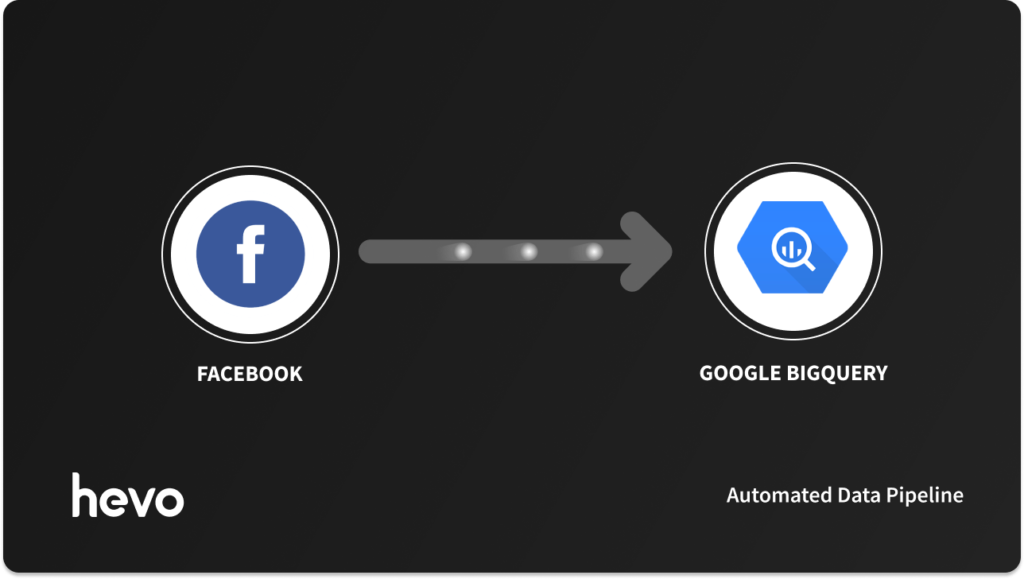
In the modern digital landscape, data is the lifeblood of marketing strategy. For businesses relying on Meta’s advertising ecosystem, the ability to analyze Facebook Ads performance is non-negotiable. However, seasoned marketing analysts and data engineers alike are increasingly finding that relying solely on Facebook Ads Manager for reporting is a bottleneck. As campaigns grow in complexity, the need to correlate ad spend with CRM, product usage, and revenue data becomes critical—a feat that is nearly impossible within the siloed environment of Meta’s native interface.
Google BigQuery has emerged as the industry standard for resolving these limitations. By centralizing disparate data sources into a robust, cloud-native data warehouse, organizations can achieve a holistic view of their marketing ecosystem. Yet, the bridge between Facebook’s API and BigQuery is often treacherous, fraught with schema changes, API deprecations, and the constant burden of pipeline maintenance.
The State of Modern Marketing Data Architecture
At the heart of the challenge is the "Data Gravity" problem. Marketing teams want to run sophisticated SQL queries that join Facebook’s impressions and clicks data with internal conversion data stored in platforms like Salesforce or HubSpot.
Within Ads Manager, reporting is restricted by predefined metrics and attribution windows. When you migrate this data to BigQuery, you shift from "viewing reports" to "conducting science." You gain the ability to perform cross-channel attribution, calculate custom Life-Time Value (LTV) models, and run predictive analytics that are simply inaccessible in standard ad platforms.
However, the "how" of this integration is where many projects falter. Choosing between manual processes, custom engineering, or automated ETL (Extract, Transform, Load) pipelines is the defining decision for data maturity.
Methods of Integration: A Comparative Analysis
When architecting an integration between Facebook Ads and BigQuery, organizations typically choose one of three paths:
1. The No-Code Automated Pipeline (The Hevo Approach)
For teams that prioritize speed-to-insight and operational stability, automated ETL platforms like Hevo represent the modern gold standard. These tools act as a managed middleware, handling the complexities of API versioning, authentication, and schema evolution.
- Key Advantage: It removes the burden of "pipeline debt." When Meta changes its API—which happens with increasing frequency—the platform automatically updates its connectors, ensuring no data loss occurs.
2. Custom Engineering (The "Build" Approach)
Engineering-heavy teams often opt to build their own pipelines using Python, leveraging the Facebook Marketing API and BigQuery’s tabledata.insertAll or Load Jobs.
- The Reality: While this offers maximum flexibility and zero licensing costs, it carries a high "Hidden Cost of Ownership." Engineers must dedicate significant time to monitoring, debugging failed jobs, and handling incremental sync logic to prevent duplicate entries.
3. Manual Extraction (The "Ad-Hoc" Approach)
Downloading CSVs and uploading them to BigQuery is feasible for one-off projects but fails entirely at scale. It is prone to human error, creates significant data latency, and cannot support real-time decision-making.
Chronology of an Integration Project
Successful integration is not merely a technical task; it is a lifecycle project. Here is how a typical implementation matures:
- Preparation (Week 1): Mapping the data requirements. Identifying which dimensions (campaign_name, ad_set, creative_id) and metrics (spend, impressions, clicks, conversion_value) are required.
- Authentication & Scoping (Week 1): Configuring Facebook Business Manager access tokens and setting up the Google Cloud Project with the necessary IAM roles.
- Schema Mapping (Week 2): Defining how Facebook’s nested JSON response structure maps to BigQuery’s relational tables.
- Pipeline Activation (Week 3): Initializing the historical data sync and establishing a schedule for incremental updates.
- Validation & Dashboarding (Week 4): Comparing the data in BigQuery against the Facebook Ads Manager UI to ensure variance is within acceptable thresholds (usually <0.1%).
Leveraging BigQuery for Competitive Advantage
Once the data is flowing, the implications for the business are transformative. The shift from "reporting" to "analysis" allows for several high-impact use cases:
Advanced Multi-Channel Attribution
By integrating Facebook data with organic search, email marketing, and direct traffic data in BigQuery, businesses can finally move beyond "Last-Click" attribution. SQL queries can be used to build sophisticated "First-Touch" or "Linear" attribution models that provide a more accurate representation of the customer journey.
Predictive Modeling and ML
BigQuery’s built-in Machine Learning capabilities (BigQuery ML) allow data analysts to train models directly on their ad data. By feeding historical campaign performance into a model, teams can predict future CAC (Customer Acquisition Cost) or forecast the impact of seasonal budget shifts with a high degree of statistical confidence.
Real-Time Performance Monitoring
Using webhooks, teams can ingest events as they happen. In a real-time bidding environment, waiting 24 hours for a report can lead to significant wasted spend. By streaming data, companies can trigger automated alerts when a campaign’s CPA (Cost Per Acquisition) exceeds a specific threshold, effectively "pausing" underperforming ads before they burn through the daily budget.
Supporting Data: Why Reliability Matters
The volatility of the Facebook Marketing API is a significant risk factor. Historically, Meta has moved to deprecate older versions every few months to enhance privacy and data security.
- The Risk: If a custom-built script is hardcoded to a specific API endpoint, the day that endpoint is retired, the reporting pipeline dies.
- The Cost: Industry reports suggest that internal teams spend upwards of 30-40% of their data engineering hours on "data maintenance" rather than "data product development."
- The ROI: Organizations that switch to managed, automated pipelines report a 50% reduction in time-to-insight and a significant increase in the accuracy of their downstream business intelligence dashboards.
Implications for Future-Proofing Marketing Operations
As we move toward a "cookieless" future, the importance of first-party data stored in a central warehouse like BigQuery only grows. The integration between Facebook Ads and BigQuery is the first step in a larger data strategy.
When your ad data is stored in the same environment as your transactional data, you can build a "Closed-Loop" reporting system. This allows you to track a user from their first interaction with an ad, through their sign-up, to their final purchase—and even their long-term retention.
For the modern CMO, this means the ability to prove ROI with granular, verifiable data. For the data engineer, it means moving away from the manual, repetitive task of script maintenance and toward the creation of high-value data models that drive the entire company forward.
Conclusion
The transition from the fragmented reporting of Ads Manager to the unified, powerful environment of BigQuery is a milestone in any company’s growth. Whether you choose to engineer a custom solution or leverage an automated, no-code pipeline like Hevo, the goal remains the same: to turn raw performance data into actionable business intelligence.
By investing in a robust data architecture today, you ensure that your marketing team is not just keeping pace with the industry, but is equipped to outperform it. In an era where every dollar of ad spend is scrutinized, the ability to see clearly across all channels is the ultimate competitive advantage.
Frequently Asked Questions
How can I ensure my data is accurate after moving it to BigQuery?
Regular audits are essential. Perform "checksum" style validations where you sum the spend column in BigQuery for a specific date range and compare it against the total reported in the Facebook Ads Manager dashboard.
Is BigQuery expensive for small-scale marketing data?
BigQuery offers a generous free tier and a pay-as-you-go model. For most small to mid-sized businesses, the storage and query costs are negligible compared to the value of the insights gained.
Can I connect other platforms to BigQuery alongside Facebook?
Yes. That is the primary benefit of a data warehouse. You can add Google Ads, LinkedIn Ads, TikTok Ads, and your internal SQL databases to the same BigQuery instance, creating a singular source of truth for the entire organization.