
The Power and Peril of ariaNotify(): A New Dawn for Accessible Web Notifications
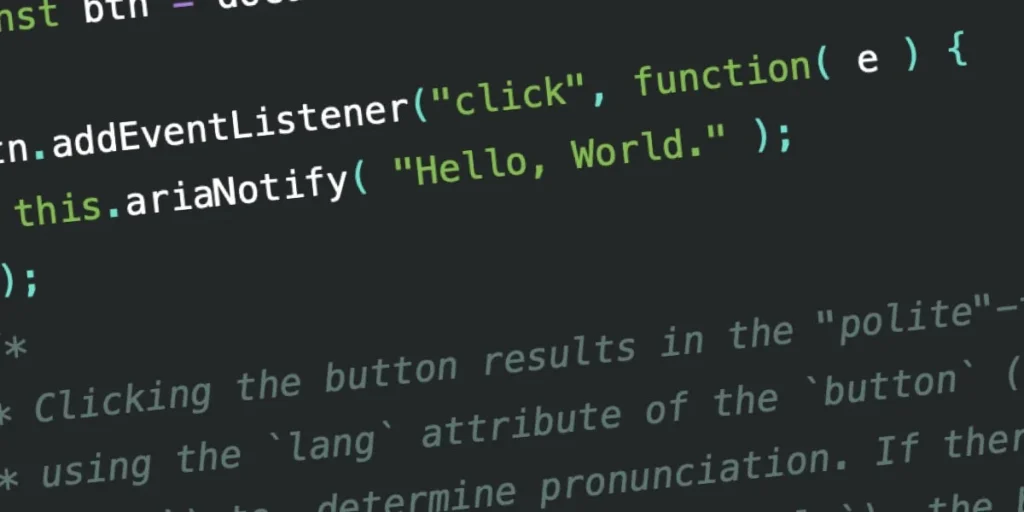
The W3C’s Accessible Rich Internet Applications (WAI-ARIA) 1.3 specification has introduced a feature that promises to fundamentally alter how developers communicate with users of assistive technology: ariaNotify(). This new programmatic method offers a long-awaited, streamlined alternative to the notoriously inconsistent "live region" patterns that have defined web accessibility for over a decade.
While the developer community has greeted the announcement with a mix of genuine excitement and cautious apprehension, the core utility of ariaNotify() is undeniable. It provides a direct, reliable, and standardized channel to trigger screen reader narration. However, with this newfound power comes a significant warning from accessibility experts: use it sparingly, or risk transforming the web into a cacophony of intrusive, unskippable digital clutter.
The Evolution of ARIA Notifications: A Chronology of "Live Regions"
To understand why ariaNotify() is a watershed moment, one must look at the history of how we have managed dynamic content narration. Historically, developers relied on "live regions"—DOM elements tagged with aria-live="polite" or aria-live="assertive".
The "Rube Goldberg" Era
In the early days of modern, dynamic web applications, developers faced a critical hurdle: screen readers were fundamentally "blind" to content changes unless that content was explicitly moved into the focus of the user. To circumvent this, developers created "live regions"—invisible containers buried in the DOM that would hold text meant to be read aloud.
This approach was fraught with technical debt. Developers had to manage these regions by injecting text into them, cleaning them up afterward, and ensuring they weren’t inadvertently stripped from the accessibility tree by CSS properties like display: none. This process was, in the words of many developers, a "mess"—unpredictable, prone to timing conflicts, and wildly inconsistent across different browsers and screen reader combinations (such as JAWS, NVDA, and VoiceOver).
The 1.3 Specification Breakthrough
The WAI-ARIA 1.3 specification arrives as a direct response to this developer frustration. By providing a native method—document.ariaNotify()—the specification effectively standardizes the communication layer between the browser and assistive technology. No longer do developers need to manufacture "hacky" DOM structures to force an announcement; they can now simply call the method with the desired string, and the browser handles the rest.
Technical Mechanics: How ariaNotify() Operates
At its simplest level, the ariaNotify() method is a direct, functional API. It accepts a string (the content to be narrated) and an optional configuration object to define its priority level.
Implementation and Syntax
The method can be invoked from either the Document or Element interface. This distinction is subtle but vital:
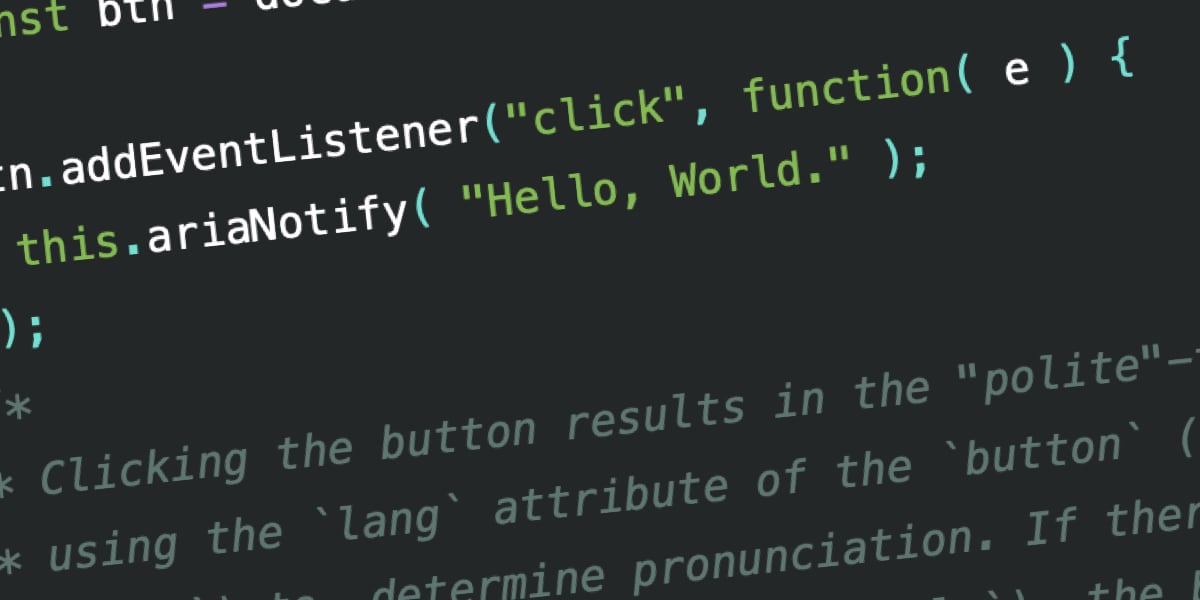
document.ariaNotify(): Uses thelangattribute defined on the<html>element to determine the pronunciation and language of the announcement. If nolangis specified, it defaults to the browser’s system language.element.ariaNotify(): Inherits thelangattribute from the nearest ancestor of the element that triggered the call. This allows for localized, context-aware narration that respects the specific language structure of a sub-component within a larger, multi-lingual document.
Priority Levels
The API allows for two primary priority levels via the configuration object:
priority: "normal": This mimics the behavior ofaria-live="polite". It queues the narration, allowing it to occur at the next natural opportunity for the screen reader without interrupting the user’s current flow.priority: "high": This acts as an "assertive" notification, potentially interrupting the current audio stream to deliver the information immediately.
Initial tests in browsers like Firefox show that while the API is functional, the implementation of language-specific pronunciation is still maturing, with some tests indicating that localized strings (such as "Hola, Mundo") are not yet fully processed according to their parent lang attributes.
The "First Rule of ARIA" and Professional Implications
Despite the technical elegance of ariaNotify(), the accessibility community is urging extreme restraint. The core philosophy of accessibility engineering is summarized by the W3C’s "First Rule of ARIA": If you can use a native HTML element or attribute, do so.
The Danger of Over-Communication
The primary fear among accessibility advocates is that ariaNotify() will be treated as the "JavaScript alert() of the modern web." In the early days of the web, the window.alert() function was abused to force information onto users, creating a disruptive, modal-heavy experience.
Because ariaNotify() is so easy to implement, there is a risk that developers will use it to provide "helpful" context that is, in reality, redundant. For example, if an element already signals its state through standard attributes like aria-expanded="false", manually firing an ariaNotify() call to say "The menu is now open" is not an accessibility improvement—it is an interruption.
Unintended Consequences
When we use ARIA, we are essentially telling the browser: "Ignore your default heuristics; do exactly as I say." This removes the "graceful degradation" that screen readers usually provide. If a developer uses ariaNotify() to narrate a status update that eventually falls out of sync with the actual page state, the user is left with a "source of truth" conflict—the screen reader says one thing, but the visual state of the page says another. This is a nightmare scenario for users who rely on assistive technology to navigate the web.
Official Responses and Industry Outlook
While the W3C has finalized the specification, the responsibility of implementation now shifts to browser vendors and the developers who build the web. The initial testing data from JAWS, NVDA, and VoiceOver shows a promising, albeit inconsistent, level of support.
Accessibility experts are currently calling for a "measured, cautious" adoption of the feature. The consensus is that ariaNotify() should be reserved for scenarios where no native HTML element can provide the necessary semantic feedback—such as truly asynchronous background updates that do not involve a change in focus or a change in the DOM structure of the current page.
Implications for Future Development
For the industry, this marks a shift in how we approach "dynamic interaction." By offloading the burden of narration to a native method, we are removing the "Rube Goldberg" machines that have plagued the web. However, we are also removing the barrier to entry for making mistakes.
The industry must now invest more heavily in dedicated screen reader testing. A feature that is easy to code is not necessarily easy to maintain. If a developer uses ariaNotify() in a way that creates an "unskippable tutorial" experience, the result will not be a more accessible web—it will be a more hostile one.
Conclusion: A Tool of Last Resort
The ariaNotify() method is a powerful instrument in the developer’s toolkit. It offers the precision and reliability that the web has lacked for years. However, its effectiveness is entirely dependent on the restraint of those who use it.
As we move forward into the era of ARIA 1.3, the goal should be to use this tool to fill the gaps in our current capabilities, not to fill the air with unnecessary noise. We are being entrusted with a direct line of communication to the end user. If we treat that line with the respect it deserves, the web will become a better, more inclusive place. If we treat it like a toy, we risk creating a fragmented, intrusive experience that drives users away.
The feature is ready. The code is clean. Now, the industry must decide if it is mature enough to use it. Be cool, be intentional, and, above all, keep the user’s experience as the ultimate source of truth.








