The AI Revolution in Video Production: How to Slash Editing Time by 90%
For many entrepreneurs, marketers, and independent creators, the dream of a high-quality video strategy is often strangled by the brutal reality of post-production. The mental friction—the sheer hours spent scrubbing through raw footage, cutting out stumbles, and color-grading clips—has long acted as a barrier to entry. For years, video production was either a costly endeavor requiring professional editors or a time-sink that drained resources from revenue-generating activities.
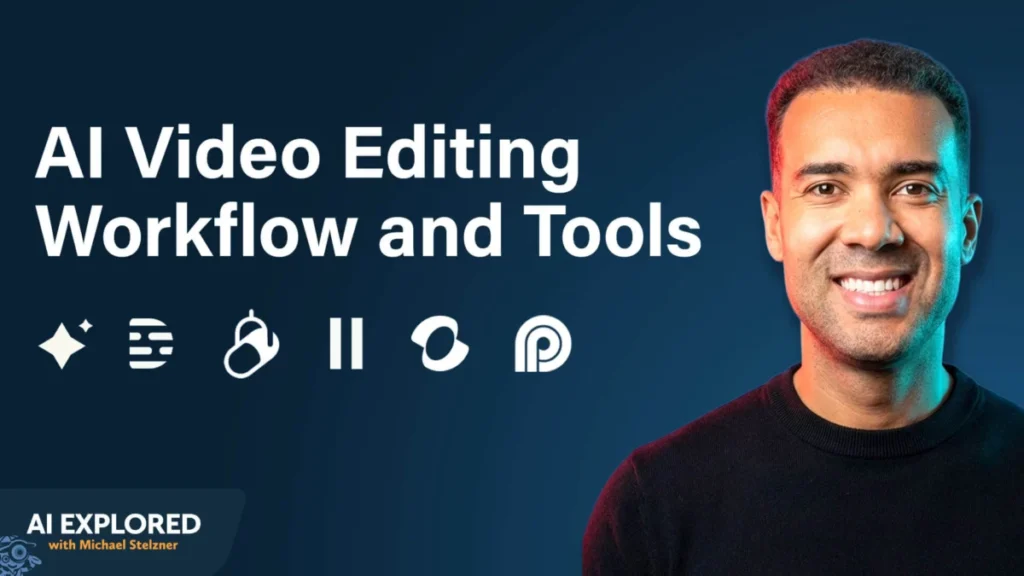
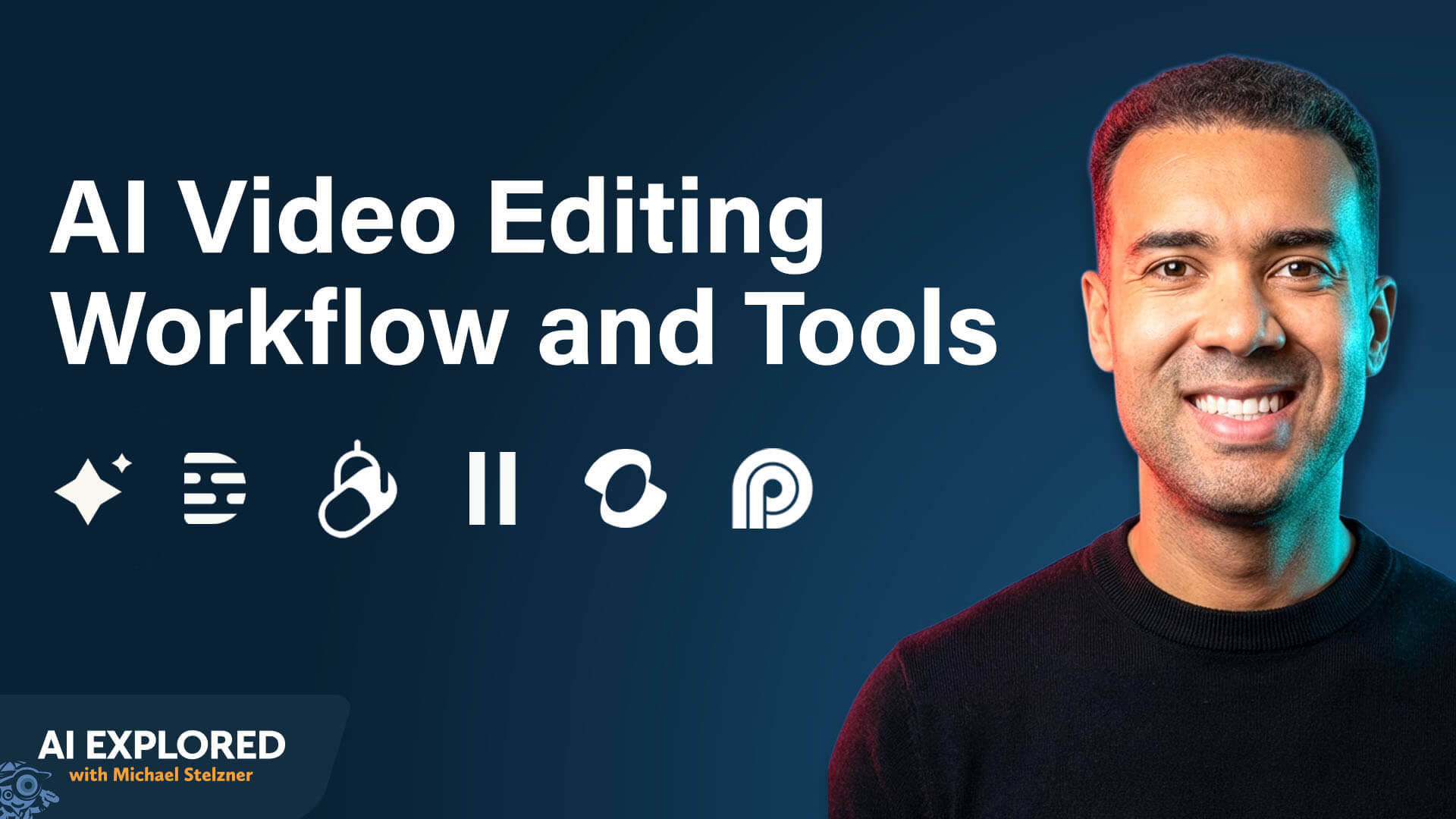
However, a fundamental shift is underway. Greg Preece, an AI educator and content creator, argues that we have been looking at AI in video all wrong. The true value of AI isn’t in generating flashy, synthetic visuals; it’s in the "unsexy" work of editing—the manual labor that acts as the primary bottleneck in content creation. By leveraging a specialized stack of AI tools, creators can now compress 20-hour editing cycles into less than two hours, a 90% reduction in labor that fundamentally changes the economics of content marketing.
The Strategic Shift: Why AI Editing is a Game Changer
Most casual observers view AI in video as a tool for creating "deepfakes" or generating background imagery. Preece contends that this is merely the "icing on the cake." The real ROI lies in using AI to remove the cognitive load and time-draining tasks that make editing a professional bottleneck.
1. Radical Speed
The most immediate benefit is the reclamation of time. Tasks that historically demanded entire workdays—such as "J-cutting" dialogue or removing silent gaps—are now handled by algorithms in minutes. By moving from manual editing to AI-assisted workflows, a creator who previously spent 15 hours on a video can now produce that same result in under 120 minutes.
2. Economic Efficiency
Cost savings manifest in two ways. First, there is the "opportunity cost" of the creator’s time; every hour not spent editing is an hour that can be reinvested into strategy, sales, or product development. Second, for small teams, AI acts as a "force multiplier," allowing a single marketer to achieve a level of production quality that previously necessitated a team of outside contractors or specialized post-production staff.
3. The Consistency Loop
Consistency is the currency of social media growth. Many marketers fail to scale simply because they cannot maintain a consistent publishing cadence. AI removes the friction that causes creators to fall behind. With a faster turnaround time, brands can publish more frequently, which creates a tighter feedback loop. You learn faster what resonates with your audience, which styles convert, and which production choices drive engagement.
The 6-Stage Editing Mindset: A Framework for Success
Before diving into tools, Preece emphasizes a critical mindset shift: The edit exists only to serve the message.
Too many creators fall into the trap of "over-editing"—adding rapid-fire cuts, constant visual noise, and unnecessary effects in an attempt to "hold attention." Often, this creates sensory overload, distracting the viewer from the core communication. Simple, clean editing that honors the message is almost always superior to a high-production-value video that lacks substance.

To effectively integrate AI, one must understand the six distinct stages of the modern editing workflow:
- The Rough Cut: The systematic removal of mistakes, "umms," "ahhs," retakes, and extended silence.
- Fixing Mistakes: Correcting misspoken words or awkward eye movements without needing to re-film the entire segment.
- B-Roll Integration: Inserting supplemental footage to reinforce concepts and mask minor visual imperfections.
- Visual Enhancements: Adding captions (crucial for "sound-off" scrolling), lower thirds, and on-screen graphical elements.
- Audio Optimization: Cleaning up vocal tracks and layering in atmospheric music or sound effects.
- Repurposing: Converting long-form content into bite-sized clips for various social platforms.
The AI Tool Stack: A Curated Workflow
To achieve the 90% time-saving goal, Preece recommends a specific, integrated stack of tools, each addressing a unique stage of the workflow.
Stage 1: The Rough Cut with Gling
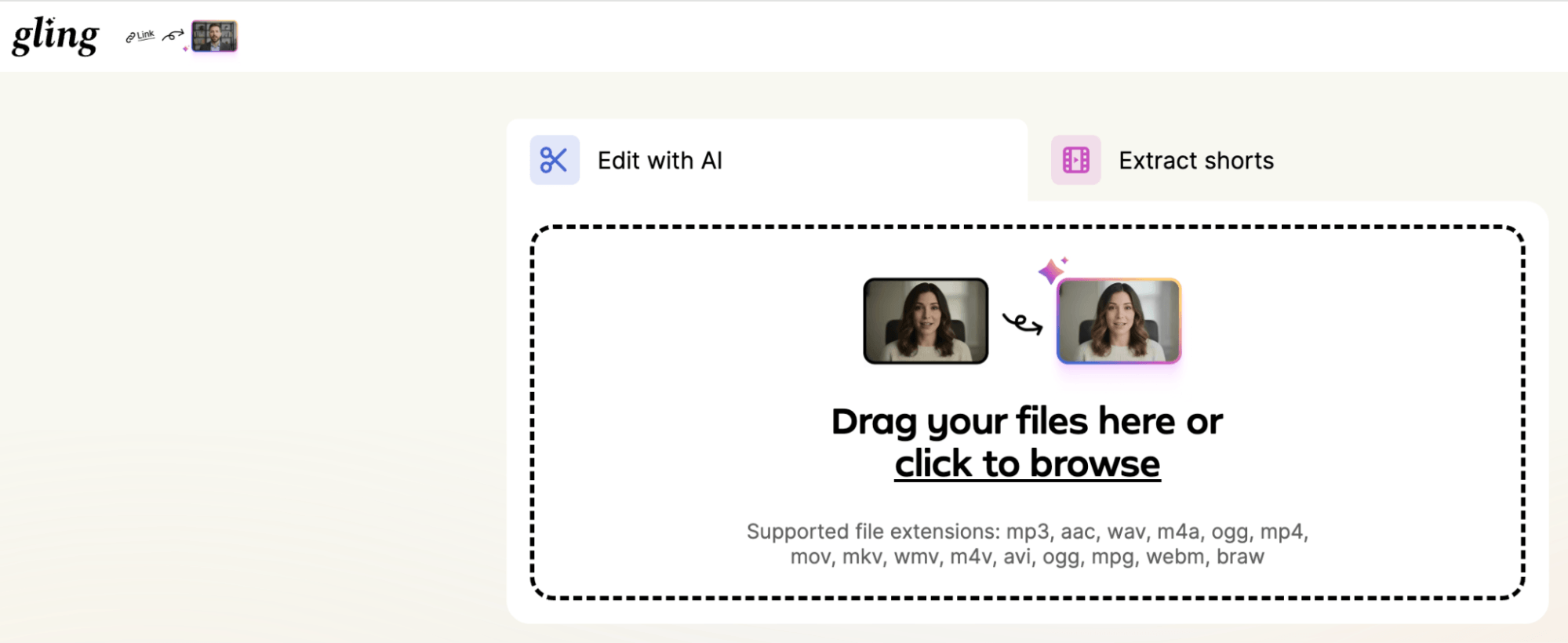
Gling is a desktop application that acts as the "first pass" editor. After importing footage, the user selects the types of content to remove—such as broken sentences or long pauses—and the AI processes the file in roughly three minutes. It transcribes the video into a text-based interface where users can see what the AI has removed. If the tool is too aggressive, a single click restores the footage. Because it is non-destructive, users can export these edit decisions into professional software like Adobe Premiere or Final Cut Pro.
Stage 2: Correcting Mistakes with Descript
Descript has become the industry standard for content correction. Its standout feature is voice cloning combined with lip-sync correction. If you realize you misstated a fact, you can simply type the correct word, and Descript will synthesize your voice to match the tone of the original recording while adjusting the video to match the new audio.
Stage 3: Dynamic B-Roll with Kling
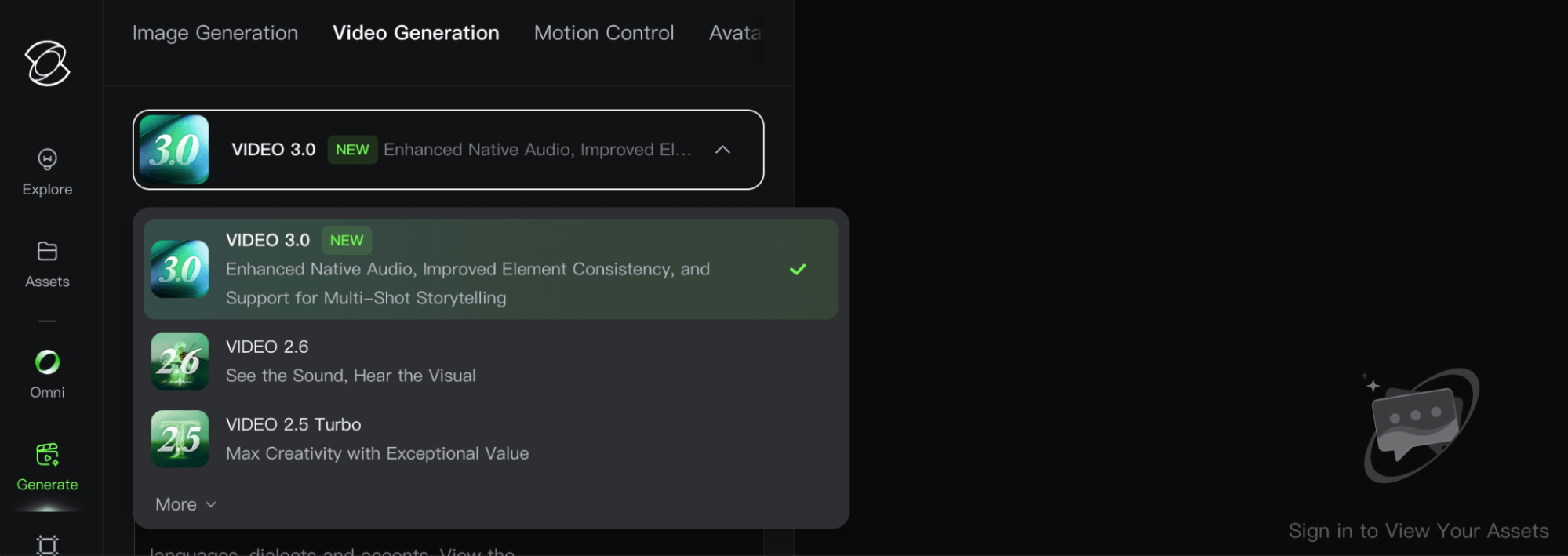
For visual supplementation, Kling 3.0 offers a superior price-to-quality ratio compared to other video generators. Users can utilize "text-to-video" to describe needed B-roll or "image-to-video" to animate a specific starting frame. This eliminates the need to spend hours scouring stock footage libraries, allowing creators to generate bespoke visuals that perfectly align with their script.
Stage 4: Audio Excellence with Adobe Podcast
Audio quality is often the difference between an amateur and a professional video. Adobe Podcast’s "Enhanced Speech" tool uses AI to strip away background noise and room reverb, making even budget-microphone recordings sound studio-grade. This removes the "poor audio" excuse that keeps many creators from publishing their work.
Stage 5: Custom Soundscapes with ElevenLabs
ElevenLabs allows for the generation of original music and sound effects. By specifying the vibe, genre, and duration, creators can generate background scores that are entirely copyright-free. This ensures the creator never has to deal with YouTube Content ID strikes or complex licensing agreements.
Stage 6: Scaling Through Repurposing with OpusClip
The final step is leveraging OpusClip to transform a long-form video into multiple short-form assets. The AI analyzes the long-form source, identifies the most "hook-worthy" segments, adds captions, and reformats them for TikTok, Instagram Reels, or YouTube Shorts. This effectively turns a single hour of work into a week’s worth of social content.

Implications for the Future of Content Creation
The democratization of professional-grade editing has profound implications for the digital landscape. As the barrier to entry lowers, the market will likely become more saturated with high-quality content. This shift will force creators to focus less on "how to edit" and more on "what to say."
The role of the editor is shifting from a technician—who spends hours clicking through timelines—to a curator who directs AI agents. This transition allows for a "human-in-the-loop" model, where the AI handles the heavy lifting of the rough cut and technical cleanup, while the human focuses on creative intent, storytelling, and strategic messaging.
Preece notes that even with these tools, there is still a place for human editors. For complex projects where full delegation is preferred, AI tools can be used to prepare the project file, allowing the human editor to focus entirely on creative polish rather than tedious assembly.
Conclusion: Adopting the Workflow
The transition to an AI-assisted workflow is not merely about using "new tools"—it is about adopting a new philosophy. By treating AI as a collaborative partner that handles the technical heavy lifting, creators can reclaim their most valuable asset: time.
The path forward for businesses and individual creators is clear:
- Audit your current workflow: Identify which of the six stages currently consumes the most time.
- Pilot one tool: Start by integrating a tool like Gling to handle the rough cuts.
- Scale your output: Use the reclaimed time to test new content formats and double down on the strategies that your audience engages with most.
As the technology continues to evolve, the distinction between "content creator" and "production studio" will continue to blur. Those who embrace these AI-driven efficiencies today will not only produce better videos but will also gain a decisive advantage in the increasingly competitive battle for audience attention.