
The Future of Web Motion: Chrome 146 Introduces Scroll-Triggered Animations
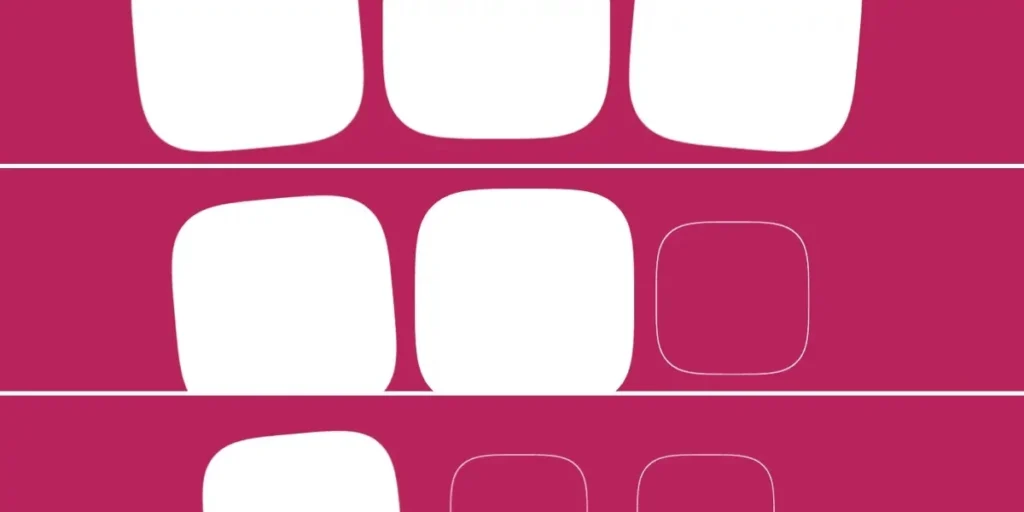
In a significant leap forward for web design, Google has officially introduced scroll-triggered animations in Chrome 146. This development marks the first time a browser has natively supported a CSS-based alternative to the traditional JavaScript-heavy "Intersection Observer" pattern. While developers have long relied on external libraries and complex scripts to fire animations based on a user’s scroll position, Chrome’s new implementation moves this logic directly into the browser’s rendering engine, promising a more performant and declarative future for interactive web experiences.
Main Facts: A New Paradigm for CSS Motion
At its core, a scroll-triggered animation is a CSS animation that remains dormant until a specific scroll threshold is crossed. Unlike scroll-driven animations—where the animation’s progress is locked to the exact pixel-by-pixel movement of the scrollbar—scroll-triggered animations act as binary switches. Once the element enters a defined "viewport zone," the animation plays for its set duration (e.g., 300ms) regardless of further scroll activity.
This shift allows for the creation of "entrance effects" that are smooth, predictable, and remarkably lightweight. By utilizing the timeline-trigger property, developers can decouple the animation’s trigger conditions from its execution, effectively bridging the gap between declarative CSS and the dynamic reactivity once reserved for JavaScript.
Chronology: From Intersection Observer to Native CSS
The journey to this feature has been a long-standing request within the web standards community. For nearly a decade, developers have used the IntersectionObserver API to detect when an element enters the viewport. However, this approach creates a "bridge" between the layout and script layers, which can lead to performance bottlenecks—particularly during "jank-heavy" scroll events.
- Pre-2023: Developers relied on libraries like AOS (Animate On Scroll) or GSAP, which required heavy JavaScript listeners.
- 2023-2025: The emergence of the Scroll-Driven Animations API (using
animation-timeline: scroll()) laid the groundwork, allowing for synchronized motion. - April 2026: Chrome 146 ships, becoming the first browser to decouple the "timeline" from the "trigger," introducing the dedicated
timeline-triggerproperty.
This progression represents a clear move toward "CSS-first" development, where the browser handles complex lifecycle management, leaving the main thread free for other tasks.
Supporting Data: Understanding the Syntax
To implement this, developers define a standard @keyframes rule and attach it to an element. The novelty lies in the interplay between timeline-trigger and animation-trigger.
The Basic Implementation
@keyframes fade-bg-in
  to  background: currentColor;


.square
  animation: fade-bg-in 300ms;
  timeline-trigger: --trigger view() entry 100% exit 0%;
  animation-trigger: --trigger play-forwards;
In this snippet, view() acts as the spatial sensor. The entry 100% value ensures the animation only begins once the entire element has cleared the bottom edge of the viewport. The animation-trigger then acts as the command center, dictating whether the animation should play-forwards, play-backwards, or even play-once to prevent unwanted re-triggers.
Advanced Logic and Staggering
The real power of this feature emerges when combined with modern CSS functions like sibling-count() and sibling-index(). By calculating delays dynamically, developers can create complex, staggered entrance sequences without a single line of JavaScript.
/* Staggering logic */
--stagger-interval: calc(300ms / sibling-count());
--animation-delay: calc(sibling-index() * var(--stagger-interval));
This allows for a "wave" effect where multiple elements enter the viewport in a sequence, maintaining high performance even with dozens of animated items.
Official Responses and Industry Reception
The W3C’s CSS Working Group has hailed this as a "pragmatic evolution" of the Animation Triggers specification. Early feedback from the developer community has been largely positive, though there is a clear sentiment of caution regarding the complexity of the API.
"The ability to handle entry and exit logic in a single CSS block is a game changer for design systems," says one lead front-end architect at a major design firm. "However, the syntax for timeline ranges—especially when dealing with entry and exit offsets—is non-trivial. It will take time for the average developer to move beyond the basics."
Critics have pointed out that the current implementation of play-backwards can sometimes conflict with animation delays, a point of friction that the Chrome team has acknowledged as an area for potential future refinement in upcoming point releases.
Implications for Web Development
The introduction of scroll-triggered animations has several profound implications for the industry:
1. Performance Gains
By offloading scroll-detection to the browser’s internal rendering pipeline, we effectively remove the "scroll-jank" often caused by main-thread JavaScript execution. This is particularly vital for mobile devices, where CPU resources are more constrained.
2. Design System Scalability
Previously, animation libraries were often vendor-locked or framework-dependent (e.g., React-only scroll packages). With native CSS support, animations become portable. A component built for a Vue application will behave identically in a static HTML environment because the logic resides in the browser, not the framework.
3. The End of the "Animation Library" Era?
While complex, non-linear sequences (like multi-stage morphing) will still require powerful libraries like GSAP, the "bread and butter" animations—fades, slides, and reveals—will likely migrate to native CSS. This shift will drastically reduce the payload size of modern websites, as developers can strip away heavy animation dependencies.
4. Accessibility and UX Considerations
A significant concern remains: motion sickness. Because these animations can now be implemented so easily, there is a risk of "over-animation." Designers must ensure that these triggers respect the user’s prefers-reduced-motion media query. Fortunately, because these are CSS animations, developers can easily wrap them in a standard media query to disable the effects for users who require it.
Conclusion: A Double-Edged Sword
Chrome 146 has handed developers a powerful new tool, but it comes with a steep learning curve. The decoupling of animation-fill-mode, timeline-trigger, and animation-action creates a versatile, if occasionally confusing, environment.
For now, the industry is in a "wait and see" period. As Chrome 146 permeates the market and other browser vendors—such as those behind Firefox and Safari—begin to evaluate the specification, we are likely to see a standard, consistent way of managing viewport-based motion. While the complexity might deter some in the short term, the long-term benefits of native performance and cross-browser standardisation suggest that scroll-triggered animations are not just a trend, but the new standard for the modern, interactive web.








