The New Frontier: Building Autonomous AI Agents that Navigate the Web
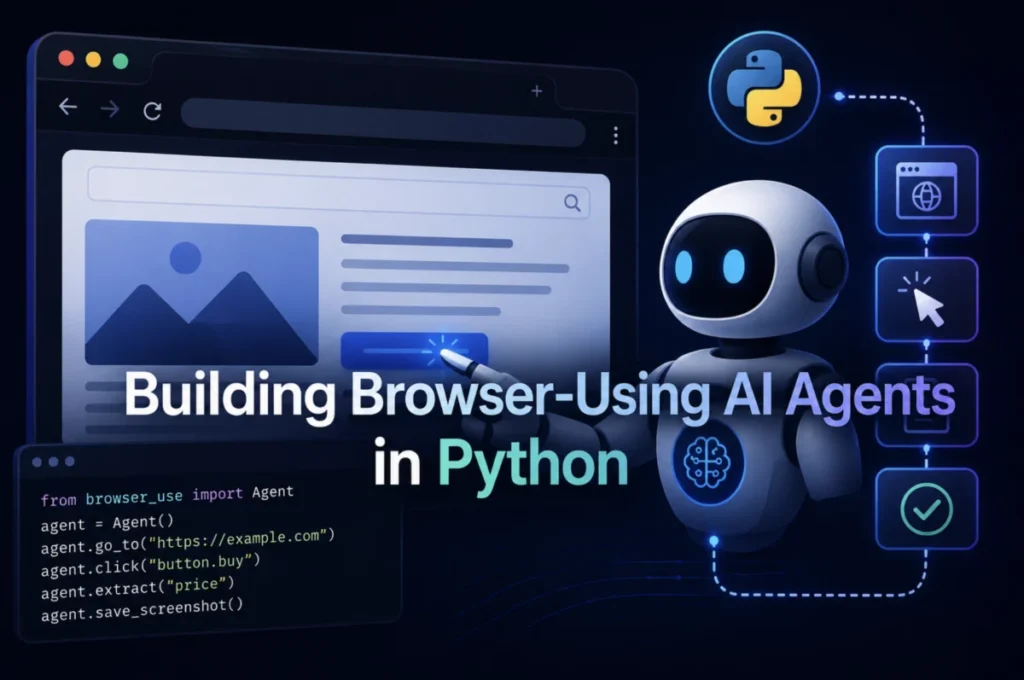
In the modern digital economy, the ability for artificial intelligence to "act" is becoming more valuable than its ability to "think." For years, AI development was tethered to the constraints of APIs—those structured, developer-friendly endpoints that allow software to talk to software. But the vast majority of the internet—roughly 1.1 billion websites—does not offer a public API. These sites exist exclusively for human consumption, guarded by complex JavaScript, login portals, and dynamic interfaces.
The next generation of AI agents is closing this gap by learning to "speak browser." By utilizing tools like Playwright, LangGraph, and the emerging browser-use library, developers are creating autonomous agents capable of filing government forms, performing market research on competitor pricing, and interacting with legacy systems that predate the API era.
The Shift from API-First to Browser-Native Agents
The global AI agent market, valued at $10.91 billion in 2026, is projected to surge to $50.31 billion by 2030. Industry data indicates that 27.7% of enterprises have already integrated agentic browsers into their production workflows, a significant leap from near-zero adoption just two years ago.
The core limitation of previous automation attempts was the "API constraint." An agent restricted to API calls can automate roughly 5% of a human worker’s daily tasks. By equipping an agent with a browser, that coverage expands to nearly every digital task a human performs. Unlike traditional scrapers, which fetch static HTML, these agents utilize headless browsers to execute JavaScript, render CSS, and interact with the Document Object Model (DOM) exactly as a user would.
Chronology of Tooling: From Selenium to Playwright
The evolution of browser automation has been defined by a transition toward speed and stability. For years, Selenium was the industry standard. However, in the current landscape, Playwright has become the default for new development.
The technical shift is rooted in architecture:
- Selenium: Operates by sending individual HTTP requests for every action, resulting in significant latency (averaging ~536ms per action).
- Playwright: Utilizes a persistent WebSocket connection, allowing commands to flow with minimal round-trip cost, resulting in speeds 30-50% faster than Selenium (averaging ~290ms per action).
Furthermore, Playwright’s ability to bundle its own browser binaries—Chromium, Firefox, and WebKit—eliminates the common "driver mismatch" headaches that plagued early automation engineers. By firing native mouse and keyboard events, Playwright also makes agents harder to distinguish from human users, a critical factor for navigating modern anti-bot defenses.
The Architecture of an Agentic Workflow
Building an effective agent requires a multi-layered approach. The process generally follows a three-tier structure:
1. Browser Foundation
Using async_playwright, developers establish a browser_context. This is the digital equivalent of an incognito window, ensuring that cookies, cache, and local storage are isolated from other sessions. This isolation is crucial for maintaining state and avoiding interference in multi-step workflows.
2. Logic and Reasoning (LangGraph)
Once the browser is established, the agent needs a "brain." LangGraph provides the framework for this, allowing developers to define a ReAct (Reasoning and Acting) loop. The LLM acts as the orchestrator, receiving a natural language prompt, deciding which tool to invoke, analyzing the output, and adjusting its next action accordingly.
3. High-Level Abstraction (browser-use)
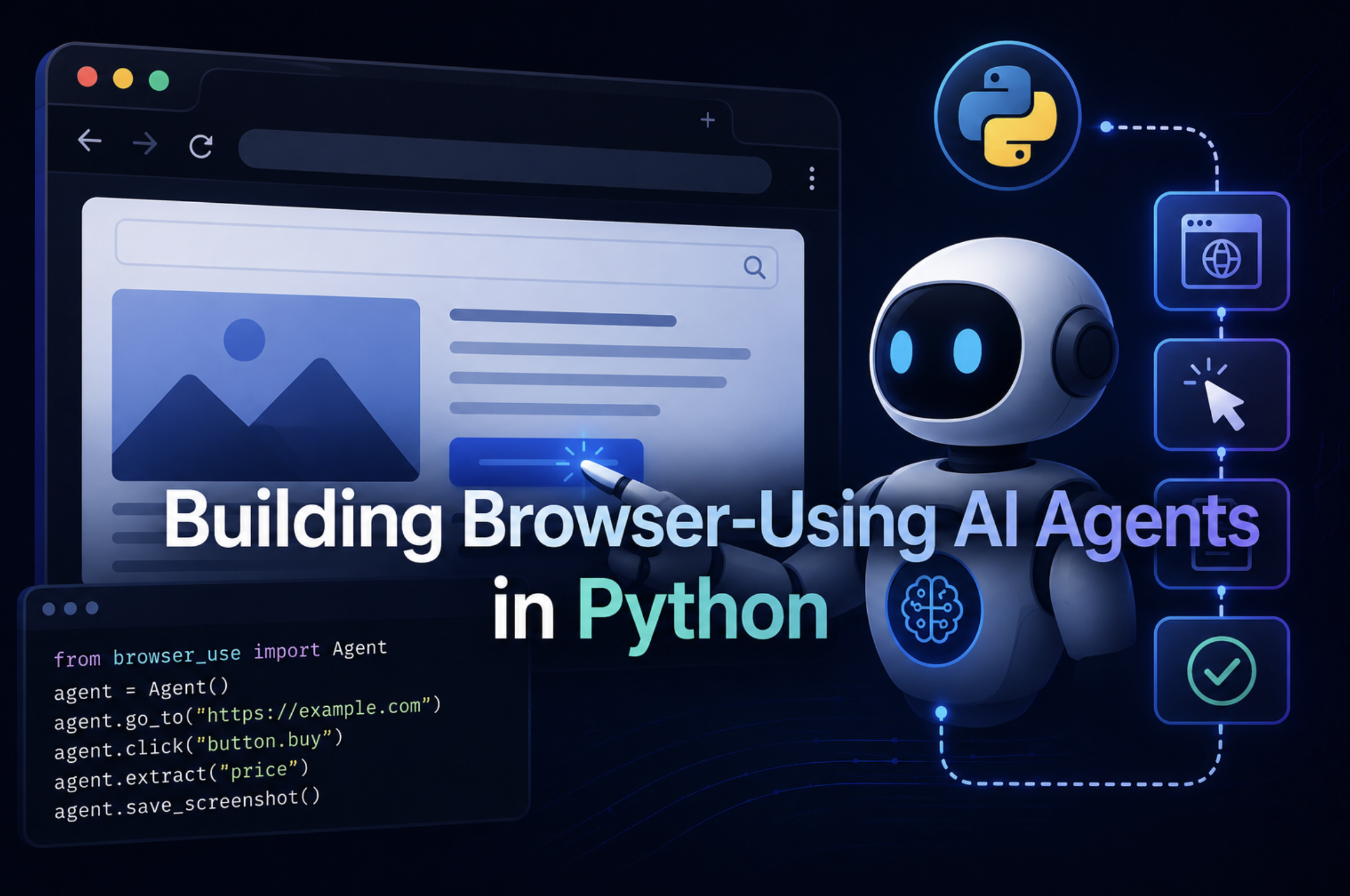
While raw Playwright is excellent for predictable tasks, the browser-use library introduces a layer of abstraction that allows the LLM to navigate pages without hardcoded CSS selectors. By reading the page state at runtime, the agent can identify buttons and inputs visually or structurally, making it highly resilient to website UI redesigns.
Supporting Data: Why "Smart Waiting" Matters
A primary reason for failure in browser agents is the "hard-sleep" syndrome, where developers insert arbitrary delays (time.sleep(5)) to wait for elements to load. This is unreliable and inefficient. Instead, modern agent architecture employs event-driven strategies:
wait_for_selector: Observes the DOM for the specific element needed, failing fast if the timeout is reached.expect_response: Hooks into the network layer to wait for specific API fetches (XHR) to resolve.wait_for_url: Monitors navigation states to ensure the transition from a login page to a dashboard is complete.wait_for_function: Injects JavaScript to check for specific application-level state variables.
Overcoming Anti-Bot Detection
As agents become more sophisticated, so do the defensive systems they encounter. Websites employ "fingerprinting" to detect automation, such as checking the navigator.webdriver flag.
To mitigate this, developers must configure agents to look more "human":
- Stealth Launch: Using arguments like
--disable-blink-features=AutomationControlledprevents the browser from identifying as an automated process. - Fingerprint Masking: Injecting scripts that redefine the
navigator.webdriverproperty toundefinedbefore the site’s detection code executes. - Environment Parity: Ensuring the agent uses a realistic viewport (e.g., 1366×768), standard user-agent strings, and consistent locale/timezone data.
For high-stakes enterprise applications, companies are increasingly turning to managed infrastructure like Browserbase, Spidra, or Brightdata’s Scraping Browser. These services handle CAPTCHA solving, residential IP rotation, and sophisticated browser fingerprinting, allowing the developer to focus on the agent’s logic rather than the infrastructure of evasion.
Implications for the Future of Work
The rise of browser-capable agents signals a shift in the role of the developer. As these agents become more autonomous, the bottleneck moves away from "how to write code" to "how to define intent."
For the enterprise, the implication is clear: the "API gap"—the inability to interact with the vast majority of the web—is closing. Companies can now build systems that audit competitor pricing in real-time, automate complex procurement processes across disparate vendor portals, and bridge gaps between legacy software and modern AI.
However, this power comes with responsibility. The ability for an agent to fill forms and navigate secure portals requires strict adherence to security protocols. As agents become more capable, the focus of the community is shifting toward "guardrails"—ensuring these agents operate within ethical boundaries and have clear "kill switches" to prevent runaway logic.
Conclusion
The browser is no longer just a window for humans; it is the universal operating system for the digital world. By moving from rigid, selector-based scripts to reasoning-based agents using Playwright and LangGraph, developers are creating systems that are not only faster but more resilient to change.
The path forward is clear: start with basic scraping to learn the DOM, transition to tool-orchestrated agents for complex workflows, and utilize managed infrastructure for production-grade reliability. The era of the "API-only" agent is ending; the era of the browser-native agent has arrived.