The Democratization of Autonomy: A Comprehensive Guide to Mastering OpenClaw AI Agents
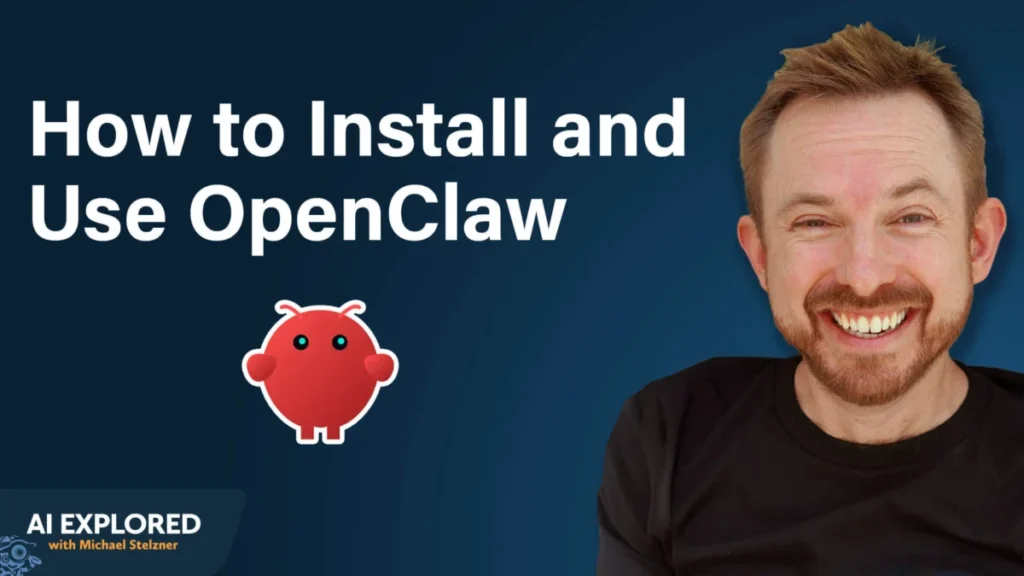
In the rapidly evolving landscape of artificial intelligence, the industry is shifting from static, conversational models to autonomous agents—systems capable of executing complex tasks without constant human oversight. At the forefront of this revolution is OpenClaw, an open-source platform designed to bridge the gap between high-level engineering and everyday business utility.
Described by NVIDIA CEO Jensen Huang as the “iPhone moment” for artificial intelligence, OpenClaw represents a paradigm shift where powerful AI becomes accessible to the non-technical workforce. This article explores the core architecture of OpenClaw, provides a strategic roadmap for deployment, and analyzes the broader implications of autonomous agents in the modern professional ecosystem.
1. Main Facts: Defining the OpenClaw Ecosystem
OpenClaw is not merely another chatbot interface; it is an orchestration layer that allows users to build, deploy, and manage a custom AI workforce. Unlike ChatGPT or Claude, which primarily exist within a browser-based "sandbox," OpenClaw is designed to interact with the real world.
The Three Pillars of Functionality
To understand why OpenClaw is gaining traction among marketers and entrepreneurs, one must look at the three technological "unlocks" that define the platform:
- Ubiquitous Communication: OpenClaw integrates directly into existing messaging infrastructures like Telegram and Slack. This removes the friction of logging into a specific web portal, allowing users to interact with their AI agents as if they were human colleagues.
- Autonomous Action (Computer Use): Perhaps the most significant feature is the agent’s ability to "take over" a computer environment. OpenClaw can navigate websites, click buttons, download files, and interact with software interfaces exactly as a human operator would.
- Persistent Memory: Standard AI sessions are often ephemeral, losing context once a chat is closed. OpenClaw manages its own internal database of "memory files," allowing it to remember user preferences, past business decisions, and long-term goals across weeks or months of interaction.
2. Chronology: From Installation to Your First Autonomous Bot
Setting up an autonomous agent requires a shift in mindset from "using software" to "managing a server." The following chronology outlines the professional path to a stable OpenClaw deployment.
Phase I: Infrastructure Selection
Experts, including AI strategist Mike Russell, strongly advise against running OpenClaw on a primary personal computer. Because the agent requires permission to modify files and navigate the OS, a Virtual Private Server (VPS) is the industry standard for security and 24/7 availability.
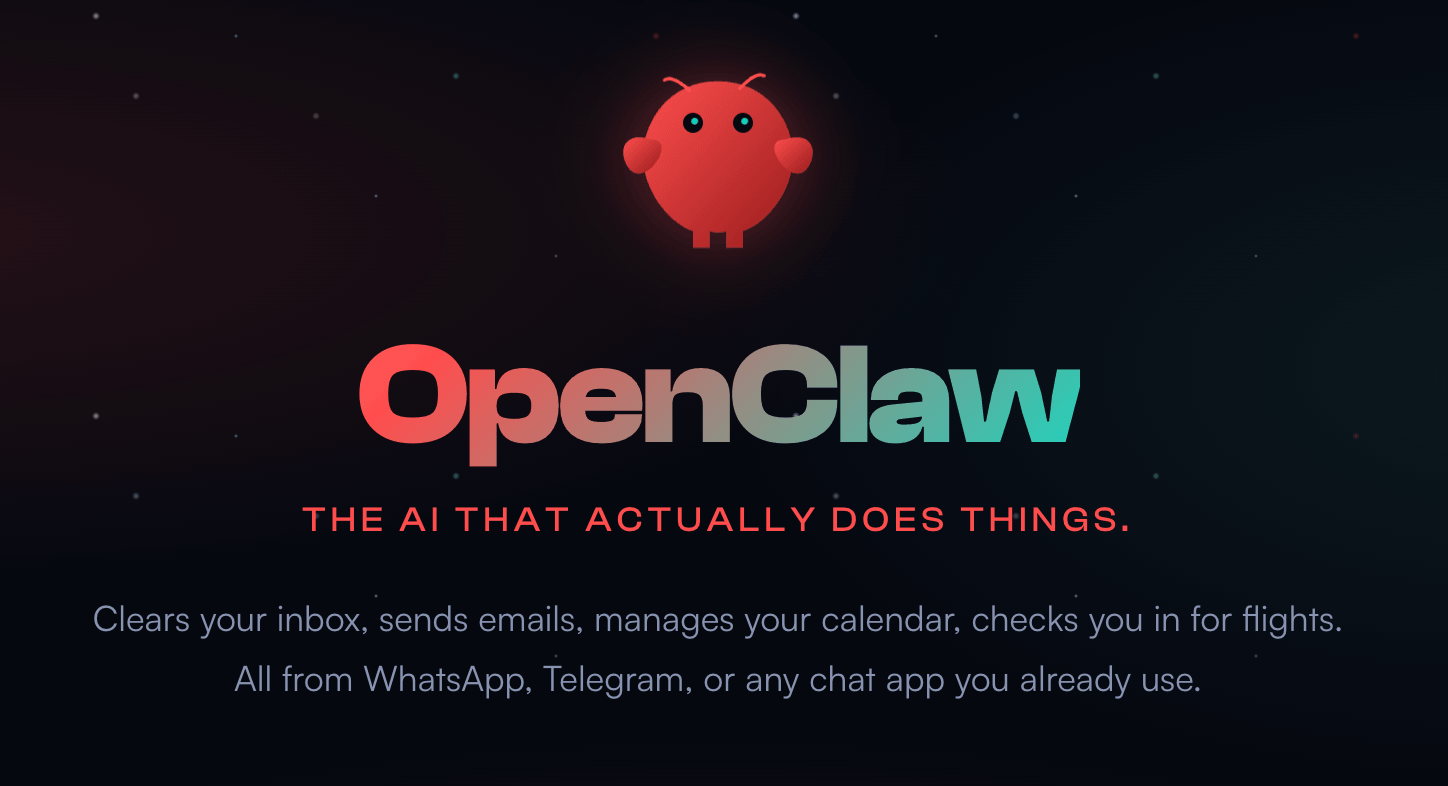
Providers such as DigitalOcean, Hetzner, and Linode offer "droplets" or cloud instances for as little as $5 per month. This ensures the agent remains "awake" even when the user’s physical laptop is closed. For those prioritizing local control, a dedicated hardware solution like a Raspberry Pi or a spare Mac Mini is an alternative, though it requires more manual maintenance.
Phase II: The Installation Process
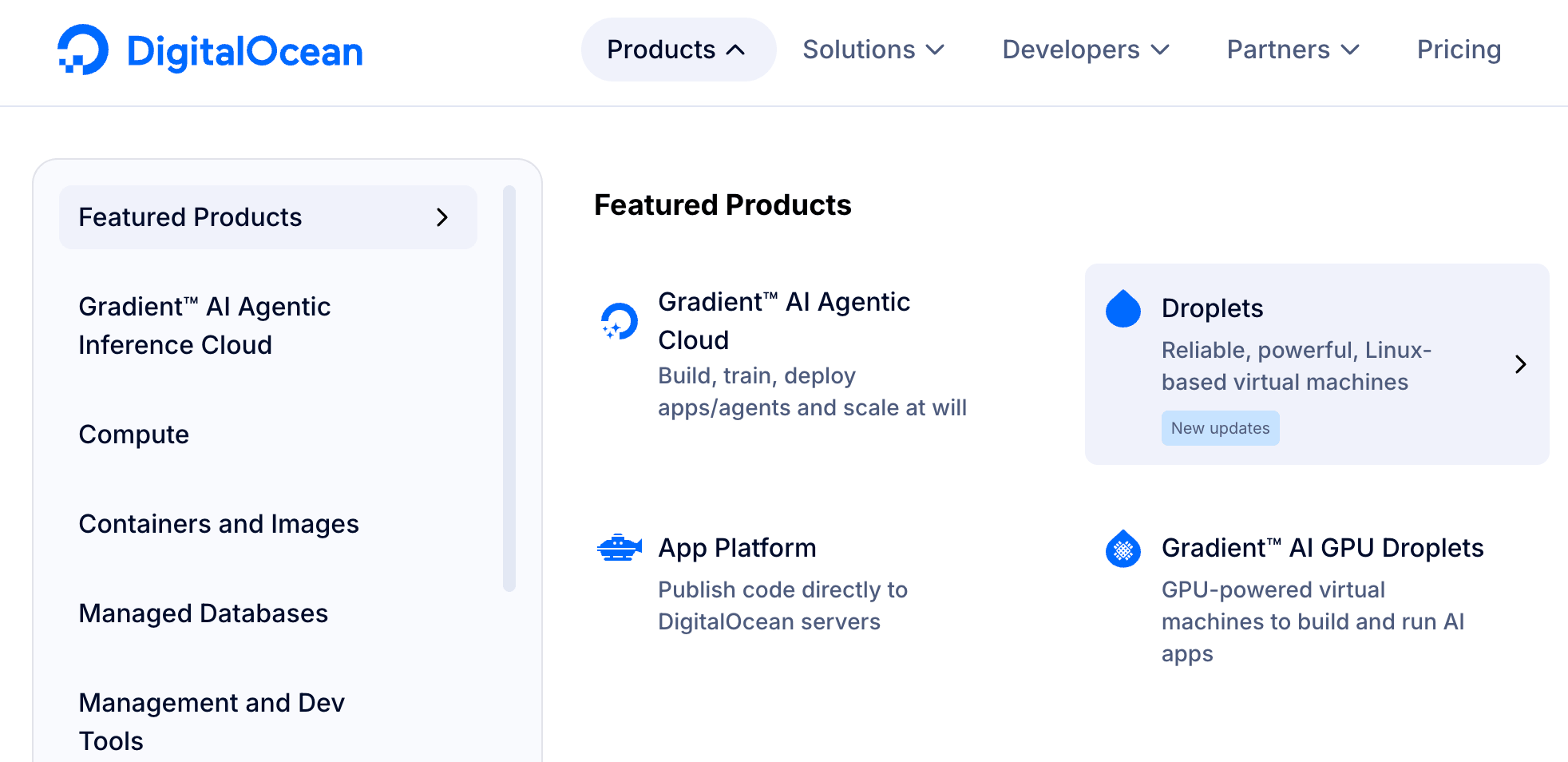
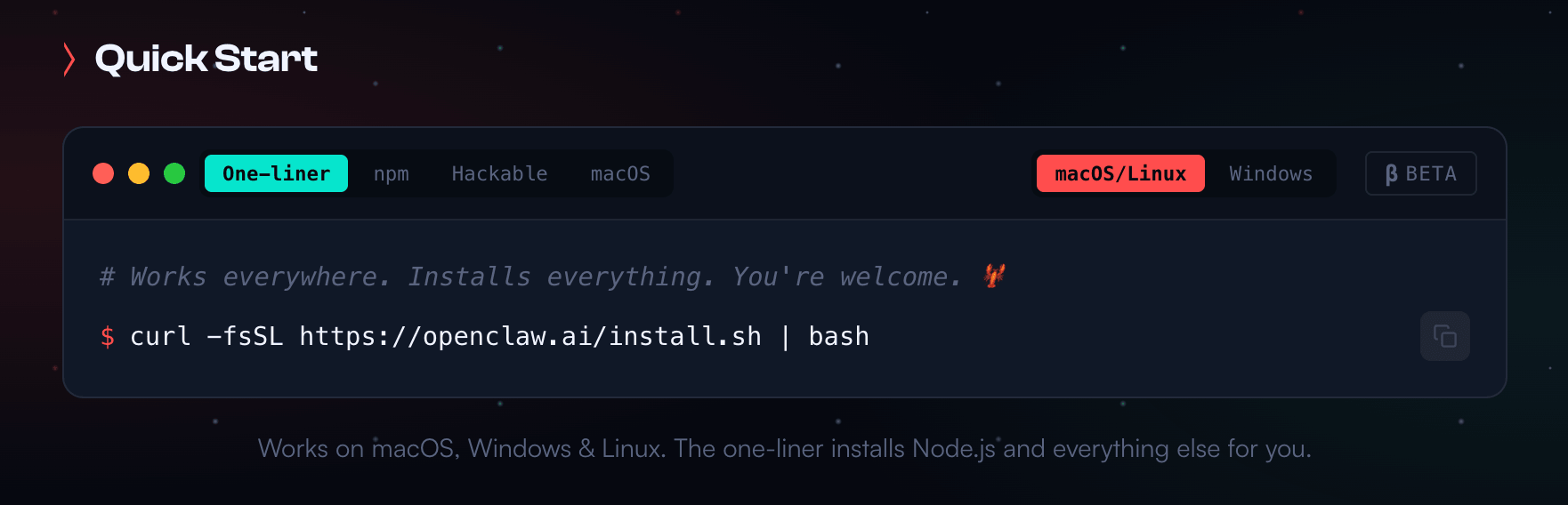
Modern hosting providers have simplified the "technical wall" associated with open-source software. DigitalOcean and Hostinger now provide one-click installers for OpenClaw. For manual installations, the process has been reduced to a single-line command in a terminal window, which automatically fetches dependencies and configures the environment in approximately five minutes.
Phase III: Choosing the "Brain" (LLM Providers)
OpenClaw acts as the body, but it requires a Large Language Model (LLM) to act as the brain. Users must choose between major providers:

- Anthropic (Claude): Claude 3.5 Sonnet is frequently cited as the "goldilocks" model—balancing cost and high-level reasoning. For extremely complex coding or orchestration, Claude 3 Opus is preferred.
- OpenAI (GPT-4o): Known for its reliability and explicit support for third-party agent integrations.
- Google Gemini: While compatible, some users report inconsistencies in Gemini’s ability to execute complex "tool calls" within the OpenClaw environment.
3. Supporting Data: Real-World Use Cases and Efficacy
The value of OpenClaw is best demonstrated through its application in high-volume business environments. By moving beyond simple text generation, agents are proving their worth in data-heavy workflows.
Social Media Orchestration
In a documented case study, Mike Russell utilized OpenClaw to manage a fully automated X (formerly Twitter) account for his "Creator Magic" brand. The agent does not merely schedule posts; it performs a multi-step workflow:
- Downloads new video content from YouTube.
- Transcribes and segments the video into viral clips.
- Drafts threads based on the video’s core message.
- Researches daily trends to ensure the content is contextually relevant.
- Analyzes view counts and engagement metrics to "self-correct" its writing style for future posts.
Personalized Health and Data Analysis
Beyond business, OpenClaw’s memory and research capabilities allow for deep personal data integration. By connecting the agent to a Garmin smartwatch via unofficial Python libraries—which the agent researched and installed itself—users have been able to correlate five years of health data with DNA results from services like 23andMe. This allows the agent to provide proactive health advice based on a user’s specific biological history rather than generic AI templates.
4. Official Responses and Industry Standards
As OpenClaw grows, it has faced scrutiny regarding security and compliance with the Terms of Service (ToS) of major AI providers.
The Security Debate
A common critique of autonomous agents is the potential for "credential leakage" or unauthorized system access. However, the OpenClaw development team, led by figures like Peter Steinberger, has aggressively hardened the platform’s security. When deployed behind a standard cloud firewall, the system is considered as secure as any enterprise-grade VPS application. The official recommendation remains: Use API keys rather than sharing browser session cookies to maintain the highest security standards.
Compliance with Anthropic and OpenAI
There is a notable divide in how AI providers view OpenClaw:
- Anthropic: Using a standard $20/month "Pro" subscription to power an external agent like OpenClaw can result in account bans. Anthropic officially requires users to utilize their API (pay-per-use) for such integrations.
- OpenAI: Historically, OpenAI has been more permissive, allowing subscription-based access to power external tools, though they also recommend the API for stability and scale.
5. Implementation Guide: Building a Gmail Triage Bot
To illustrate the practical steps of "teaching" an agent, consider the creation of a Gmail Triage Bot, a common first project for new OpenClaw users.
Step 1: Defining the Skill
In OpenClaw, a "Skill" is a saved set of instructions. To start, the user prompts the agent via Telegram: "Check my email every morning at 8:00 AM. Filter out newsletters and spam. Rank the remaining emails by urgency and provide a summary of the top three items that require my immediate attention."
Step 2: Iterative Refinement
The agent may initially be too aggressive in filtering. Because OpenClaw is conversational, the user can simply reply: "You filtered out a message from my business partner. In the future, never archive emails from [Name] or [Domain]." The user then commands: "Commit this to your memory." This instruction is then written into a permanent .md (markdown) file within the agent’s system, ensuring the rule persists forever.
Step 3: Enhancing Speed with CLI Tools
While OpenClaw can "read" a screen by opening a virtual browser, this is computationally expensive and slow. A more professional approach involves telling the agent: "Install the Google Workspace CLI (Command Line Interface) and use it to access my Gmail API." The agent will then research the installation steps, ask the user for the necessary permissions, and execute the task programmatically, increasing speed by up to 500%.
6. Implications: The Future of the AI-Augmented Workforce
The rise of platforms like OpenClaw signals a fundamental change in the "unit of work" for small businesses and creators.
The End of the "Blank Page" Problem
For decades, the limitation of software was that it required a human to initiate every action. OpenClaw flips this dynamic. By having an agent that proactively monitors inputs (emails, news, health metrics) and suggests actions, the human role shifts from "Doer" to "Editor-in-Chief."

Competitive Advantage for Small Teams
Historically, only large corporations could afford "SDRs" (Sales Development Representatives) or personal assistants to manage administrative overhead. OpenClaw democratizes this capability. A solo entrepreneur can now deploy five distinct agents—one for customer support, one for lead generation, one for content creation, one for financial tracking, and one for research—for the cost of a few API credits and a $5 server.
Ethical and Structural Considerations
As agents become more autonomous, the industry must grapple with the "Black Box" problem. If an agent makes a decision based on its "Memory" that conflicts with a user’s current intent, the ability to audit those memory files becomes critical. OpenClaw’s decision to store memory in plain-text markdown files is a strategic move toward transparency and user agency, allowing humans to remain the ultimate authority over their digital counterparts.
In conclusion, OpenClaw is more than a technical tool; it is a foundational shift toward personal autonomy in the age of AI. By mastering the setup, security, and prompting of these agents, professionals can reclaim their most valuable asset: time.