Beyond the Chatbox: How Claude Cowork is Redefining AI Automations for Modern Businesses
By Global Tech & Business Desk
Published: March 2026
Main Facts: The Shift from Prompts to Autonomous Execution
For years, interacting with artificial intelligence has followed a predictable, monotonous loop: users open a chat interface, type a prompt, parse the returned response, and write the next prompt. The human operator remains firmly in the driver’s seat, responsible for every micro-decision along the workflow.
Anthropic’s latest platform, Claude Cowork, breaks this paradigm entirely. Evolving from an internal developer tool known as Claude Code, Cowork packages an advanced agentic engine into a user-friendly desktop application. Designed to bypass the intimidating command-line interface, Cowork provides business professionals with a real-time dashboard displaying connected local folders, active project blueprints, and step-by-step checklists that cross off tasks autonomously.
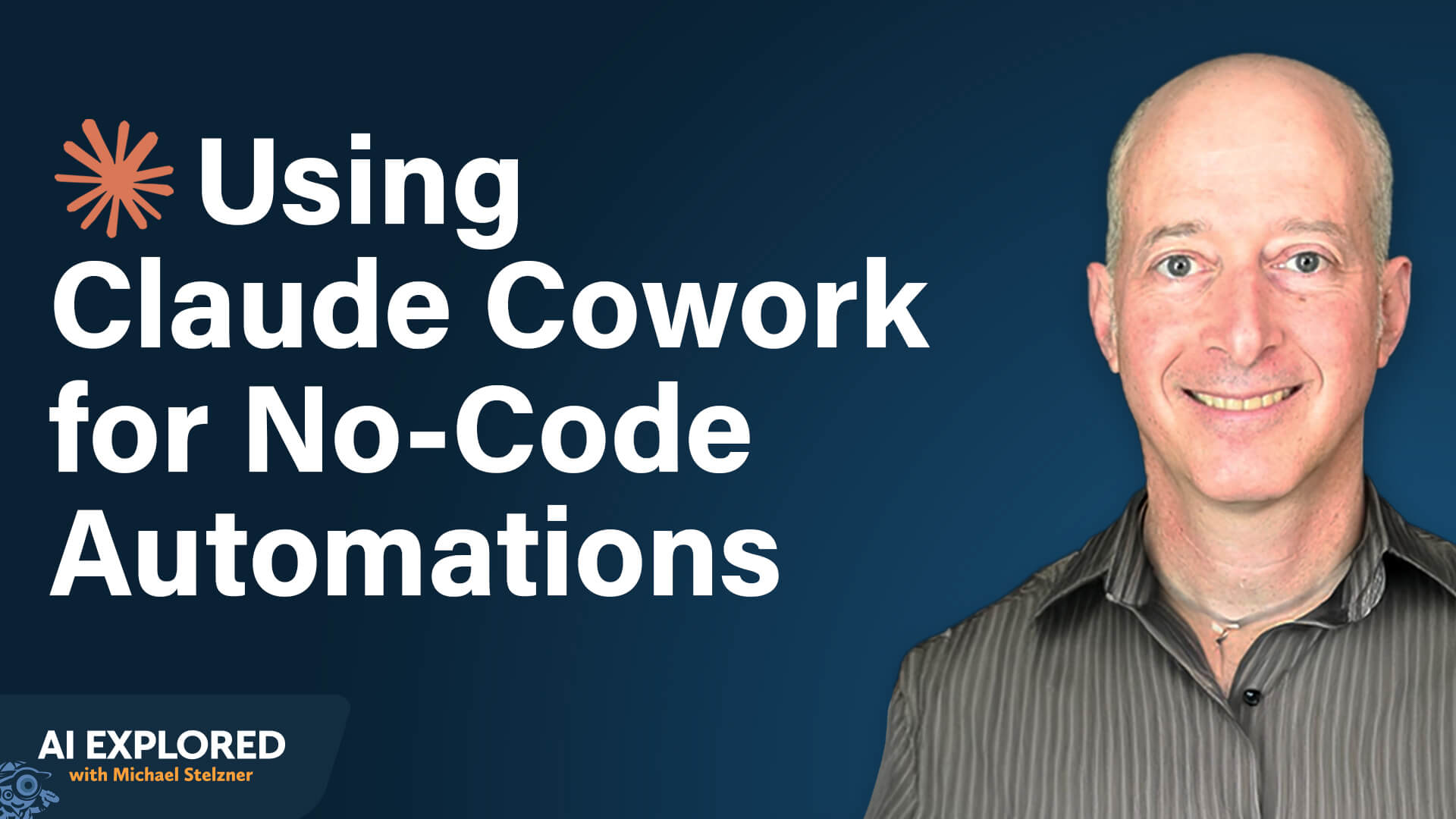
According to automation experts Isar Meitis and Michael Stelzner, Cowork introduces three foundational capabilities that separate true agentic platforms from traditional conversational chatbots:
- Autonomous Planning and Execution: Users define goals, constraints, and source data. The AI generates its own execution roadmap and processes tasks end-to-end without constant human micro-management.
- Persistent Memory: Operating across sessions, Cowork stores critical context—such as brand guidelines, client histories, and proposal structures—in markdown files, eliminating the need to re-upload reference materials repeatedly.
- Intelligent Tool Orchestration: The platform recognizes when to fetch a meeting transcript, update a CRM entry, or draft an outbound communication, acting as a true digital employee across a fragmented tech stack.
Chronology: From Developer Terminal to Desktop Powerhouse
The trajectory of Claude Cowork reflects the rapid evolution of enterprise AI deployment.
- Phase 1: Internal Experimentation (Claude Code)
Initially, Anthropic engineered Claude Code as a backend utility to assist its internal software developers. While powerful, the terminal-based text interface restricted its adoption primarily to technically proficient programmers who were comfortable working via command lines. - Phase 2: Market Discovery and Demand Surge
As early adopters discovered the platform’s capacity to manage complex, multi-step workflows far beyond basic code writing, demand spiked. Non-technical professionals sought access to its underlying agentic engine, prompting Anthropic to reconsider its packaging. - Phase 3: The Birth of Cowork
Anthropic bridged the usability gap by developing a visual desktop environment. This interface introduced visual file integration, live tracking of active execution plans, and streamlined access permissions, turning a developer utility into a mainstream enterprise platform. - Phase 4: Real-World Enterprise Integration
Today, business leaders like Isar Meitis are utilizing Cowork to automate end-to-end operational functions—ranging from automated multi-channel content curation to complex sales proposal generation—reducing tasks that previously took hours down to minutes.
Supporting Data: The Current State of Workplace AI
As tools like Claude Cowork enter the mainstream, broader industry metrics highlight a growing urgency for structured AI adoption among business professionals:
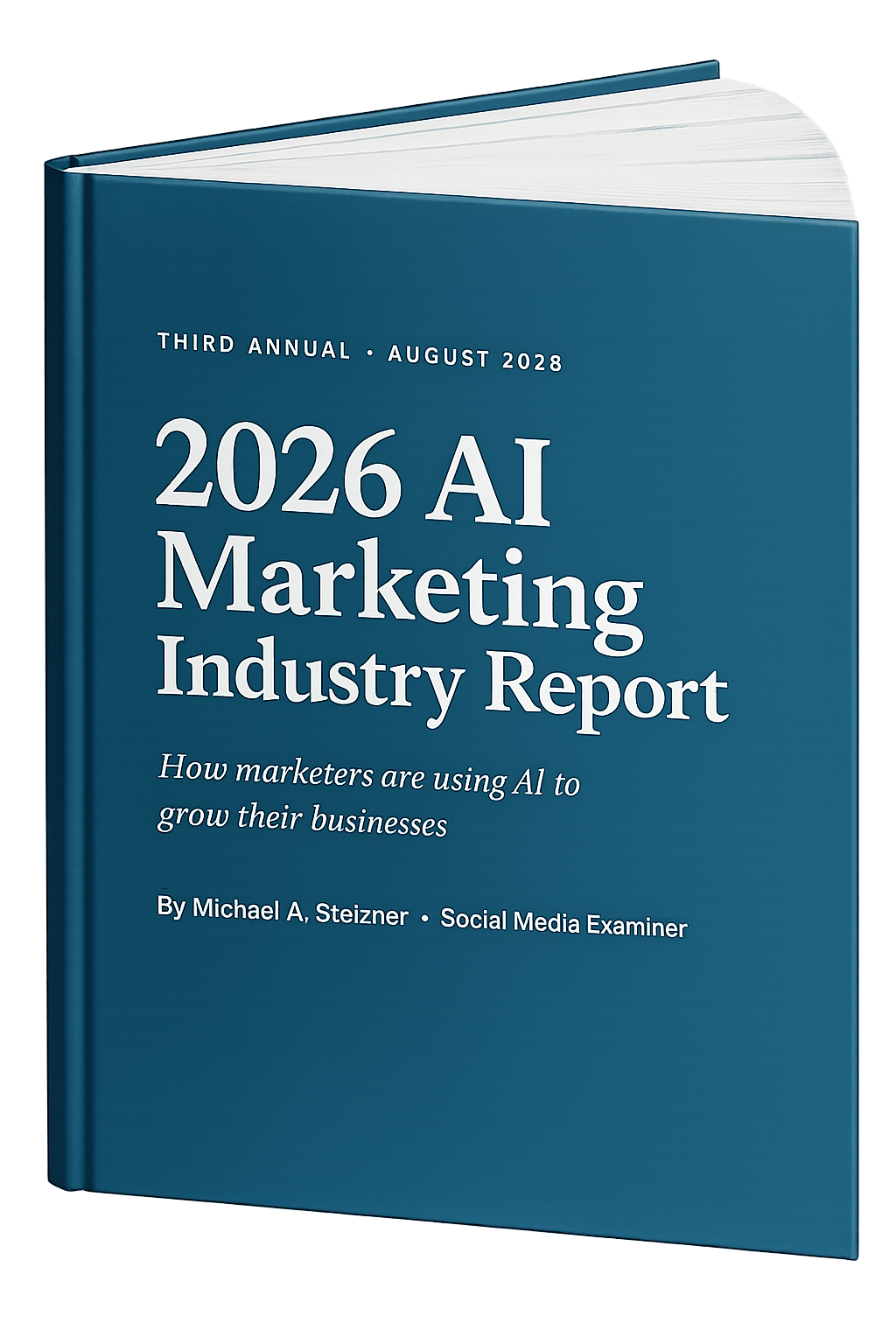
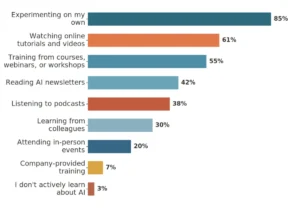
- The DIY Learning Curve: Recent industry surveys reveal that 85% of marketers and business professionals learn how to leverage artificial intelligence entirely through independent experimentation.
- Corporate Training Deficits: Only 7% of organizations provide structured, comprehensive internal AI training to their employees, forcing a heavy reliance on self-taught methodologies.
- Personal Financial Investment: More than 50% of working professionals outspend corporate allowances, utilizing personal funds to purchase and test emerging productivity tools.
- Efficiency Gains in Practice: Early case studies demonstrate dramatic time savings. For instance, complex sales workflows—such as analyzing discovery call transcripts, researching target accounts, drafting custom proposals, and updating CRM records—have seen processing times drop from two hours to just ten minutes.
Official Responses and Strategic Guidance: How to Build Automations
Deploying an agentic platform requires a disciplined framework. Experts recommend following specific tactical steps to ensure successful implementation.
1. Identifying the Right Automation Targets
Professionals should begin by pinpointing frequent, repetitive workflows that consume significant time or drain operational morale. Once a target is selected, requirements must be articulated in clear, natural language—analogous to briefing an experienced external consultant. A strong initial brief outlines the assigned role, corporate context, task frequency, data origin points, and final output destinations.
2. Drafting Comprehensive Product Requirements Documents (PRDs)
Because advanced AI excels at execution when given explicit parameters, vague prompts lead to wasted computational tokens and inefficient workflows.

- The AI Interview Method: Rather than writing a 30-page manual manually, users can instruct Claude to conduct an interactive interview. By asking roughly 40 targeted questions over the course of an hour, Claude synthesizes the user’s operational logic into a detailed, 25-to-40-page PRD.
- Focusing on the MVP: From this comprehensive document, operators should identify a Minimum Viable Product (MVP)—a high-impact, low-complexity component that delivers immediate value (e.g., converting a raw meeting transcript into a structured proposal outline before integrating CRM syncs).
3. Establishing Connectivity Layers
Claude Cowork utilizes a clear hierarchy of integration methods to interact with external enterprise systems:
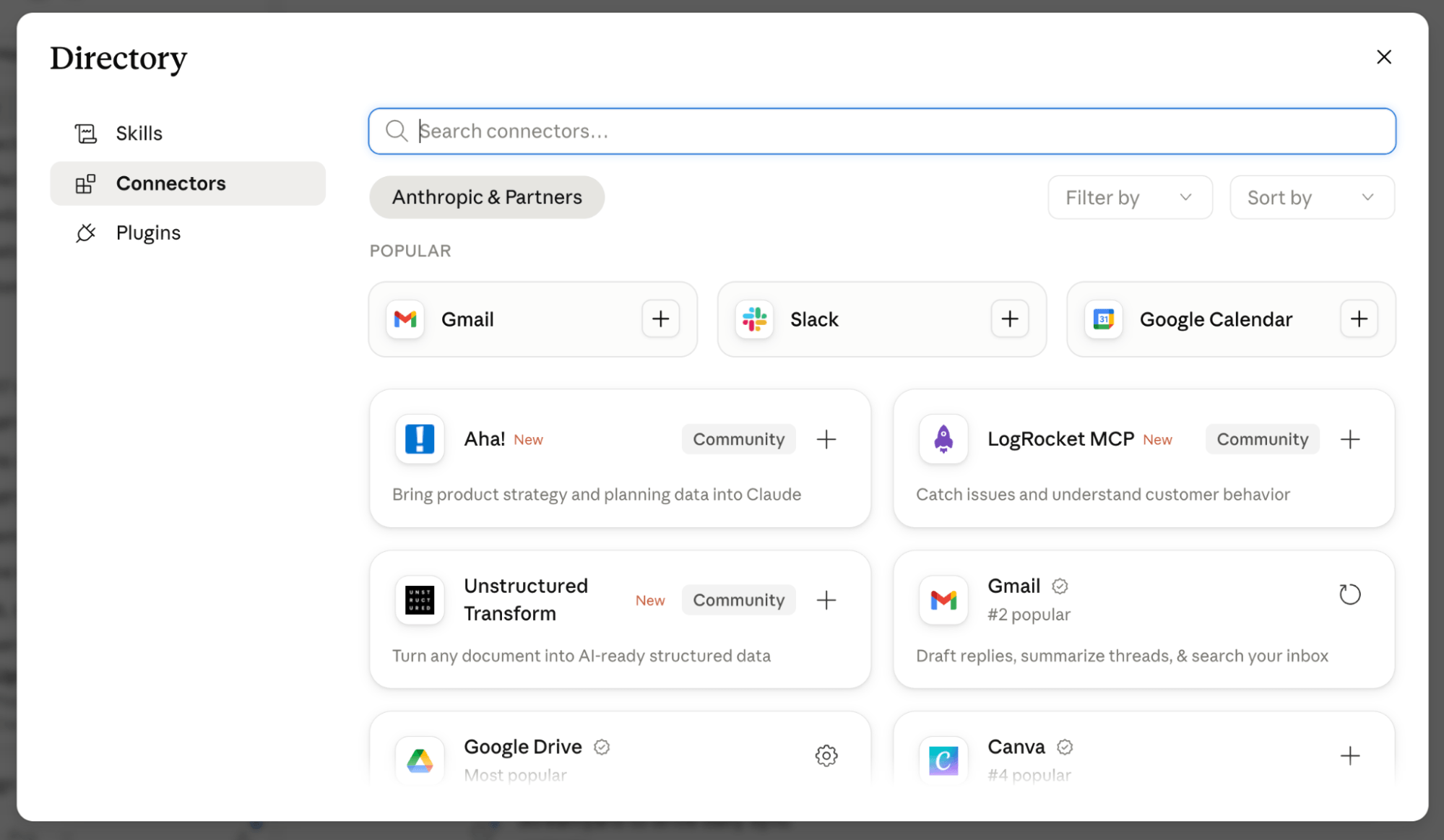
- Native Connectors: Pre-built, vendor-approved integrations with major platforms such as Google Drive, Microsoft SharePoint, Notion, Asana, and monday.com.
- Vendor-Published MCPs (Model Context Protocol): Standardized, secure APIs developed by software creators to allow instant, plug-and-play communication with AI engines.
- Custom-Built MCPs: If no official integration exists, users can supply API documentation to Claude, prompting the platform to write its own custom connector while storing credentials securely in local system keychains.
- Chrome Browser Integration: For legacy tools lacking APIs, Claude can directly operate a browser window—navigating pages and clicking elements autonomously—while pausing at login screens to request human authentication.
Implications: The Future of Human-AI Collaboration
The widespread adoption of agentic platforms like Claude Cowork signals a fundamental shift in the modern workplace.
As AI transitions from a reactive chatbot to an autonomous, context-aware digital colleague, the nature of human labor is evolving. Operational bottlenecks—such as manual data entry, cross-platform reporting, and routine administrative scheduling—are increasingly handled by intelligent background agents.
However, this technological leap underscores a vital governance lesson: human oversight remains irreplaceable. While Cowork can plan, research, draft, and organize at unprecedented speeds, final authorization (whether publishing a marketing campaign or sending a binding commercial proposal) stays firmly in human hands. Organizations that successfully bridge the gap between autonomous execution and strategic human judgment will capture significant efficiency gains, redefining productivity standards across every industry sector.