
The New ariaNotify() API: A Powerful Tool for Accessibility, If Used with Restraint
In the evolving landscape of web accessibility, developers have long struggled with the limitations of "live regions"—the primary mechanism for notifying screen reader users of dynamic page updates. After years of relying on clunky, inconsistent, and often fragile workarounds, the W3C’s Accessible Rich Internet Applications (WAI-ARIA) 1.3 specification has introduced a transformative feature: the ariaNotify() method.
This new API offers a direct, programmatic bridge for developers to communicate with assistive technologies. However, while the technical community is celebrating the arrival of this "developer catnip," accessibility experts are sounding a note of caution. The power to interrupt a user’s flow with an arbitrary string of text carries the risk of recreating the same intrusive, "alert-box" fatigue that plagued the early web.
The Core Innovation: What is ariaNotify()?
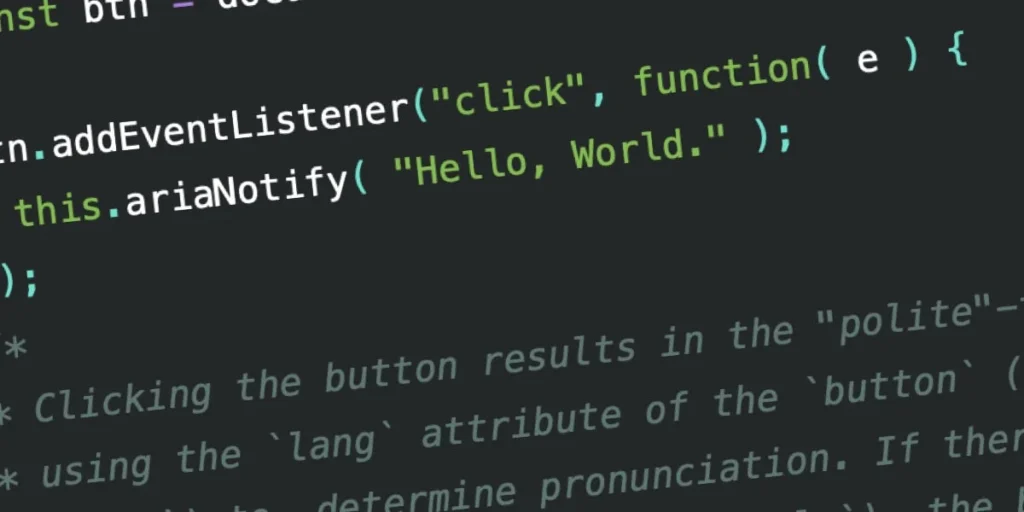
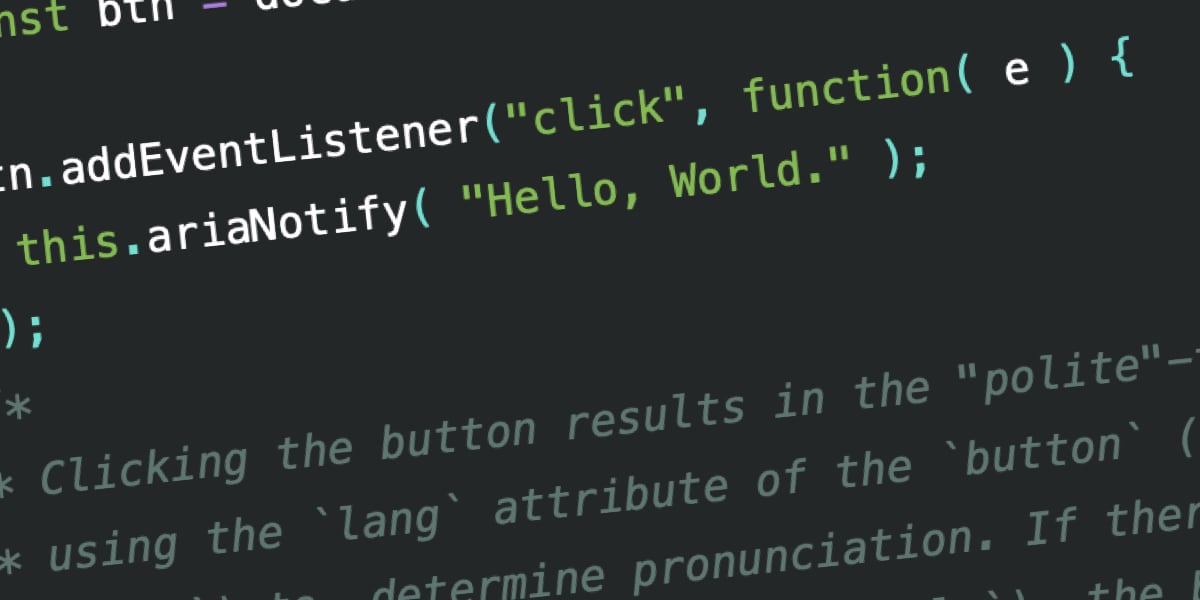
At its simplest, ariaNotify() is a method available on the Document and Element interfaces that triggers a spoken announcement in a user’s screen reader. Syntactically, it is elegant and straightforward:
// Simple implementation
document.ariaNotify("Operation successful.");
The method accepts a string as its first argument and an optional configuration object as its second. By default, it functions with a "polite" priority—meaning it waits for a natural pause in the user’s current activity before speaking—but it can be elevated to "high" priority, which acts similarly to aria-live="assertive", interrupting the current audio queue to deliver the message immediately.
A History of "Live Region" Frustration
To understand the significance of this update, one must understand the "mess" of the legacy approach. Historically, developers have used aria-live attributes to signal updates. If a user added an item to a shopping cart, for instance, a developer would place an empty div with aria-live="polite" in the DOM. When the cart updated, they would inject text into that div.
The practical reality of this, however, has been a Rube Goldberg-esque nightmare. Browsers and screen readers handle live regions with extreme inconsistency. If a region is toggled via display: none or injected into the DOM at the wrong moment, the screen reader often fails to announce it entirely. Furthermore, these regions must be managed as part of the DOM tree, which can lead to "ghost" content being read if not meticulously cleaned up.
The introduction of ariaNotify() represents the first time the W3C has provided a native, non-markup-dependent way to achieve this. It removes the need for hidden div containers and the associated timing issues that have plagued developers for over a decade.
Supporting Data: Testing the Implementation
Early testing of ariaNotify() across major screen readers—including JAWS, NVDA, and VoiceOver—shows promising results, though the integration is still in its infancy.
Screen Reader Performance (Preliminary Results)
- JAWS: Correctly identifies "polite" vs. "assertive" priority. It handles multilingual strings (e.g., "Hola, Mundo") with varying degrees of pronunciation accuracy depending on the browser’s language inheritance.
- NVDA: Demonstrates seamless integration with the
ariaNotifymethod, providing clear and concise delivery of notifications without the typical lag associated with updating live region nodes. - VoiceOver: Successfully announces messages, though it occasionally includes the surrounding "frame" context, which some developers may find noisy.
A critical nuance is the language inference. When document.ariaNotify() is called, the browser looks at the lang attribute of the <html> element. When called from a specific element (e.g., button.ariaNotify()), it looks at the nearest ancestor’s lang attribute. This is a significant improvement in ensuring that internationalized web applications provide accurate, localized pronunciations.
The First Rule of ARIA and the Risk of Misuse
Despite the technical triumph, the accessibility community is wary. The W3C’s "First Rule of ARIA" states: "If you can use a native HTML element or attribute with the semantics and behavior you require already built in, instead of re-purposing an element and adding an ARIA role, state or property, then do so."
The danger with ariaNotify() lies in its ease of use. It is so simple to implement that it invites the "alert-box" trap. Many developers remember the early days of the web, when window.alert() was used for everything from form validation to "Welcome" messages. This was notoriously disruptive. If a developer uses ariaNotify() to narrate every minor interaction—"Click here to open navigation," "Item added to cart," "Loading next page"—the screen reader experience will quickly become cluttered and overwhelming.
The "Over-Communication" Trap
The primary concern is "noise." A seasoned screen reader user is often adept at navigating a page, understanding its hierarchy, and predicting behavior based on standard HTML elements like buttons and links. If a developer injects an ariaNotify call that explicitly states what an element is already implicitly signaling, they are not adding accessibility; they are adding an unskippable "tutorial" that the user cannot turn off.
Implications for Web Development
The arrival of ariaNotify() signals a shift in the philosophy of web development. It provides a "direct line" to the user’s ear. This is a profound responsibility.
1. The Death of the Hidden DOM Node
The most immediate implication is the potential deprecation of "visually-hidden-but-accessible" live region containers. This will clean up the DOM, improve performance, and reduce the likelihood of accidental "ghost" announcements.
2. A New Requirement for QA Testing
Organizations that adopt ariaNotify() will need to integrate dedicated screen reader testing into their CI/CD pipelines. Because ariaNotify() is programmatic, it is prone to "logical bugs" rather than "syntax bugs." For instance, a race condition in the JavaScript could cause a notification to trigger twice, or to trigger in the wrong order, creating a confusing narrative for the user.
3. The Need for "Accessibility Restraint"
Development teams will need to establish strict internal guidelines for when an announcement is truly necessary. A good rule of thumb is: Would a sighted user find this information helpful if it were a persistent, flashing banner at the top of the screen? If the answer is no, then a screen reader user likely does not need it narrated aloud.
Conclusion: A Tool for the Measured
ariaNotify() is a significant advancement in the WAI-ARIA specification, solving a problem that has hindered developers for years. It is cleaner, more reliable, and more powerful than the live region hacks of the past.
However, its greatest strength is also its greatest danger. It is a megaphone in a space where a whisper is often preferred. As the web industry begins to adopt this new feature, the emphasis must remain on the user experience. We must avoid the temptation to "over-explain" the web.
If we use ariaNotify() with the same caution we now use for window.alert()—reserving it for truly critical, non-obvious updates—it will be a boon for accessibility. If we use it as a crutch to compensate for poor UI design, we risk turning the accessible web into an unending, noisy lecture.
The feature is here, the syntax is ready, and the documentation is clear. Now, the industry just needs to show it can be "cool" enough to use it only when it is truly necessary.








