From Ads Manager to BigQuery: The Strategic Guide to Unifying Your Marketing Data
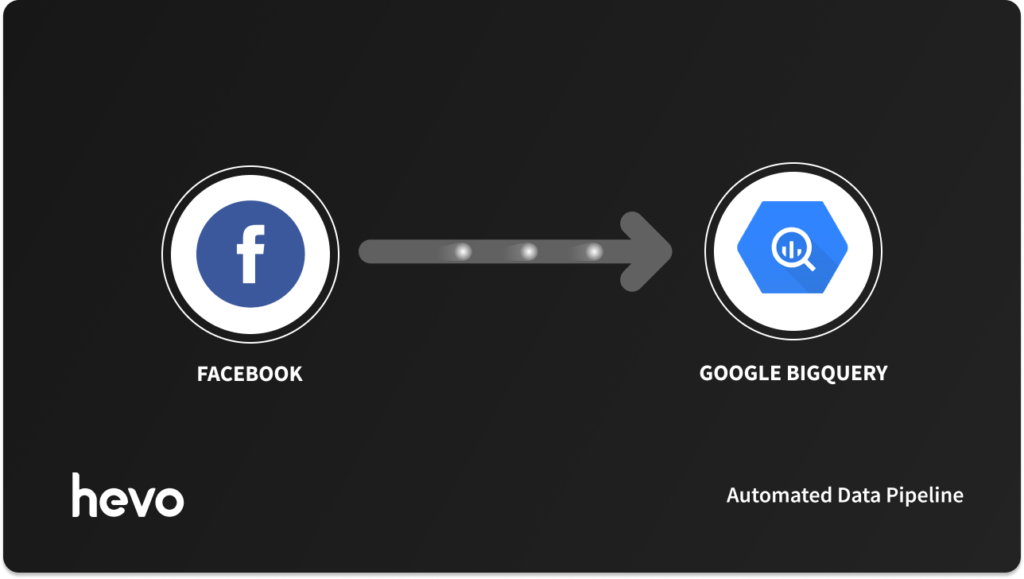
In the modern digital landscape, data is the lifeblood of marketing efficiency. Yet, for many growth teams and data analysts, the most critical performance data—Facebook Ads—remains trapped within the restrictive walls of Meta’s Ads Manager. While Ads Manager is excellent for quick, day-to-day optimizations, it fails to provide the scalability, cross-platform visibility, and deep analytical power required by modern data-driven organizations.
The solution is increasingly clear: centralizing Facebook Ads data into a robust data warehouse like Google BigQuery. By consolidating your ad spend, impression, and conversion data alongside your CRM, product, and revenue databases, you move from simple monitoring to high-level strategic intelligence.
The Problem: The "Silo Effect" of Ads Manager
Facebook Ads Manager is designed for one thing: managing Facebook campaigns. It is not designed to talk to your SQL database, your Salesforce instance, or your proprietary product logs. This creates a "silo effect" where performance metrics like ROAS (Return on Ad Spend) or CPA (Cost Per Acquisition) exist in a vacuum.
When your ad data is locked in Facebook, you face several critical limitations:
- Lack of Cross-Channel Visibility: You cannot easily correlate Facebook ad spend with organic web traffic or offline sales data.
- Reporting Friction: Manual exports to Excel or Google Sheets are time-consuming, error-prone, and outdated the moment the file is saved.
- Scale Limitations: As your campaign count grows, the UI in Ads Manager becomes sluggish and difficult to navigate for comparative analysis.
- API Volatility: Meta frequently updates its Marketing API. Relying on custom-built scripts to fetch this data requires constant engineering attention, which pulls your developers away from core product work.
Moving Data to BigQuery: A Strategic Shift
Integrating Facebook Ads into BigQuery transforms your data from a static reporting metric into a dynamic business asset. By leveraging BigQuery’s massive parallel processing, you can execute complex, multi-join SQL queries that look at your marketing funnel from the first click to the final retention event.
The Three Paths to Integration
There are three primary ways to bridge the gap between Meta and BigQuery, each catering to different organizational needs.
1. Automated ETL (Extract, Transform, Load) with Hevo
For teams that prioritize speed and reliability, an automated ETL pipeline is the gold standard. Tools like Hevo act as a managed bridge, automatically handling API authentication, schema changes, and incremental data syncing. This "set-it-and-forget-it" approach ensures that your BigQuery warehouse is always populated with the freshest data without requiring a dedicated engineering team to maintain the connection.
2. Custom-Built API Pipelines
For enterprises with highly specific data transformation needs or rigid security requirements, building a custom pipeline using Python or Node.js via the Facebook Marketing API is an option. While this offers total control, it comes with a high "hidden cost" in maintenance. Every time Meta deprecates an API version or changes a field schema, your engineers must scramble to update the codebase.
3. Manual Export and Import
The most accessible method for small, lean teams. By exporting CSV files from Ads Manager and manually uploading them to BigQuery, you can avoid technical overhead. However, this method is fundamentally non-scalable. It introduces significant human error risk and leads to data latency, which can result in poor decision-making during high-stakes campaign periods.
Technical Chronology: Implementing the Integration
Regardless of the method, the process generally follows a standard logical progression.
Step 1: Establishing the Connection (Extraction)
You must first secure your credentials. This involves creating a Facebook App, generating a long-lived Access Token, and ensuring your user has the appropriate "Ads Read" permissions. In a professional environment, this is best managed through a service account to prevent data loss when an employee leaves the company.
Step 2: Schema Alignment (Transformation)
Raw data from Facebook is often nested and deeply structured (e.g., campaign > ad set > ad > insight). Before landing this in BigQuery, you must map these fields to your target tables. If you are using an automated tool, this mapping happens automatically. If you are using custom code, you will need to perform "flattening" operations to ensure the data is queryable via standard SQL.
Step 3: The Loading Phase
Data is pushed to BigQuery either in batches (every hour or day) or through streaming inserts for real-time visibility. Once the data reaches the warehouse, BigQuery’s partitioning capabilities allow you to index data by date, which significantly reduces query costs and improves performance for historical analysis.
The Strategic Implications: Why This Matters
Moving your data isn’t just a technical upgrade; it is a business imperative. Here is why the shift is non-negotiable for competitive firms.
1. Unified Marketing Analytics
Once your Facebook data lives in BigQuery, you can join it with data from Google Ads, LinkedIn, TikTok, and your internal CRM. You can finally answer questions like: "How does the LTV (Lifetime Value) of a customer acquired through a Facebook ‘Lookalike’ campaign compare to one acquired through organic search?"
2. Advanced Machine Learning
BigQuery ML allows you to run predictive models directly on your data. Instead of looking backward at what happened, you can use your historical ad performance to predict future churn or forecast the success of upcoming campaigns. You can train models to identify which creative elements drive the highest conversion rates, enabling a more scientific approach to ad design.
3. Precision Targeting
By pushing your conversion data back into BigQuery and processing it, you can create hyper-segmented audiences. You can identify users who have a high propensity to purchase but haven’t converted in 30 days and push that list back into Facebook for a targeted re-engagement campaign.
Official Perspective: The Challenge of Maintenance
The primary concern raised by data architects regarding this integration is API maintenance. Meta is aggressive in its deprecation cycles. As of 2026, many legacy API endpoints are being shuttered in favor of more performant, privacy-centric versions.
Organizations that rely on "home-grown" pipelines are finding that they spend up to 30% of their data engineering hours just fixing broken API connections. This is why the industry is shifting toward "Data Pipeline as a Service" models. By offloading the maintenance to a third-party tool, companies effectively outsource the risk of API changes, ensuring their reporting dashboards never break during critical sales windows like Black Friday or Q4 end-of-year pushes.
Use Cases: From Theory to Profit
To understand the tangible value, consider these three real-world scenarios:
Use Case A: The Efficiency Audit
A global e-commerce retailer realized that their Facebook "Spend" was not correlated with "Revenue" because the attribution windows were misaligned. By pulling the raw data into BigQuery and standardizing the attribution models using SQL, they discovered that 15% of their budget was being spent on ads that were cannibalizing organic search traffic. They reallocated this budget, resulting in a 12% increase in net profit.
Use Case B: Audience Personalization
A SaaS provider analyzed their signup data in BigQuery and discovered that users from Facebook who interacted with specific "Feature" videos had a 40% higher retention rate. They created a custom audience in Facebook specifically for users who hadn’t seen those videos yet, drastically improving their onboarding efficiency.
Use Case C: Competitive Benchmarking
By normalizing their own performance data in BigQuery, a retail brand was able to create a "performance score" for every campaign. They then ingested industry-wide benchmark data to see how their performance compared to the broader market, allowing them to pivot creative strategies before a campaign lost momentum.
Frequently Asked Questions
Q: Can I achieve real-time streaming of Facebook Ads data?
A: Yes, by utilizing Facebook Webhooks, you can receive updates the moment a campaign event occurs. However, most businesses find that hourly or daily batch syncs are sufficient for reporting, as real-time bidding algorithms require adjustments based on aggregated, rather than individual, event data.
Q: How do I handle data privacy and GDPR?
A: When moving data into BigQuery, you are responsible for ensuring that you are not transferring PII (Personally Identifiable Information) unless authorized. Always use hashing or anonymization techniques during the "Transformation" step of your ETL process to ensure compliance.
Q: Is BigQuery expensive?
A: BigQuery uses a pay-as-you-go model. By partitioning your tables (e.g., by day or month), you can keep costs incredibly low. The cost of storage is negligible; the primary cost is query processing, which is highly efficient if you follow best practices like using SELECT * sparingly and filtering by date partitions.
Conclusion: The Path Forward
The transition from Ads Manager to BigQuery represents a move toward maturity for any marketing team. It signifies a transition from guessing to knowing. While the initial setup—whether through custom code or automated tools like Hevo—requires an investment of time, the return is a transparent, scalable, and highly accurate view of your business.
In an era where every advertising dollar is scrutinized, the ability to join your marketing data with your revenue data is the ultimate competitive advantage. Whether you choose to build or buy, the destination remains the same: a centralized data warehouse that empowers your team to make decisions based on the full picture, not just a partial view.