The Architect of Automation: How to Build Custom AI Agents That Actually Work
For most entrepreneurs, the promise of Artificial Intelligence has been a double-edged sword. On one hand, the potential for efficiency is limitless; on the other, the reality of "one-size-fits-all" chatbots often leaves business owners frustrated with generic outputs and fragmented workflows.
Keith Moehring, founder of L2 Digital, has spent the last year shattering the myth that AI agents are a "set it and forget it" plug-and-play solution. Instead, he has pioneered a rigorous, systematic approach to AI integration that has successfully automated 60% of his own workload. By shifting the focus from "prompting" to "system architecture," Moehring has turned AI from a simple tool into a high-level digital employee—a "second brain" that executes complex, multi-step business processes with machine-like precision.
The Reality Check: Why Most AI Tutorials Fail
The internet is currently saturated with "six-step" tutorials that promise to revolutionize your business overnight. Moehring’s primary warning is that building a truly effective AI agent is not a matter of quick copy-pasting.
"If you want an agent that performs a task exactly the way you do, you have to treat it like a new hire," Moehring explains. "You must provide context, define the process, and iterate until the output matches your specific standards."
The goal isn’t to find a template built for a generic business; it is to build a bespoke system that reflects your unique operations. When done correctly, an AI agent can reliably handle 80% of a given task, leaving the entrepreneur to apply the final 20%—the human touch—which delivers the actual value. Beyond mere automation, these agents serve as a consolidated, queryable database of the company’s history, effectively acting as an externalized second brain for project management and decision-making.
Chronology of an Automation System: A Tiered Approach
Moehring’s system relies on a layered methodology that progresses from simple task-handling to complex orchestration.
1. The Entry Level: Task-Specific Agents
At this foundational stage, the entrepreneur builds "single-purpose" agents. These are designed for discrete, time-consuming, and highly repeatable actions. Whether it is summarizing a document, drafting a routine email, or updating a database, these agents are built to do one thing and do it exceptionally well.
2. The Intermediate Level: Workflow Coordination
Once you have several task-level agents, the next stage is to create coordination agents. These act as middle managers, stringing together the outputs of the task agents to form a cohesive, end-to-end workflow. By linking these processes, you ensure that information flows seamlessly between different stages of a project without manual intervention.
3. The Advanced Level: Orchestration
At the top of the pyramid is the "Orchestration Agent." In Moehring’s case, this is "Leo." By triggering a single command at the start of the month, Leo identifies the necessary sub-agents, activates them in the correct sequence, and executes the entire month’s client-delivery workload. This transformation has reduced a two-week administrative slog to roughly one hour of review time on the first of each month.
Supporting Data: A Practical Case Study in Meeting Follow-Through
One of the most persistent pain points for agency owners is post-meeting follow-through. Historically, action items are lost between the end of a call and the start of the next meeting.

Moehring solved this by building an agent that bridges the gap between Granola (his meeting note software) and ClickUp (his project management tool). The system follows a rigid protocol:
- Standardized Naming: Every meeting is labeled with a specific client acronym and descriptive intent (e.g., "L2_strategy_call").
- Contextual Parsing: The agent utilizes the Model Context Protocol (MCP) to pull meeting notes from the previous week.
- Routing and Execution: The agent cross-references the notes against the client directory, identifies action items assigned to Moehring, and auto-populates them into ClickUp with full context.
This system ensures that no commitment is forgotten, and all tasks are documented with the exact context of the conversation, effectively eliminating the "reconstruction phase" of project management.
The Strategic Foundation: Mapping the Org Chart
Before writing a single line of code or prompt, Moehring insists on a "business audit." He utilizes an accountability chart—a visual hierarchy that identifies every role, business function, and recurring task within the organization.
For entrepreneurs who feel they wear every hat, Moehring suggests using tools like Ninety.io or prompting an LLM like Claude to visualize the business structure. By mapping the "who, what, and when" of every business function, you identify the specific bottlenecks that are ripe for automation. The rule of thumb is to start with the most repetitive, low-stakes tasks to build the "muscle memory" of the system before moving to complex, high-value operations.
The Technical Infrastructure: How the System is Built
Moehring’s architecture relies on three critical pillars:

- The AI Model: While he prefers Claude for its logical reasoning, the system is LLM-agnostic. He utilizes different models for different complexities—Standard LLMs for basic administrative work and more advanced coding models for technical tasks.
- The User Interface (Cursor): Cursor is a code editor that bridges the AI model with the local files on a computer. It allows the AI to see the "context" of the entire business folder, making it a powerful tool for agents that need to cross-reference multiple documents.
- The Context Layer: This is the "brain" of the operation. By organizing files into a structured directory (Client Folders, SOPs, Reference Materials), the AI can "navigate" the business’s internal knowledge base to ensure its outputs are aligned with company standards.
Official Guidance: The "WAT" Framework
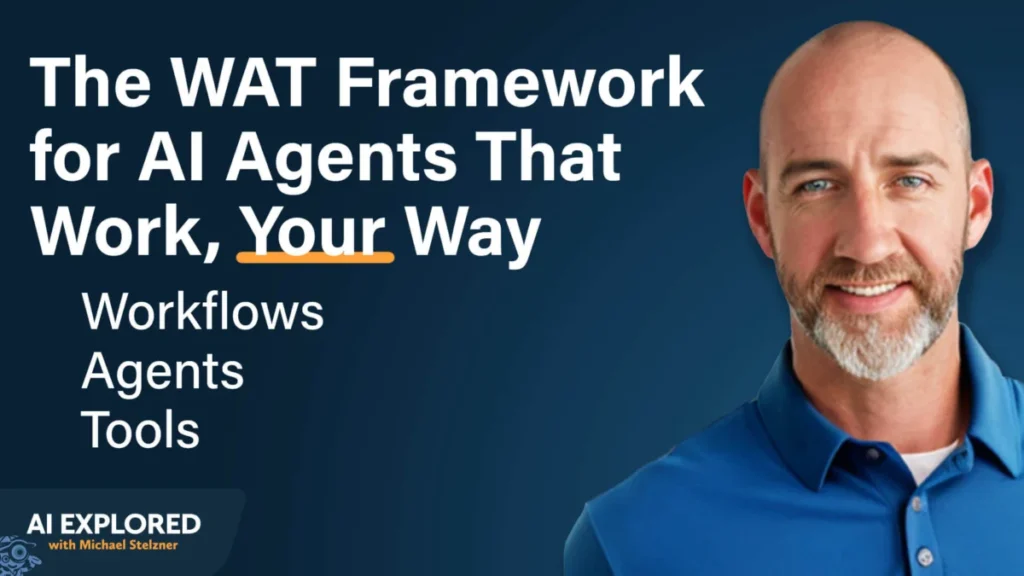
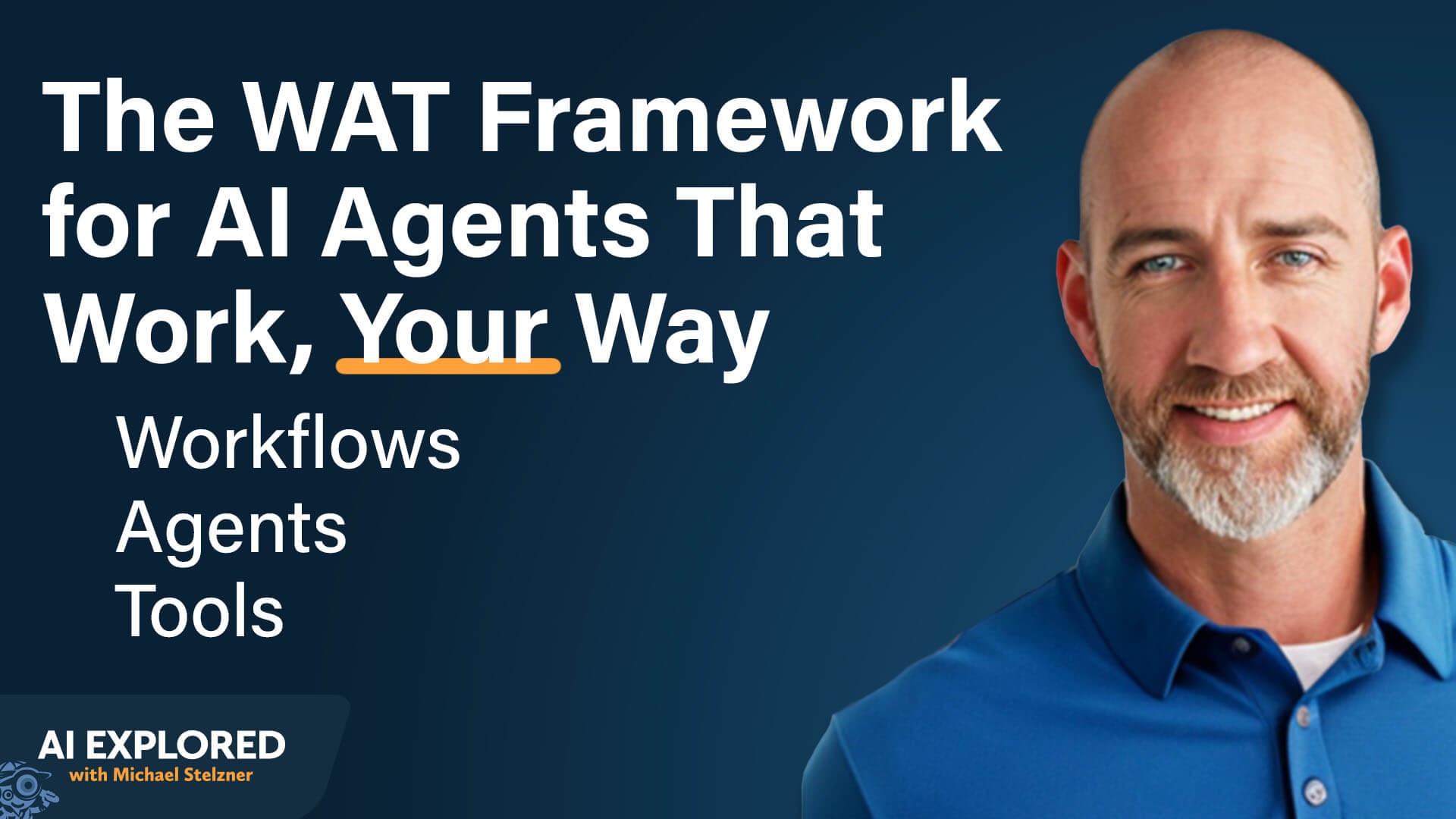
When building these agents, Moehring advocates for the WAT framework: Workflows, Agents, and Tools.
- Workflows: Map out the manual process as it exists today.
- Agents: Define the role the AI will play in that workflow.
- Tools: Identify the necessary APIs and connectors (like Granola or ClickUp) that the agent will use to effect change in the real world.
By providing the AI with the complete "playbook"—the SOPs, the templates, and the desired outcomes—the AI can draft a development plan. The user then reviews this plan, refines it, and triggers the build. This iterative, human-in-the-loop approach is what distinguishes a robust agent from a fragile, broken script.
Implications for the Future of Work
The implications of this system are profound. When an entrepreneur stops being the "manual operator" and becomes the "system architect," the business gains the ability to scale without linear growth in headcount.
As Moehring notes, the most significant long-term implication is the creation of a "Queryable Business." By logging every interaction and task into a structured, AI-accessible format, the business owner can query their entire history to answer questions like, "What did we decide regarding the L2 project three months ago?" or "How do we usually handle this type of client objection?"
This transition represents the next stage of the digital transformation. It is no longer about using software to track work; it is about using AI to perform the work, manage the processes, and remember the history. For those willing to put in the upfront work to build their own internal systems, the result is not just a faster business, but a smarter, more resilient organization that is truly built to scale.