The Democratization of Development: A Comprehensive Guide to Claude Code for Non-Technical Users
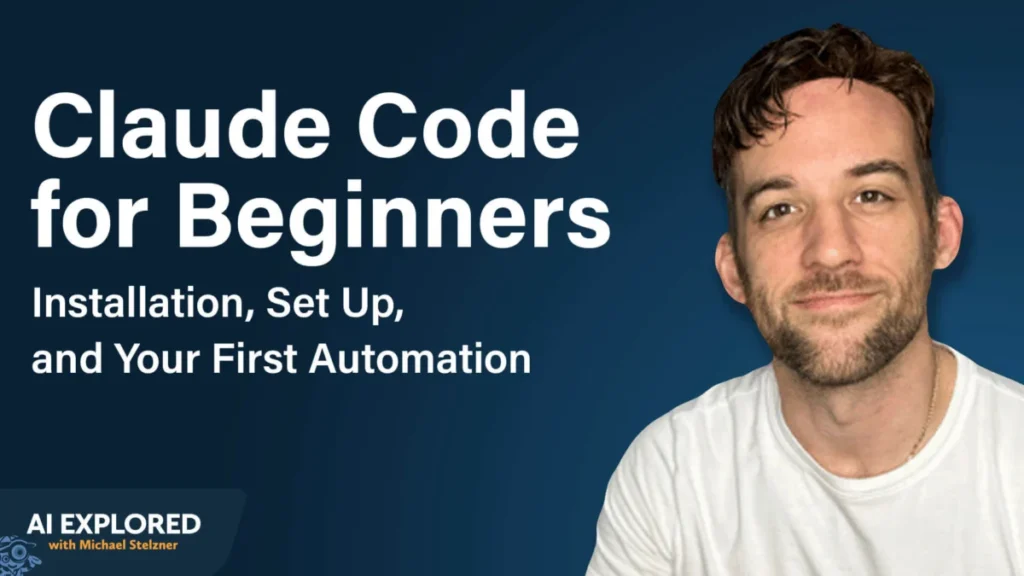
The barrier between human intent and software execution is dissolving. For decades, the ability to build custom automations and software tools was locked behind the high walls of syntax, compilers, and years of computer science education. However, the release of Claude Code—Anthropic’s agentic command-line interface (CLI) tool—marks a significant shift in the technological landscape.
As AI models evolve from passive chatbots into active "agents," the prerequisite of a coding background is rapidly becoming obsolete. According to AI educator Tyler Reed, the most prolific creators of AI-driven automations today are often individuals who have never written a single line of traditional code. This article provides an in-depth analysis of Claude Code, its technical framework, and a step-by-step guide for non-developers to harness its power.
1. Main Facts: Understanding Agentic AI and Claude Code
Claude Code is not merely another interface for a Large Language Model (LLM); it is an agentic tool. While a standard chatbot like Claude.ai or ChatGPT provides text-based answers, an agentic tool possesses "agency"—the ability to research, write files, establish connections between different software applications, and execute commands directly on a user’s computer.
The Shift from Chat to Action
Traditionally, building an integration—such as connecting Gmail to a calendar—required a developer to manually read API documentation, manage secret keys, and troubleshoot "bugs" on forums like Stack Overflow. Claude Code automates this entire lifecycle. The user provides a natural language description of the desired outcome, and the tool navigates the technical path to achieve it.
Core Requirements
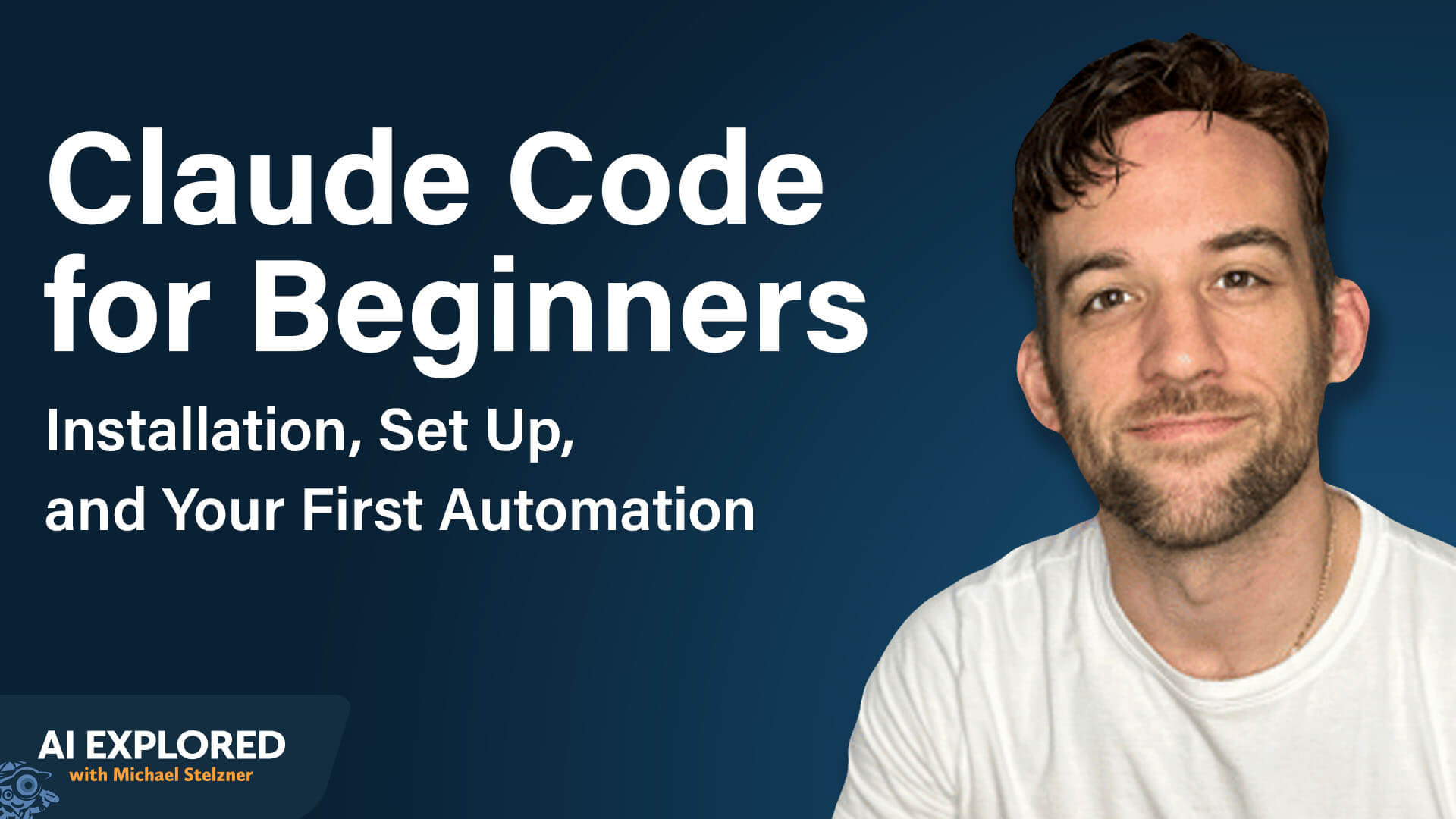
To utilize Claude Code effectively, users must navigate two primary hurdles:
- Subscription Tier: Access requires a paid Claude subscription (Pro or Team), starting at $20/month. This provides the necessary token limits and model access to run complex agentic tasks.
- The Terminal Environment: Unlike visual apps, Claude Code operates via a Command Line Interface (CLI). While the "black screen" of a terminal can be intimidating to novices, it serves as the direct pipeline to the computer’s operating system, allowing Claude to perform actions rather than just offer suggestions.
2. Chronology: From Installation to Execution
Setting up a development environment used to take hours of configuration. With Claude Code, the process has been streamlined into a series of rapid, automated steps.
Phase 1: Accessing the Terminal
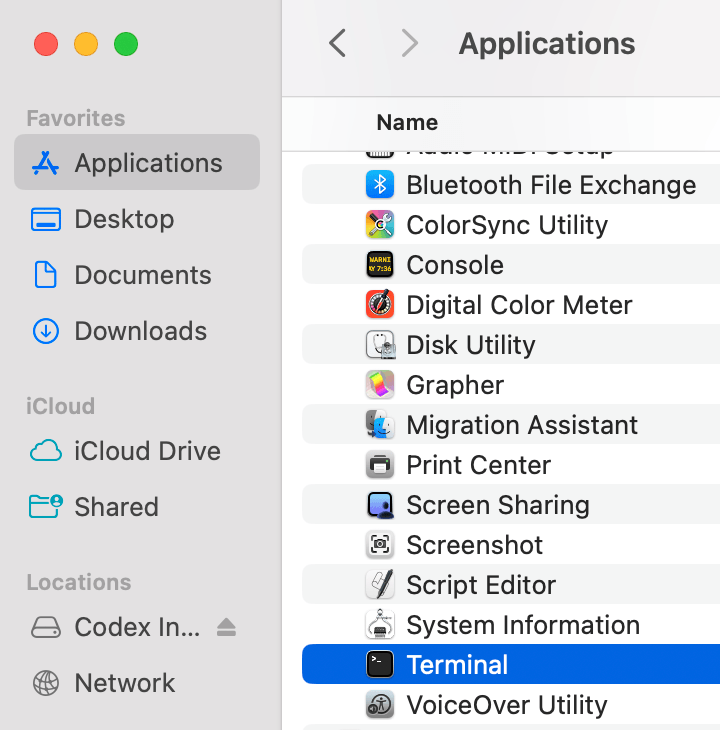
The first step in the journey is opening the system’s native terminal. On a Mac, this is found in the "Utilities" folder; on Windows, users typically use PowerShell or the Windows Command Prompt.
Phase 2: Official Installation
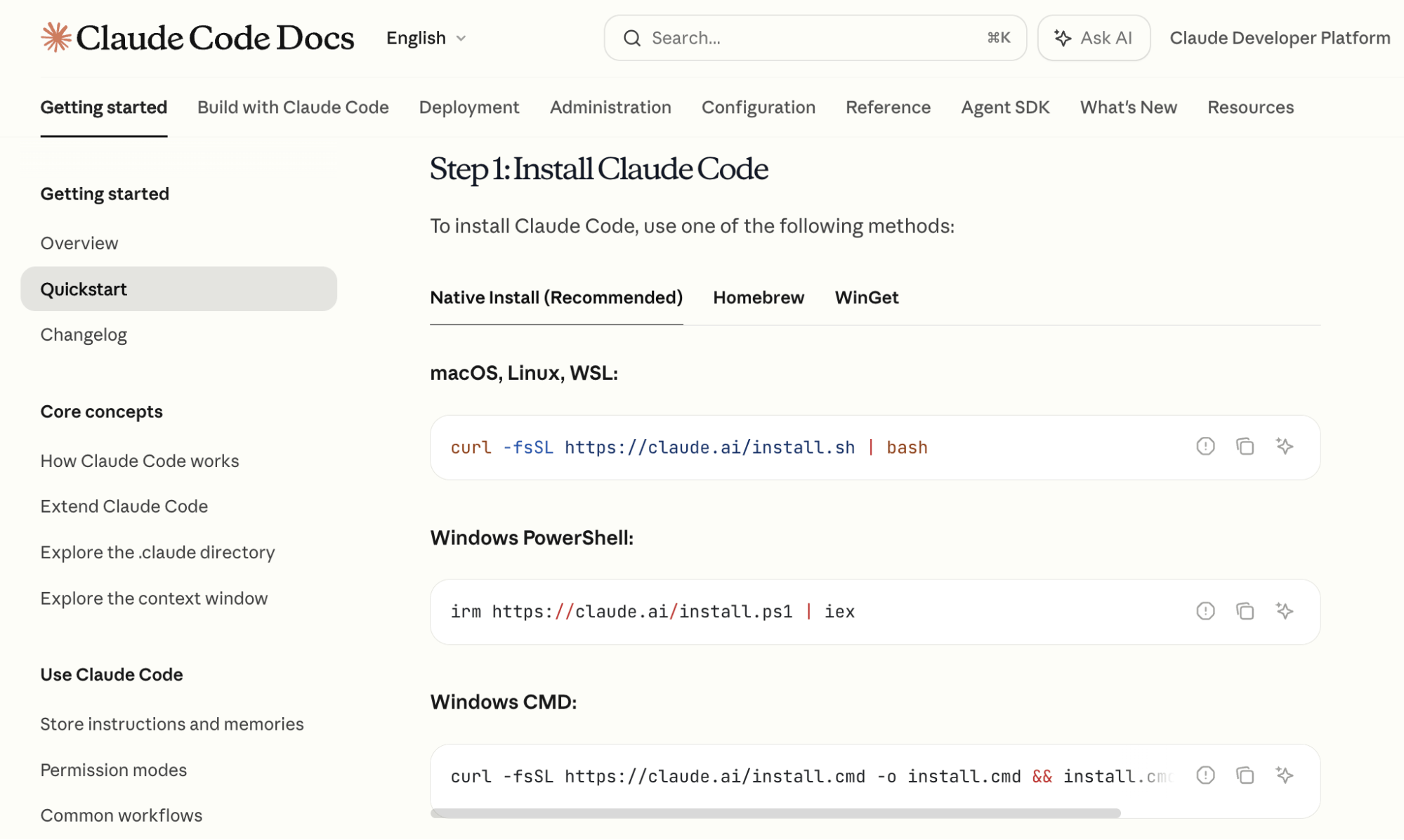
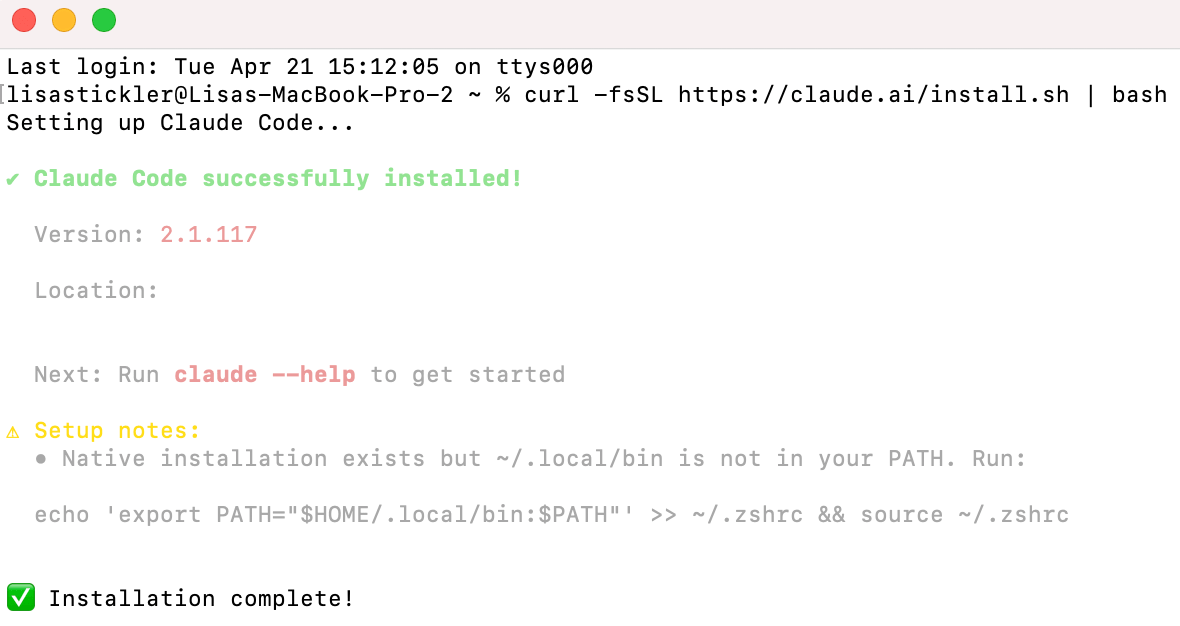
Anthropic provides official installation commands that act as "installers." Users copy a single line of code from the official Claude Code documentation and paste it into their terminal. This command downloads the necessary libraries and sets up the environment variables automatically.
Phase 3: Authentication and Model Selection
Once installed, typing the word claude initiates the program. The tool then prompts for authentication, which is handled via a secure browser-based login tied to the user’s Anthropic account. After logging in, the user is ready to select their "brain"—the specific AI model that will power the session.
3. Supporting Data: Advanced Features and Model Logic
The efficacy of Claude Code lies in its ability to leverage different models for different tasks and its unique "memory" management system.
The Two-Step Model Strategy
Expert users like Tyler Reed recommend a bifurcated approach to model selection using the /model command:
- Claude 3 Opus for Planning: Opus features the strongest reasoning capabilities and a massive context window. It is ideal for the "architectural" phase—outlining how an automation should work or structuring a complex document.
- Claude 3.5 Sonnet for Execution: Once a plan is established, users often switch to Sonnet. It offers a superior balance of speed and token efficiency, making it the industry standard for the actual generation and debugging of code.
Context Window Management: The /compact Command
One of the technical limitations of all AI is the "context window"—the amount of information the AI can remember in a single session. In Claude Code, a percentage indicator in the bottom-right corner of the terminal tracks this usage. To prevent the AI from "forgetting" the project’s goals as the conversation grows longer, the /compact command summarizes the history, clearing space while retaining the essential logic of the task.

Persistent Memory: The CLAUDE.md File
To solve the problem of AI "amnesia" between different sessions, Claude Code utilizes a feature called /init. This creates a CLAUDE.md file—a plain-text markdown document stored in the project folder. This file acts as a "Save Game" for the AI, recording:
- The current state of the project.
- What has been successfully built.
- Pending tasks and known issues.
Whenever a user returns to a project, Claude reads this file first, ensuring it has full context without the user needing to explain the project from scratch.
4. Official Responses and Safety Protocols
As an agentic tool, Claude Code has the potential to modify files and browse the internet. To mitigate risks, Anthropic has built-in several safety layers.
Permission-Based Architecture
By default, Claude Code operates on a "Permission-First" basis. Before the tool performs any of the following actions, it must receive explicit user approval:
- Creating or deleting a file.
- Editing existing documents.
- Accessing the internet to research data.
- Executing a script that affects the system.
This ensures that while the AI is "agentic," the human user remains the ultimate authority, preventing the AI from making unauthorized changes to the computer’s file system.
5. Practical Application: A Case Study in Automation
To illustrate the power of Claude Code for the average professional, consider the process of building a "Daily Briefing" assistant that connects Google Calendar to the Telegram messaging app.
Step 1: The Integration Request
The user simply types: "I want to have access to my Google Calendar. Tell me how to do this." If the technical jargon becomes overwhelming, users can append "Explain like I’m five" to the prompt. Claude then provides the specific steps to obtain OAuth credentials from the Google Developer Console and writes the code to bridge the two platforms.
Step 2: Establishing the Communication Channel
Using the /telegram command, Claude Code assists the user in creating a "Bot Token" through Telegram’s "BotFather." This creates a dedicated messaging channel where the AI can send updates.
Step 3: The Final Automation
With the connections established, the user gives the final command: "Read my Google Calendar and send me a Telegram message every morning with a summary of the next day’s schedule." Claude Code then generates a script that runs in the background. As long as the terminal session remains open, the user receives a personalized, AI-summarized briefing on their phone every morning.
6. Implications: The Future of Work and Technical Literacy
The emergence of tools like Claude Code signifies a paradigm shift in how we define "technical literacy."
The Rise of the "AI Architect"
We are moving away from an era where the primary skill was syntax (knowing where to put a semicolon) toward an era where the primary skill is logic and architecture (knowing how to structure a workflow). For marketers, creators, and entrepreneurs, this means they can now build bespoke internal tools—like custom YouTube research agents or automated lead-tracking systems—without hiring expensive development teams.
Custom Skills and Scalability
One of the most profound implications is the ability to create "Custom Skills." By using the command "Create a skill from this task," users can turn complex workflows into reusable slash commands. For example, a user could create a /research-competitors command that, when typed, automatically scrapes data, analyzes trends, and outputs a report.
Conclusion
Claude Code is more than a utility; it is a democratizing force. By translating natural language into executable computer logic, it allows anyone with a clear idea and a $20 subscription to act as a software engineer. As these tools continue to mature, the competitive advantage in business will no longer belong to those who can code, but to those who can best direct the AI to build on their behalf.