
The Double-Edged Sword of Accessibility: Understanding the New ariaNotify() API
For years, web developers have navigated the precarious, often chaotic landscape of accessibility, forced to rely on "hacky" workarounds to communicate dynamic page updates to assistive technology users. The W3C’s new Accessible Rich Internet Applications (WAI-ARIA) 1.3 specification introduces a long-awaited solution: the ariaNotify() method. While this feature promises to eliminate the friction of legacy live regions, it also carries the potential for significant misuse. As we stand on the precipice of this new standard, the development community must balance the power of programmatic narration with the responsibility of creating non-intrusive, user-centric experiences.
The Core Innovation: A Direct Line to Assistive Tech
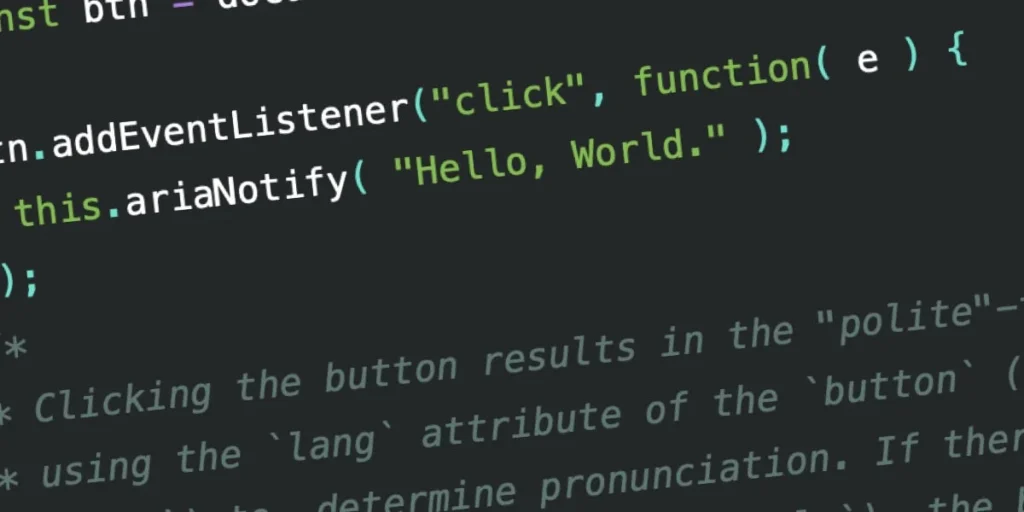
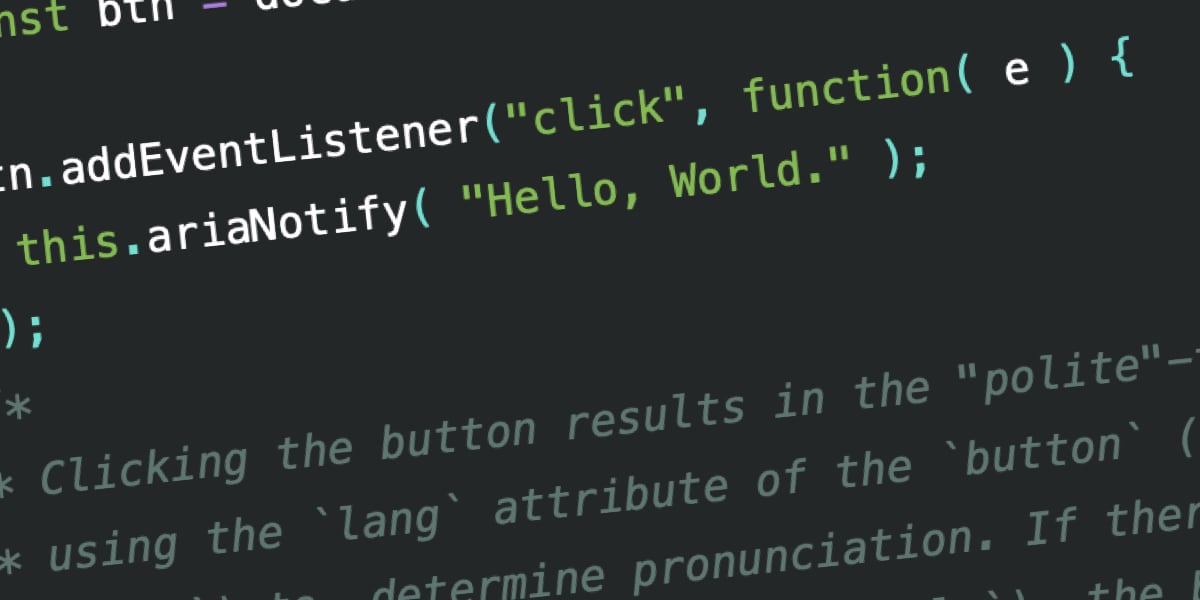
At its simplest level, ariaNotify() is a JavaScript method that allows developers to trigger screen reader narration programmatically. Defined within the WAI-ARIA 1.3 specification, the method accepts a string—the content to be narrated—and an optional configuration object to manage priority.
document.ariaNotify("Update successful", priority: "polite" );This represents a paradigm shift. Historically, developers have relied on aria-live regions—containers that watch for DOM mutations to announce changes. The new API moves away from this "mutation-observer-by-proxy" model, offering a direct, imperative command to the browser’s accessibility tree.
Why This Matters
In modern web applications, content often changes without a full page refresh. Without proper signaling, a screen reader user may remain unaware that an action (like submitting a form or toggling a UI component) has succeeded. While aria-live was intended to bridge this gap, it has long been plagued by browser inconsistency and the requirement that the live region be part of the DOM at the time of the initial page load. ariaNotify() solves the "timing issue," ensuring that announcements are delivered reliably, regardless of when they are triggered in the application lifecycle.
A Brief History of the "Live Region" Struggle
To understand the enthusiasm for ariaNotify(), one must acknowledge the "woof" factor of the previous standard. For over a decade, developers have treated aria-live regions as a Rube Goldberg machine of accessibility.
The Era of "Invisible" DOM Nodes
To get a screen reader to announce something, developers would often inject hidden <div> elements into the DOM, slap an aria-live attribute on them, and hope for the best.
- The Setup: Create an element with
aria-live="polite"oraria-live="assertive". - The Injection: Update the text content of that element dynamically.
- The Failure: If the container wasn’t present when the page first rendered, or if it was toggled via
display: none, many screen readers would simply ignore it.
This forced developers to keep "floating" elements in the DOM that served no purpose other than to act as a megaphone for assistive technology. These elements were often difficult to manage, prone to memory leaks, and—if improperly cleaned up—could result in "ghost" announcements that confused users.
Supporting Data and Implementation Realities
The WAI-ARIA 1.3 specification aims to codify what has been an fragmented ecosystem. The implementation of ariaNotify() is currently in its nascent stages, with early tests showing promise across major screen readers like JAWS, NVDA, and VoiceOver.
The Language of Narration
A standout feature of the new API is its awareness of the document’s language context.
- Document-level:
document.ariaNotify()respects thelangattribute on the<html>tag. - Element-level: Calling the method from an element—e.g.,
button.ariaNotify()—allows the browser to inherit thelangattribute from the closest ancestor.
Early testing reveals that while the pronunciation of various languages is largely handled correctly by modern engines, the consistency of these announcements remains a work in progress. As of now, Firefox is leading the charge in supporting this method, though full cross-browser and cross-platform parity is still maturing.
Official Perspective: The First Rule of ARIA
The W3C’s stance on this new tool is tempered by their "First Rule of ARIA": If you can use a native HTML element or attribute, do so.
The accessibility community is inherently cautious about ariaNotify() because it is so easy to use. The danger lies in the "middle ground" of ARIA mastery, where developers move from ignoring accessibility to over-engineering it. By providing an "easy button" for narration, the W3C is not encouraging developers to narrate everything; they are providing a surgical instrument for when the native semantics fail.
The Risk of "Announcement Overload"
There is a legitimate fear that developers will use ariaNotify() to replicate the intrusive nature of the long-deprecated window.alert(). Just as alert() was once abused to show every error or validation message—resulting in a jarring user experience—ariaNotify() could lead to an environment where a user’s flow is constantly interrupted by unnecessary verbal updates.
Strategic Implications: A Call for Restraint
The implications of this API for the future of web development are profound. We are moving toward a web where programmatic communication between the DOM and the user is fluid and powerful. However, this power necessitates a new set of best practices.
1. Avoid "Tutorial Mode"
One of the most common pitfalls will be using ariaNotify() to explain UI elements that should be self-evident. If you have to announce "Click this button to open the menu," you have likely failed at designing an intuitive, accessible menu. The goal of accessibility is to make the interface discoverable, not to create a narration-based tutorial.
2. The Risk of Inconsistency
If a developer triggers an ariaNotify() call that contradicts the visible state of the page, the user experience becomes disastrous. For example, if the screen reader announces "Item deleted," but the item is still visually present due to a JavaScript error, the user is left in a state of confusion that is arguably worse than having no announcement at all.
3. Testing is Not Optional
The ease of use provided by ariaNotify() is a trap for teams that do not conduct dedicated screen reader testing. Unlike standard DOM elements, which can be inspected visually, the "accessibility tree" is invisible. Relying on ariaNotify() without rigorous testing against different browser/screen-reader combinations will inevitably lead to bugs that are unseen, unheard, and difficult to debug.
Conclusion: The "Cool" Factor
The introduction of ariaNotify() is a significant victory for the web standards community. It provides a clean, robust, and native way to handle a task that has been frustratingly difficult for years. Yet, the responsibility for its success rests squarely on the shoulders of the developers.
We must treat ariaNotify() not as a convenience, but as a last resort. If we use it sparingly, only when absolutely necessary to convey information that cannot be signaled through semantic HTML, we will elevate the browsing experience for everyone. If we use it as a shortcut for poor design, we will turn the web into a noisy, fragmented, and frustrating environment for the very users this technology is intended to help.
The tool is in our hands. Let’s be "cool" about it. Let’s use it with precision, with empathy, and with the understanding that the most effective accessibility is often the kind that works so well, the user doesn’t even realize it’s there.








