
The New Frontier of Web Accessibility: Understanding ariaNotify()
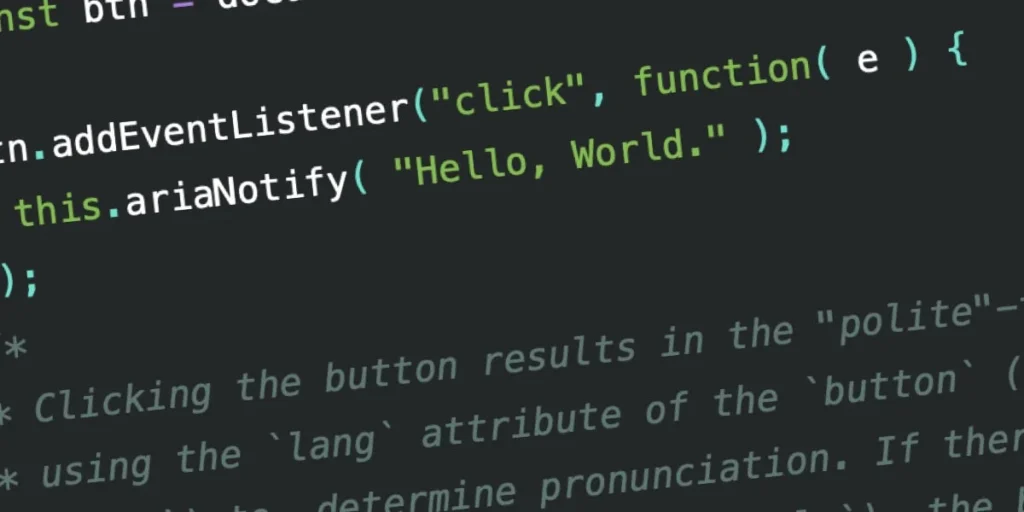
The landscape of web accessibility is undergoing a seismic shift. For years, developers have navigated the precarious, often inconsistent world of ARIA live regions to bridge the gap between dynamic web content and assistive technology (AT). The W3C’s Accessible Rich Internet Applications (WAI-ARIA) 1.3 specification has finally introduced a long-awaited, streamlined solution: ariaNotify(). While this new method promises to simplify the developer experience, it also brings with it significant implications for the future of user-centric design and the potential for a new era of "alert-style" annoyance.
The Evolution of Screen Reader Communication
From Live Regions to ariaNotify()
Historically, developers wishing to notify a screen reader user of a dynamic page update—such as a successful form submission, an asynchronous content load, or a status change—relied on "live regions." By applying the aria-live attribute to a container, developers could instruct AT to observe changes within that element.
However, the reality of implementing live regions has been notoriously fraught with technical debt. The specification defines values such as polite (narrate at the next natural opportunity) and assertive (interrupt immediately), but real-world implementation across browsers and screen readers is notoriously inconsistent.
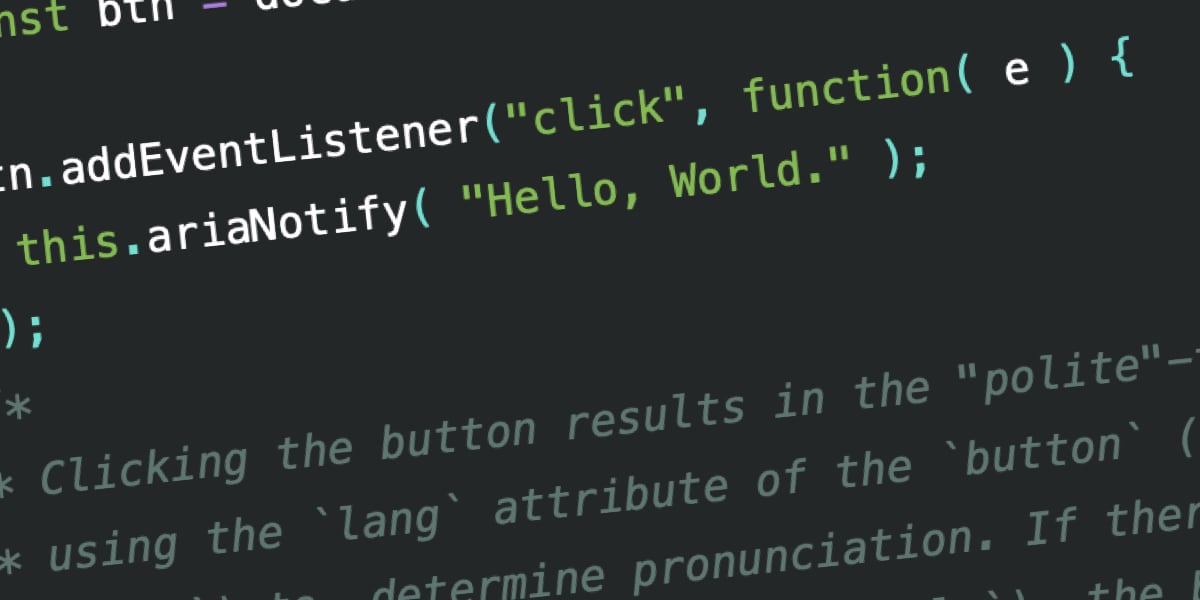
Developers often found themselves building "Rube Goldberg" machines: creating visually hidden elements in the DOM, carefully managing their injection to ensure the browser registers them, and avoiding display: none—which hides elements from the accessibility tree entirely. The new ariaNotify() method replaces this convoluted pattern with a clean, programmatic interface. By simply calling document.ariaNotify("Message"), developers can trigger a narration without needing to manipulate the DOM structure or manage invisible containers.
Chronology: The Road to WAI-ARIA 1.3
The journey toward a native notification API began with the realization that modern web applications were outgrowing the "DOM-change-only" paradigm of live regions.
- The Live Region Era: For over a decade, developers have treated live regions as the primary, albeit clunky, tool for communication. This required extensive boilerplate code to handle timing issues and browser-specific bugs.
- The Inconsistency Crisis: As front-end frameworks (React, Vue, Angular) moved toward virtual DOMs and state-driven updates, the traditional live region approach began to fail. Developers faced "timing" issues where content was injected and removed too quickly for screen readers to process.
- The Proposal: Recognizing these pain points, the W3C accessibility working groups began drafting a more robust API. The goal was to decouple the "announcement" from the "DOM structure."
- The 1.3 Specification: The finalized ARIA 1.3 spec formally introduced the
ariaNotify()method. It is now being rolled out across browsers, with early testing in Firefox proving its viability as a replacement for legacy live-region hacks.
Technical Implementation and Capabilities
The power of ariaNotify() lies in its simplicity. It functions as a method on the Element or Document interface.
Language and Context
When document.ariaNotify() is called, the browser looks to the lang attribute on the <html> element to determine the pronunciation. Conversely, calling it on a specific element—such as a button—allows the method to inherit the lang attribute from that element’s nearest ancestor. This ensures that multi-lingual applications can provide accurate, localized narrations without additional configuration.
Configuration Objects
The method accepts a secondary configuration object, allowing for explicit control over priority:
document.ariaNotify("Your order has been processed.",
  priority: "high"
);
The priority parameter maps directly to the intent of previous ARIA attributes:
normal(Default): Functions similarly toaria-live="polite". It queues the message to be read when the screen reader finishes its current task.high: Functions similarly toaria-live="assertive". It signals the AT to interrupt current output, ensuring the user receives critical information immediately.
Supporting Data: Testing Across AT Combinations
Early testing of ariaNotify() reveals a promising level of consistency, though it is not yet perfect. Testing across major screen readers (JAWS, NVDA, and VoiceOver) has shown that while the basic functionality works, the handling of internationalization (as seen in the "Educado/Hola Mundo" tests) remains an area for further refinement.
In controlled tests, screen readers correctly identified "Polite" vs. "Assertive" signals. However, as the industry moves toward wider adoption, developers are cautioned that these tools are currently in their infancy. While the API is significantly more predictable than live regions, the "human factor"—how the user perceives these interruptions—remains the greatest variable in the success of this tool.
The "Alert" Paradox: Implications for UX
The most pressing concern among accessibility experts is the potential for abuse. The ease of use of ariaNotify() invites a comparison to the infamous window.alert() of the early 2000s.
The Risk of Notification Fatigue
Just as alert() became the scourge of the web by interrupting users with redundant or trivial information, ariaNotify() could lead to "narrative spam." If a developer decides to notify a user every time a button is hovered, or every time a minor background process completes, the user experience for someone relying on a screen reader will become cluttered, exhausting, and eventually unusable.
The First Rule of ARIA
The W3C’s "First Rule of ARIA" states: If you can use a native HTML element or attribute with the semantics and behavior you require already built in, do so.
The danger with ariaNotify() is that it bypasses the browser’s native ability to communicate state changes. If a user can already understand that a button reveals content through standard aria-expanded attributes or native semantic tags, adding an ariaNotify() call is redundant. It transforms a functional interface into an over-communicative, noisy experience.
Best Practices and Future Outlook
To prevent ariaNotify() from becoming the next "bad practice" in web development, the following guidelines should be observed:
- Reserve for Non-DOM Events: Use this tool for events that do not involve a clear visual change to the DOM, or where the change is too transient for standard screen reader observation.
- Avoid "Tutorial" Narration: Do not use the API to describe how a page works. A user navigating with a screen reader is likely already an expert in their own assistive tools; they do not need an automated "tour guide" narrating every click.
- Test with Real Users: Automated testing cannot determine if an announcement is helpful or annoying. QA processes must include manual testing with screen readers by users who rely on them daily.
- Prioritize Silence: Silence is often preferable to noise. Before implementing a notification, ask if the information is truly essential to the user’s ability to complete their task.
Conclusion
ariaNotify() is a triumph of engineering that solves a long-standing technical headache. By moving from the fragile, inconsistent "hacks" of live regions to a direct, programmatic API, the W3C has provided developers with a powerful tool for inclusion.
However, power requires restraint. The ease of ariaNotify() is a test of our collective professional maturity. We now have the ability to speak directly to our users through their assistive technologies—a responsibility that should be treated with the same weight as any other accessibility decision. If used with precision, it will make the web a more inclusive place. If used with abandon, we risk replacing technical inconsistency with a new, equally frustrating, auditory clutter. The tools are here; now, the industry must demonstrate that it can be "cool" enough to use them wisely.








