
The Dawn of ariaNotify(): A New Era for Web Accessibility or a Looming UX Crisis?
The landscape of web accessibility is undergoing a seismic shift. For years, developers have struggled with the "live region" problem—a fragmented, inconsistent, and often frustrating mechanism used to notify screen reader users of dynamic page updates. Now, the W3C’s Accessible Rich Internet Applications (WAI-ARIA) 1.3 specification has introduced a streamlined, programmatic solution: ariaNotify(). While this new method promises to simplify the lives of developers and improve the experience for screen reader users, it also carries the potential for a new brand of "auditory spam."
The Core Innovation: What is ariaNotify()?
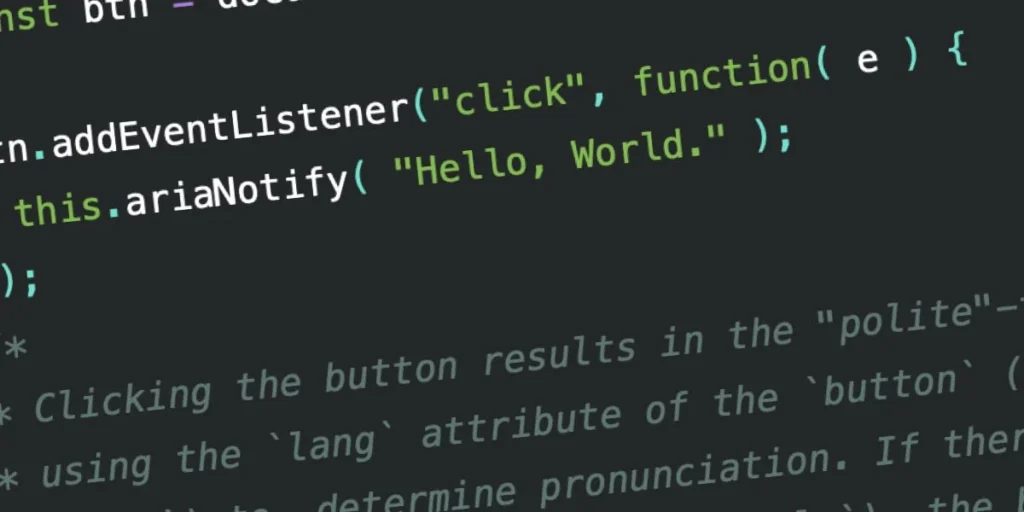
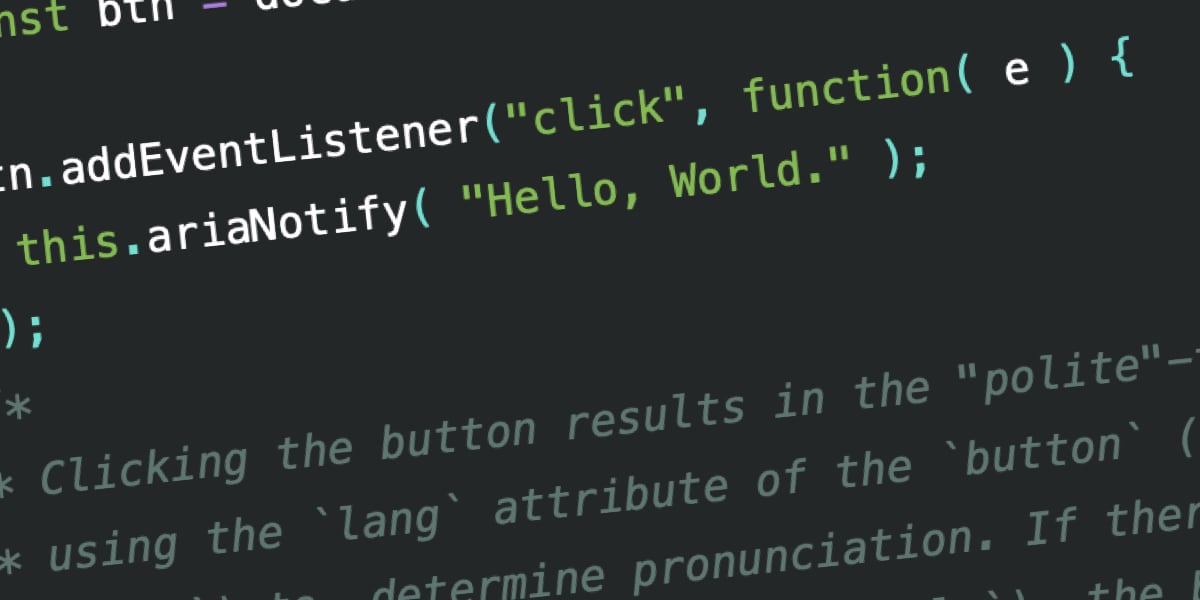
At its simplest, ariaNotify() is a new method defined by the WAI-ARIA 1.3 specification that allows developers to programmatically trigger screen reader narrations. Instead of relying on complex, often temperamental HTML structures, developers can now trigger an announcement with a single line of JavaScript:
document.ariaNotify("Operation completed successfully.");This method accepts a string as its primary argument and an optional configuration object for more granular control, such as setting the priority level of the notification. It is available on both the Element and Document interfaces, providing a versatile tool for developers to communicate directly with assistive technology.
The Chronology of a Frustrating Status Quo
To understand why ariaNotify() is such a significant, albeit dangerous, development, one must look at the history of the "live region."
The Era of ARIA Live Regions
Historically, developers relied on aria-live attributes to notify users of content changes. By marking a container with aria-live="polite" or aria-live="assertive", developers could instruct screen readers to announce changes to that region’s contents. However, the implementation of this feature has been notoriously inconsistent across browsers and screen readers.
- The Initialization Trap: Live regions often required being present in the DOM before content was injected. If an element was toggled from
display: nonetodisplay: blocksimultaneously with an update, the screen reader would frequently ignore the change. - The "Rube Goldberg" Workarounds: Developers were forced to build "hidden" off-screen containers that existed solely to act as message queues. These containers had to be carefully managed to ensure they were not purged from the accessibility tree, leading to bloated, hard-to-maintain code.
- The Inconsistency Crisis: Research from accessibility experts consistently showed that different screen readers (JAWS, NVDA, VoiceOver) interpreted live region triggers differently. Some would read the entire contents of a container, while others would only read the specific text change, leading to unpredictable and often confusing user experiences.
The Shift to Programmatic Control
Recognizing these failures, the W3C working groups began exploring a more direct API. The introduction of ariaNotify() represents a departure from the "declarative-only" philosophy of ARIA, moving toward a model where developers have explicit, imperative control over the assistive technology’s voice.
Supporting Data and Technical Implementation
The power of ariaNotify() lies in its simplicity, but its technical nuances are critical for responsible usage.
Language and Localization
When calling document.ariaNotify(), the browser defaults to the lang attribute specified on the <html> element. If an element-based call is used (e.g., button.ariaNotify()), the browser traverses the DOM tree to find the nearest ancestor with a defined lang attribute. This ensures that screen readers utilize the correct pronunciation engine for the language in question.
Priority Levels
The method allows for two primary priority levels, mirroring the behavior of older live region roles:
priority: "normal": Equivalent toaria-live="polite". The screen reader will announce the message at the next natural opportunity, without interrupting the current task.priority: "high": Equivalent toaria-live="assertive". This interrupts the current narration to ensure the user receives the information immediately.
Early testing across platforms like Firefox reveals promising, albeit imperfect, results. While the core functionality is robust, localization support remains a work in progress, with some screen readers failing to properly factor in the lang attribute during initial implementation phases.
The Implications: Why ariaNotify() is "Developer Catnip"
The simplicity of ariaNotify() is its greatest strength and its most significant liability. In the world of accessibility, there is a recurring pattern of "ARIA mastery":
- Stage 1: You ignore ARIA entirely and stick to native HTML.
- Stage 2: You discover ARIA, and you want to use it on everything.
- Stage 3: You realize that native HTML is usually better, and you only use ARIA when absolutely necessary.
The concern among accessibility professionals is that ariaNotify() will trap developers in Stage 2. It is so easy to use that it risks becoming the next window.alert().
The "Alert" Parallels
Much like the infamous alert() method of the 90s and early 2000s, which could halt browser execution and force user interaction, ariaNotify() provides a direct, unmediated channel to the user’s sensory experience.
If a developer decides that every minor state change—a button click, a background sync, a hover event—needs to be narrated, the user experience will quickly devolve into a cacophony of unwanted feedback. Imagine navigating a webpage and having your screen reader interrupt your reading every three seconds to announce, "Loading data," "Data loaded," "Comment saved," or "Navigation opened." It is a recipe for user exhaustion.
The Loss of Implicit Context
One of the most profound lessons in modern web development is that less is often more. Native HTML elements, when used correctly, provide their own context. A well-coded <button> with an aria-expanded state already communicates its purpose to a screen reader. If a developer uses ariaNotify() to add a redundant "Click here to open the menu" announcement, they are not adding accessibility; they are adding noise.
Official Responses and Best Practices
The W3C’s First Rule of ARIA remains the gold standard for all developers: "If you can use a native HTML element or attribute with the semantics and behavior you require already built in, then do so."
Accessibility experts and W3C contributors emphasize that ariaNotify() should be treated as a tool of last resort. It is designed for situations where:
- An interaction does not change the DOM in a way that triggers a native update.
- The update is critical for the user to understand, but cannot be easily signaled through state attributes.
- There is no possible way to achieve the goal using existing, semantic HTML.
Conclusion: The Responsibility of the Power
The introduction of ariaNotify() is a landmark achievement for the web. It solves a decade-old problem that has plagued developers and alienated users. However, it requires a high degree of maturity from the engineering community.
As we move forward, the success of ariaNotify() will not be measured by how many developers adopt it, but by how many choose not to use it when a simpler, more native solution exists. The power to speak directly to the user is a responsibility, not a feature. If the community approaches this new API with the restraint it demands, it will transform the web into a more inclusive space. If it is abused, it will simply become another layer of noise in an already crowded digital world.
The tool is here. The question is: will we be "cool" enough to use it wisely?








